Godot Version
4.8.beta1
Question
This is my first time working with autotiles. I’m trying to have a power cable come up as my mining drone moves around. It should be just one continuous line, but it’s coming out like this:
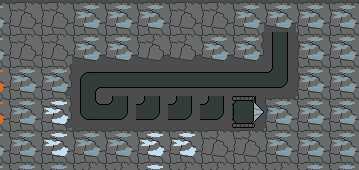
I have a TileMapLayer node dedicated to just these cables. My autotiles are set up like this:
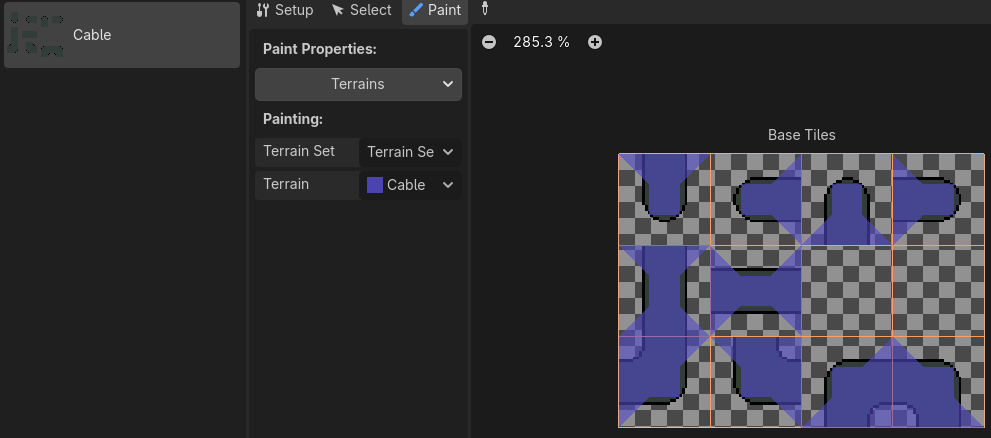
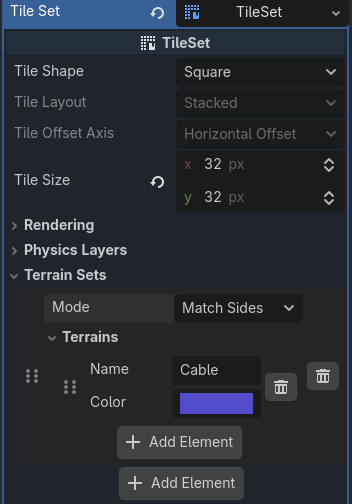
I don’t understand why the corner is showing up, when based on what I have painted, the corner shouldn’t connect with the horizontal tile. My tileset is set up as the following: