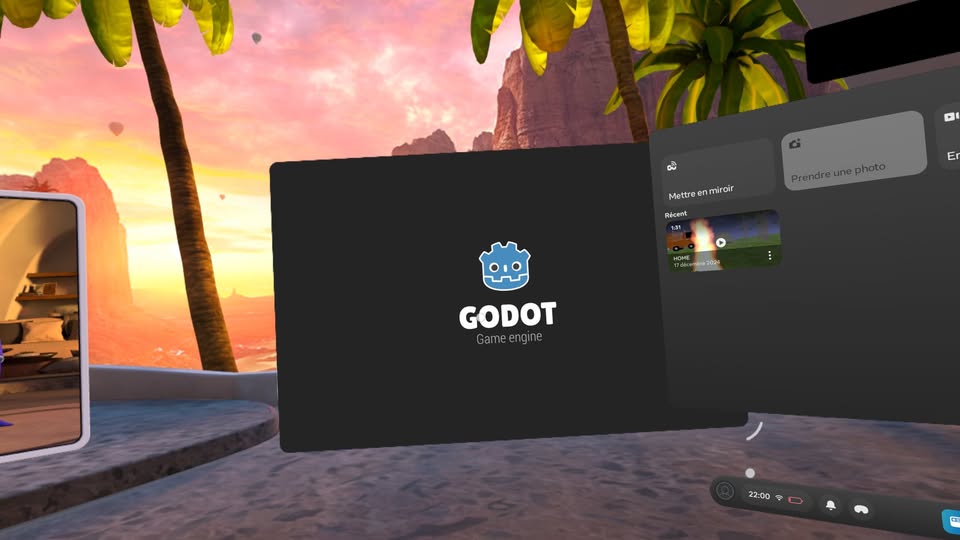
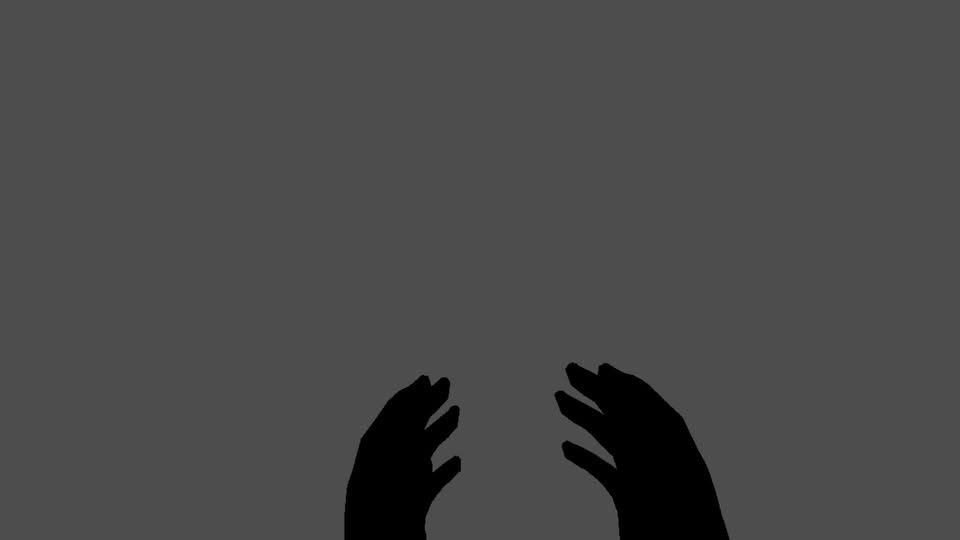
`Hi, I’m experimenting with Godot for VR headsets. However, I’m having a problem. When I launch the app on my Meta Quest 2 VR headset, Godot appears in window mode as an Android app, not in VR (OpenXR) mode. I am using the XR Example which is compatible with Godot Version 4.3.
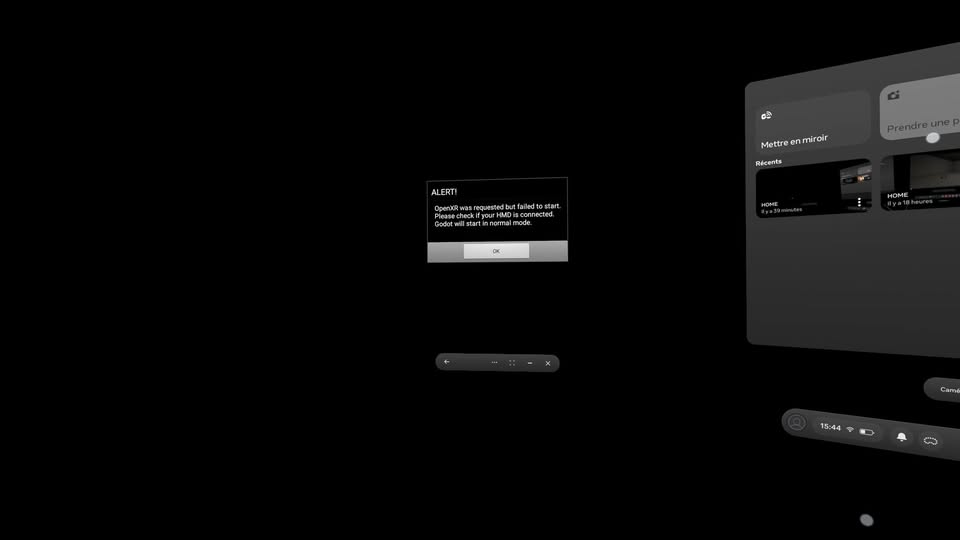
When exporting, it displayed the following error: scene/main/viewport.cpp:135 - Viewport Texture must be set to use it.
However, it no longer displays this error when exporting when I check Use XR in the Viewport Node Inspector.
I just want a demo with hands that move with fingers and be able to select levels with the menu on a button interface. I tried on version 4.3, but it says a viewport error when exporting.
error: scene/main/viewport.cpp:135 - Viewport Texture must be set to use it.
Finally, after some time figuring out how to export to OpenXR, I managed to get VR mode to work, but there’s a problem: it’s only in a separate window, and I’m not able to move the hands. I converted the Godot XR Template to work on Godot 4.4.1.
I changed the main scene (main.tscn) to start_scene.tscn.
Godot asked me to update the hand meshes in the Project settings, and I updated the hand meshes.
I removed the Viewport Node in the start_scene.tscn scene that was causing this error.
error: scene/main/viewport.cpp:135 - Viewport Texture must be set to use it.
Finally, after several tests, I realized that I needed the Godot Open XR Vendors plugin to be able to export to VR headsets. I use Godot OpenXR Tools for my VR hands.
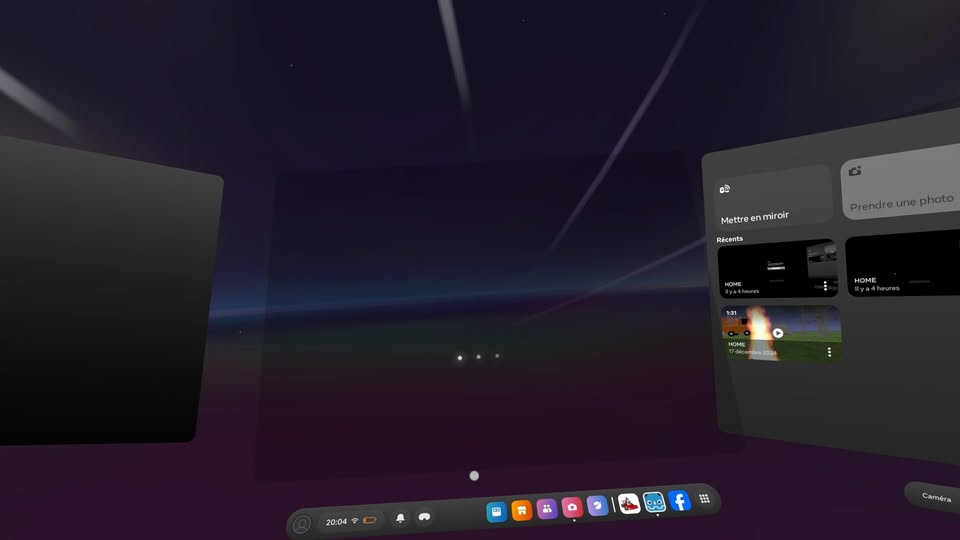
When I export the app to a Meta Quest 2, it finally opens in full screen but keeps loading the app and never manages to open it.
If the application loads in a loop, it’s because I hadn’t configured the main scene, and now that I’ve configured it, it works. The hands are dark, but that’s because I haven’t set the EnvironmentMap, but that should be configurable in the Godot editor.