Hi everyone,
I am trying to build a fun space shooter game to remember my past knowledge of godot, since I abandoned it for quite some time
Here is a weird glitch I found through:
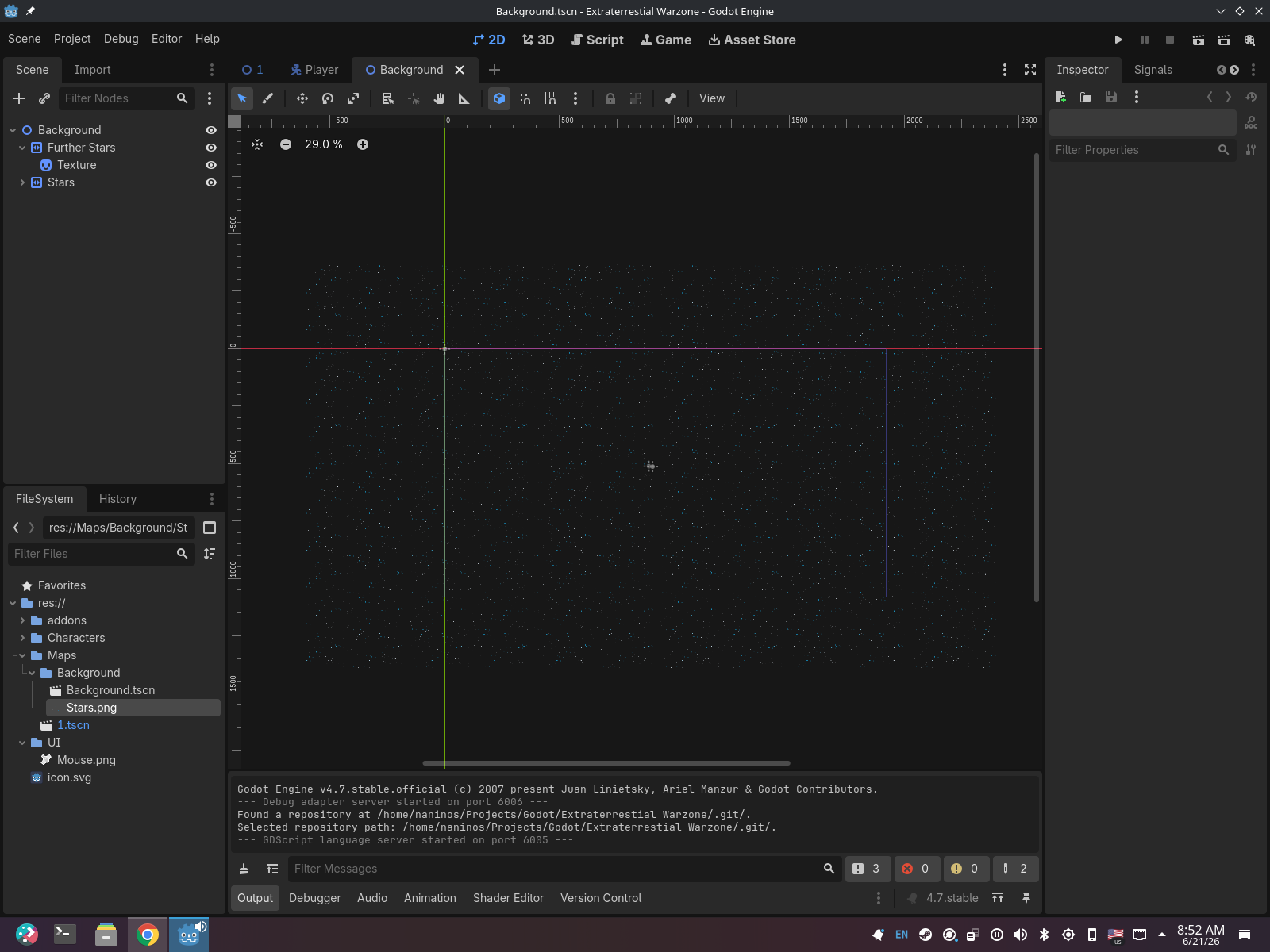
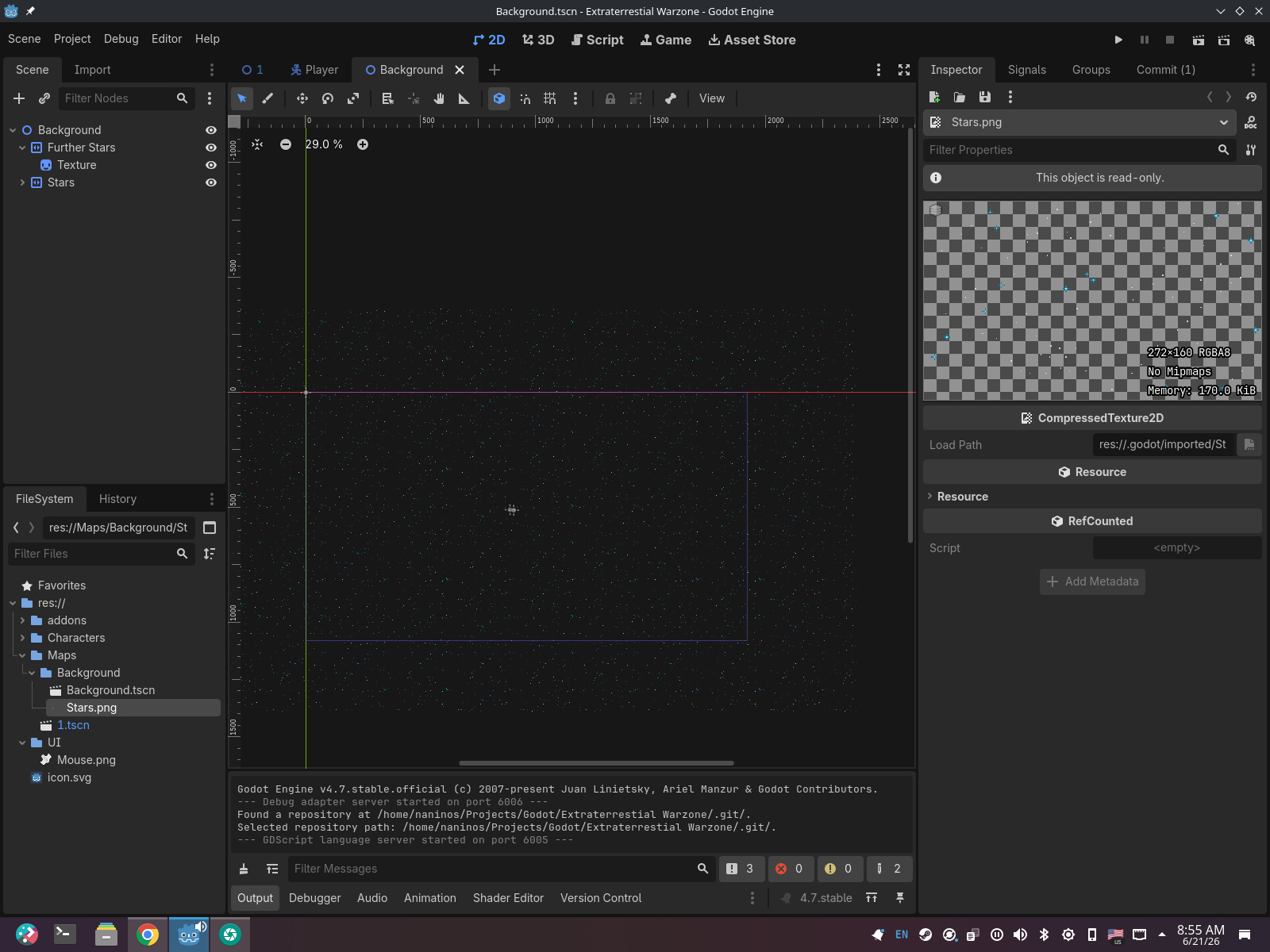
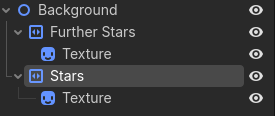
I am using parallax2d’s (not the legacy ParallaxLayer) to simulate the backround stars
but as shown in the above video, when I maximised my game window, the background failed to adjust to the new game resolution, giving this awful broken state I would like to avoid
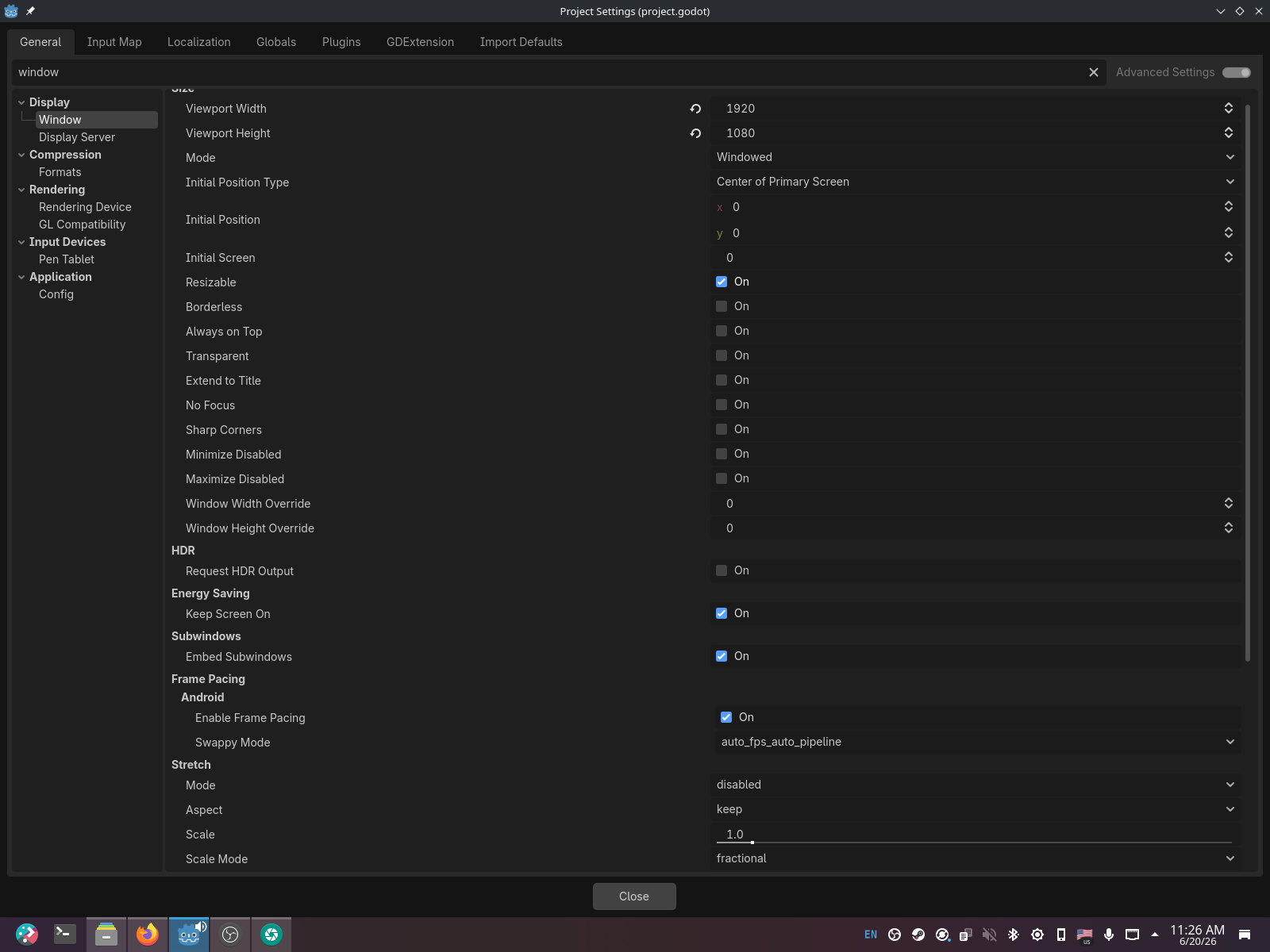
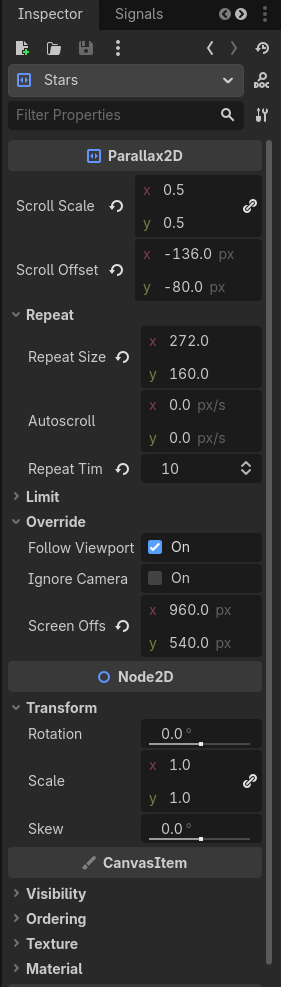
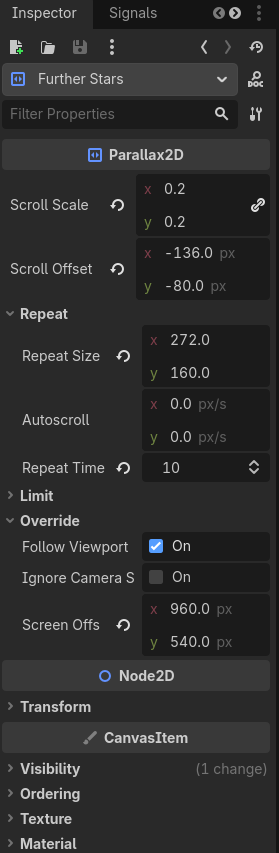
Project & Engine details
Version string: “Godot Engine v4.7.stable.official.5b4e0cb0f”
Compatibility Layer: “Forward+”
I have already read previous articles in forums such as: Parallax problem with resolution and GameMaker - Parallax Background fixed to Viewport size | GameMaker Community and How do I fix the Parallax Background to work no matter the window size? Thanks! but were too complicated, and I didn’t understand what steps I should take
If anyone has any idea on how to solve this, I’d love to hear back from you!