Godot Version
Godot 4.7 stable
Question
Hello everyone!
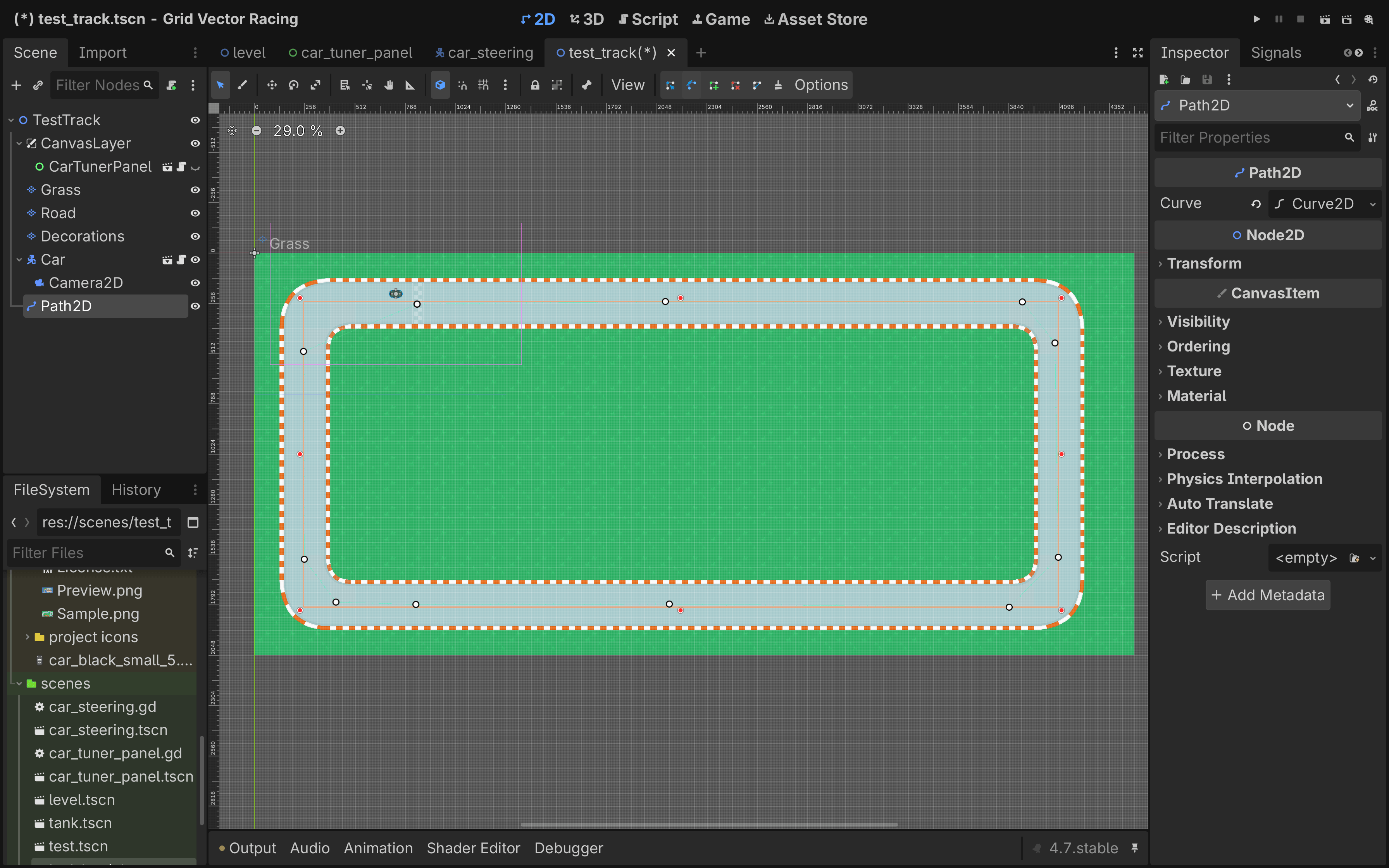
I'm creating a simple topdown racing game. I added a track and a Path2D Node so that AI cars can follow it. The problem is that when I added the points all around the track, I can't see the line that connects them. I only see an orange bounding box around it.Once I finished adding the points I selected the “Close Curve” tool but nothing happens. I remember in earlier versions of Godot when adding the points, there was a green line connecting the dots. Did I miss anything? I can’t seem to figure out how to see the line. I need to see the line so that I can curve it in the corners so that AI cars can simulate a natural behavior. Thank you all in advance, your help is much appreciated.
Here’s a screenshot