Godot Version: 4.5
Info’
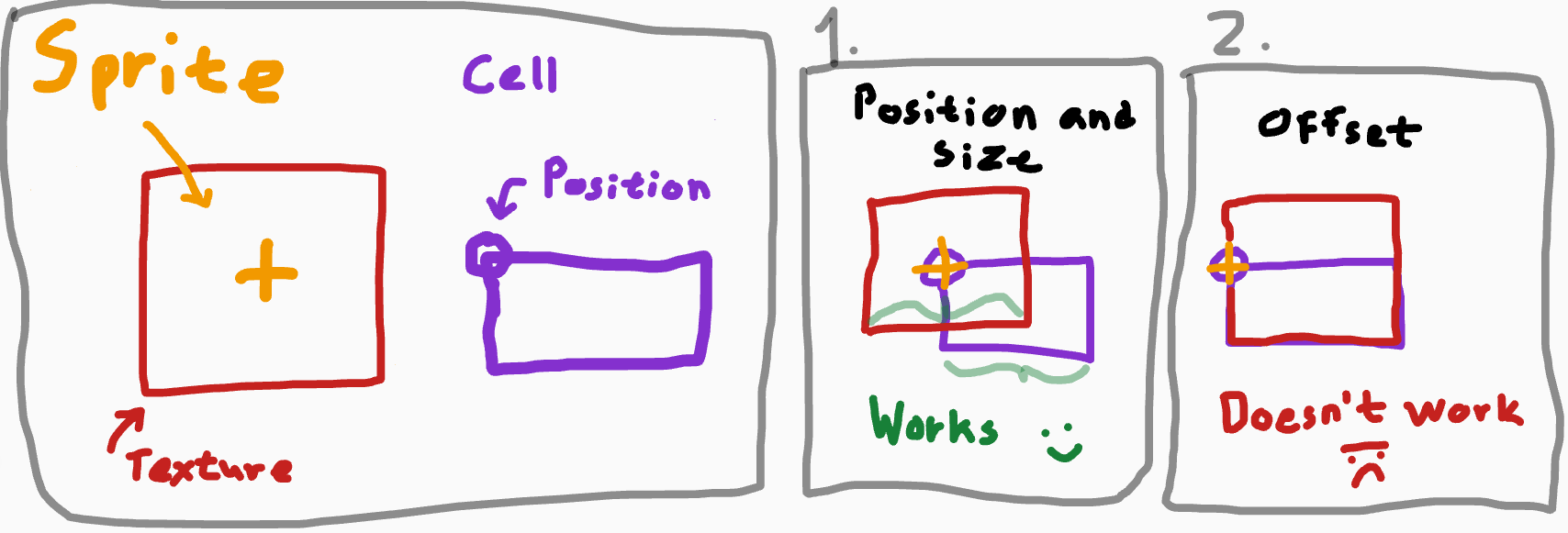
I have a Sprite2D and I want to offset its Texture2D, so that the texture’s bottom left corner is in the same spot as the bottom left corner of a rectangle (a cell on a grid).
The Sprite2D position is the position of the cell’s top left corner (where the cell “begins”). The Texture2D is scaled to be the same width as the cell.
Helpful drawing:
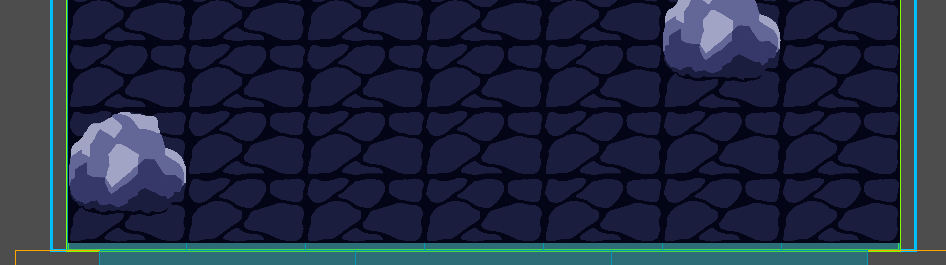
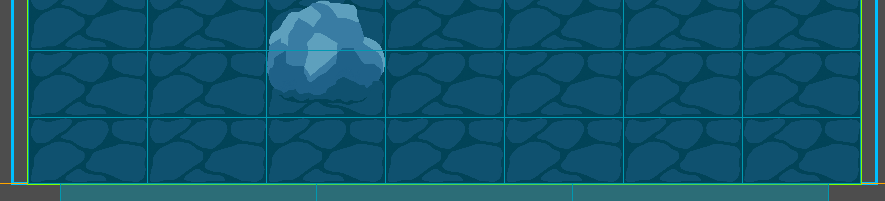
What it looks like in game:
The Problem
Horizontally, the Sprite2D’s Texture2D is placed perfectly. However, on the y-axis, it leaves a small gap, when it shouldn’t.
Code (translated to English):
func position_sprite(sprite: Sprite2D, grid_coords: Vector2i):
	var texture: Texture2D = sprite.texture
	if texture == null:
		return
	var texture_size: Vector2 = texture.get_size()

	# Scaling the sprite (works):
	var size_mult: float = cell_size.x / texture_size.x
	sprite.scale = Vector2(1, 1) * size_mult

	# Position of Sprite2D (works):
	var pos: Vector2 = coord_pos_dict[grid_coords]
	sprite.position = pos

	# Texture offset on the x-axis (works):
	sprite.offset.x = texture_size.x / 2

	# Texture offset on the y-axis (doesn't work):
	var off_y: float = (texture_size.y / 2) - cell_size.y
	sprite.offset.y = off_y
Context on why I want to change the offset, instead of the position:
Only the cell’s top-left corner’s position is stored. To place a Sprite2D, I would have to calculate a position by getting its scale and the size of its Texture2D. To get a “go to” -position (for tweens to animate) of a Sprite2D, I would have to make a separate function.
If I change the offset of the Sprite2D instead, I’ll only have to calculate it once and I can use the stored position as the “go to” -position.
Also, if I chose to give up on using the offset, it would bother me because it feels like a simple task that I should know how to do.
The Question:
I do not seem to understand the offset of a Sprite2D. Could someone enlighten me on what I am doing wrong?
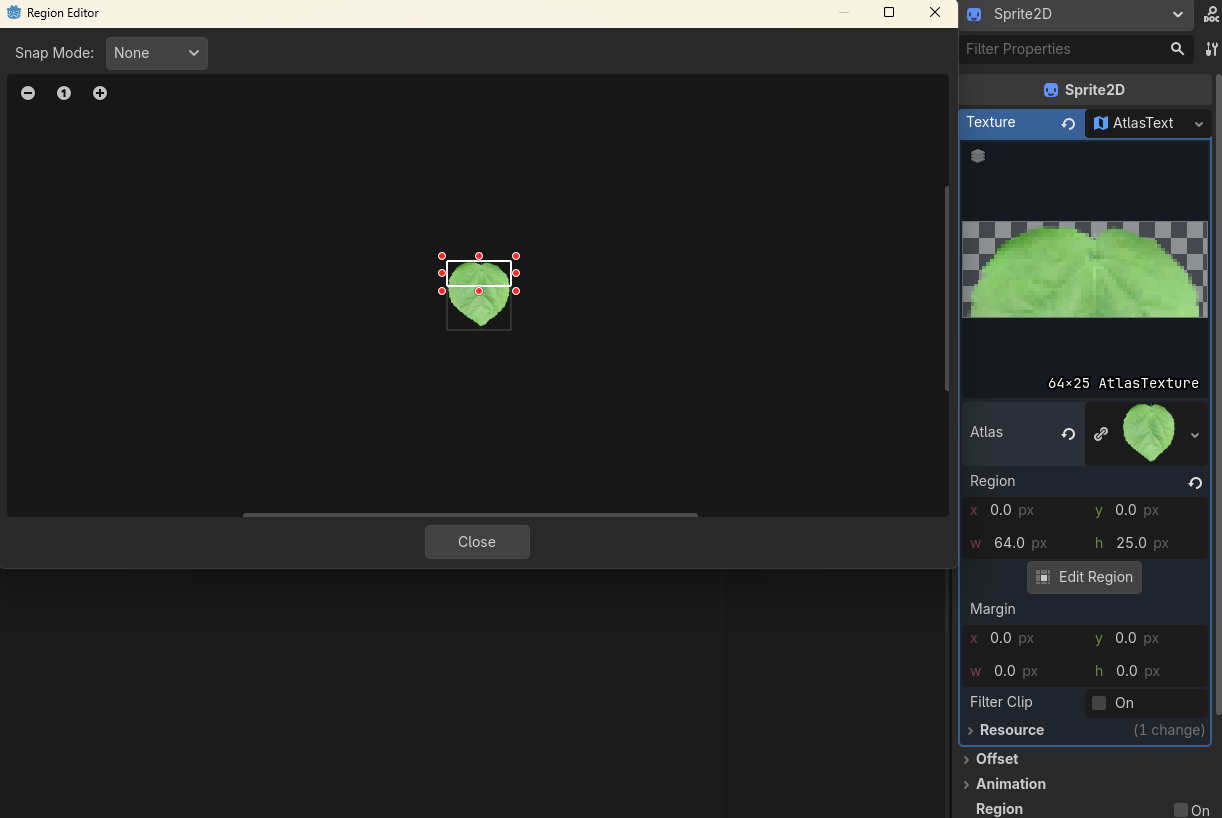
Short Answer: Use an AtlasTexture in your Sprite2D texture field.
Longer Answer: The offset is used for rotation and scale, not display of the Sprite2D texture.
Offset is affected by the scale of the sprite as well, so you should take that into account for the calculations.
I don’t really see how using an atlastexture would help the poster here
Perhaps I’m misunderstanding then, because it looks like the texture has space at the bottom. If that’s not the problem, then this code might help solve the problem.
const GRID_SIZE: int = 64

# Using the passed Node2D, get the center point for the closest grid slot,
# based on the GRID_SIZE constant, (which is 64).
func _get_grid_center(node: Node2D) -> Vector2:
	# Calculate which grid cell we're in
	var grid_x: int = int(floor(node.global_position.x / GRID_SIZE))
	var grid_y: int = int(floor(node.global_position.y / GRID_SIZE))

	# Calculate center of that grid cell
	var center_x: float = (grid_x * GRID_SIZE) + (GRID_SIZE / 2.0)
	var center_y: float = (grid_y * GRID_SIZE) + (GRID_SIZE / 2.0)

	return Vector2(center_x, center_y)
I use this for my drag-and-drop code to center an object on a grid.
I assume the issue is not that the texture has space on the bottom, but that the offset.y value is calculated wrong since they are scaling the sprite.
Let’s assume that the original texture is 64x64 and the tile size is 32x16 (since it’s a rectangle, not square). This means that:
- the
size_mult will be .5 (since it’s based on the x values, not the y values)
- the sprite scale will be (.5, .5)
- the
offset.x of the sprite will be 32 (which works because 2 happens to be the inverse of the scale)
- the
offset.y of the sprite will be 16… which doesn’t work, since the sprite is scaled by .5, so the final offset is really 8.
I think the correct calculations in this case would take scale into account for both x and y. I think the reason it works for x is just a lucky coincidence since it also doesn’t take scale into account.
Thank you, paintsimmon!
Originally, I did (try to) take the scale into account. However, I was trying to multiply the texture size, instead I had to divide the cell-size. I can comprehend why it works for a split second, but not write it out, but it works!
Complete code (translated to English):
func position_sprite(sprite: Sprite2D, grid_coords: Vector2i):
	var texture: Texture2D = sprite.texture
	if texture == null:
		return
	var texture_size: Vector2 = texture.get_size()

	# Scaling the sprite (works):
	var size_mult: float = cell_size.x / texture_size.x
	sprite.scale = Vector2(1, 1) * size_mult

	# Position of Sprite2D (works):
	var pos: Vector2 = coord_pos_dict[grid_coords]
	sprite.position = pos

	# Texture offset (works! Thank you, paintsimmon!):
	var offset: Vector2 = cell_size / size_mult - (texture_size / 2)
	sprite.offset = offset
The reason you need to divide the cell side by the size mult is that you are transforming the cell size into the “size” in the sprite’s coordinate system, since that’s what the offset also uses.