Dude, I think I found the solution. All you need to do is downgrade the C# extension version in VS Code to the previous one.
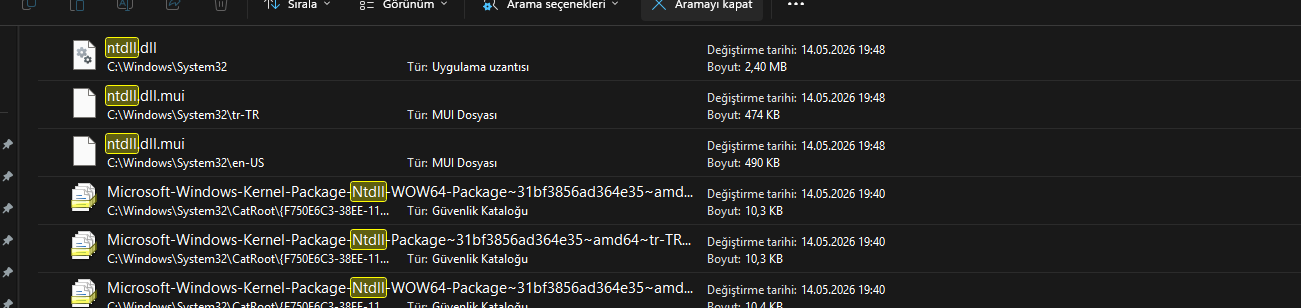
Let me explain how I discovered this. I located the ‘C:\Windows\SYSTEM32\ntdll.dll’ file from the error message you shared—‘Faulting application name: vsdbg-ui.exe… Faulting module path: C:\Windows\SYSTEM32\ntdll.dll’—in my file explorer. Interestingly, this file was modified on my computer on May 14 2026, which is just before you started experiencing this issue. Anyway, I showed your error message to the AI, and based on my previous interactions (I’ve been trying to fix this issue until 3 AM for the past two days), it suggested downgrading the C# extension version in VS Code. I checked my C# extension version and saw that it was also updated about two weeks ago. I downgraded the C# extension from 2.140 to 2.130, and my problem was solved. If I hadn’t found someone else experiencing the exact same issue during the same period, I probably would have never reached a solution. I had received the exact same error messages as you, but I hadn’t paid much attention to them.