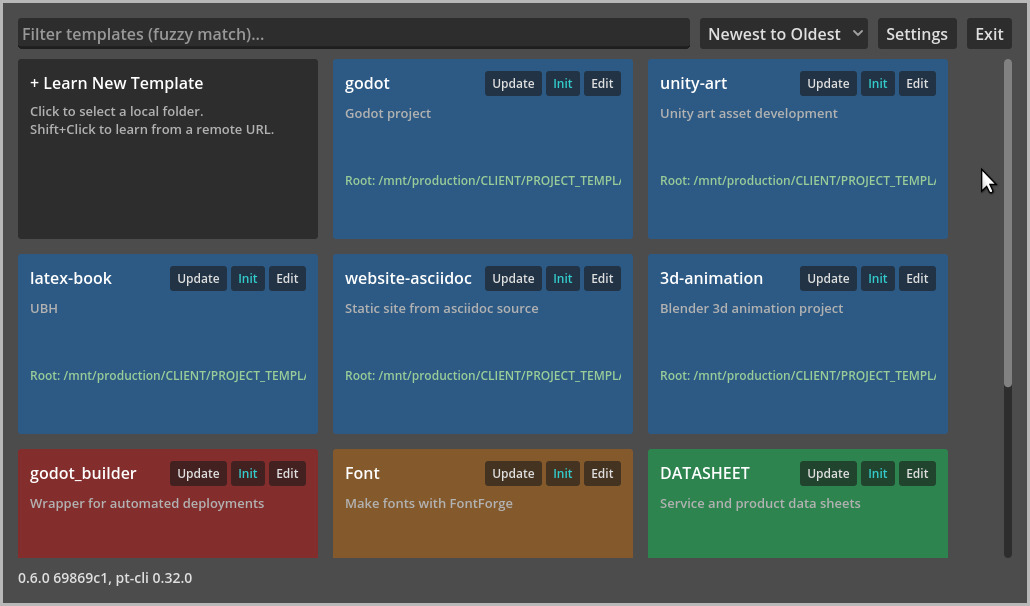
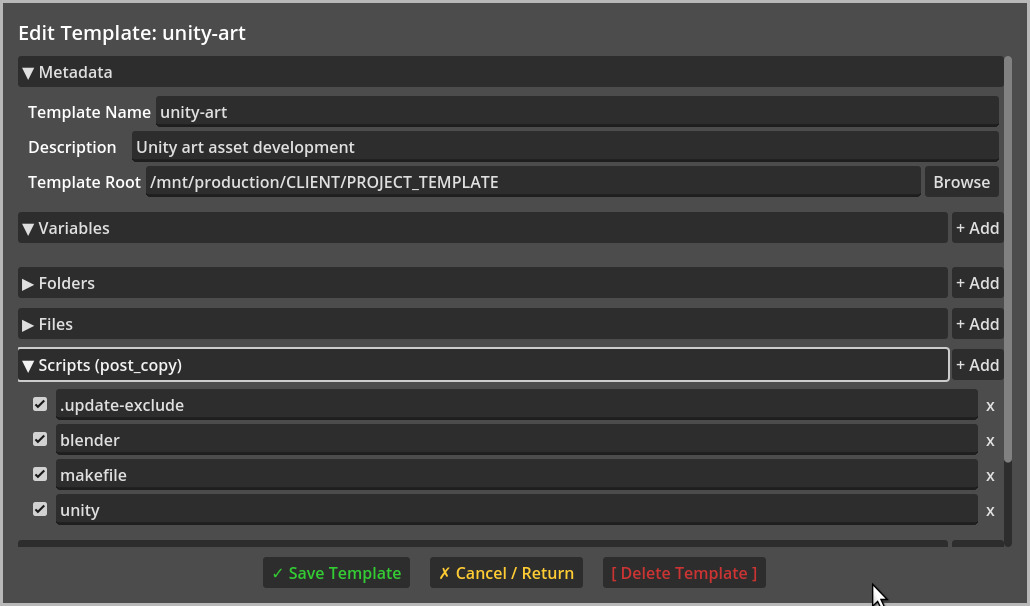
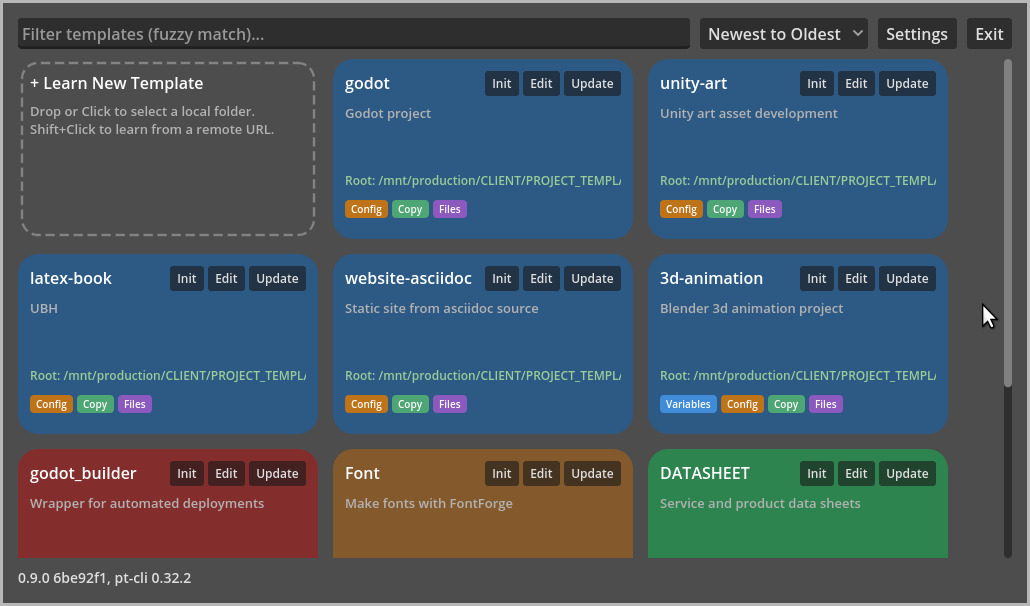
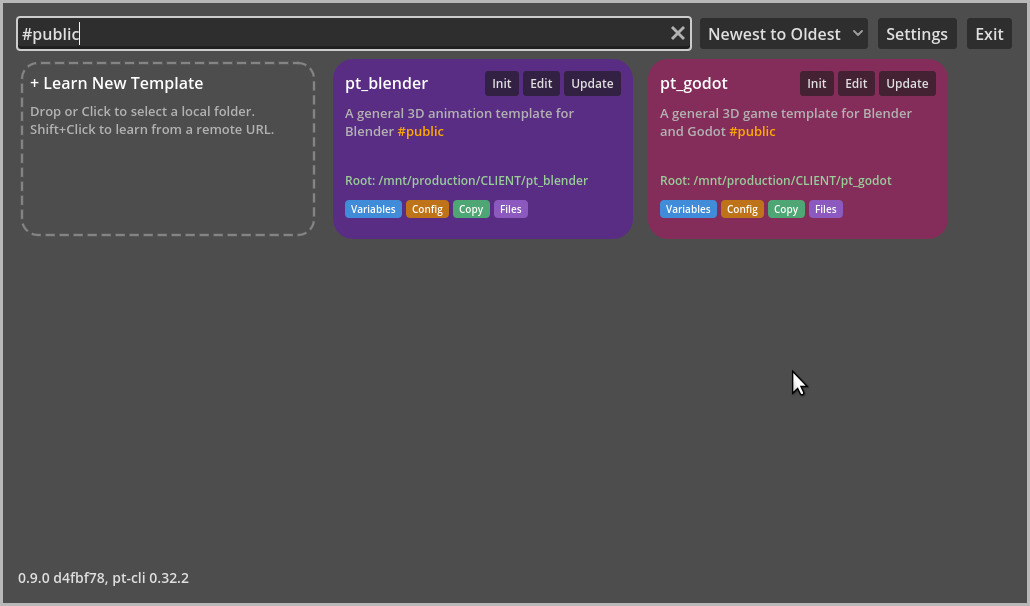
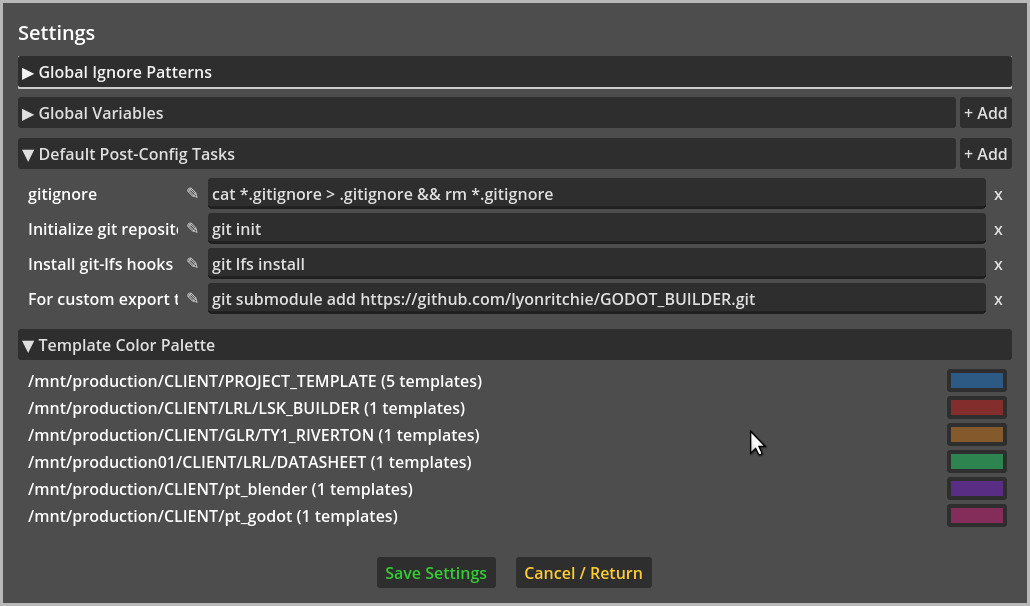
For years I’ve been refining a bash script to create new projects based on a template and it’s been fine for most project types. For a while I’ve been wanting to upgrade it. This 2.0 version enables any shape of project now, irrespective of file management opinions, mainly because it “learns” templates from existing projects.
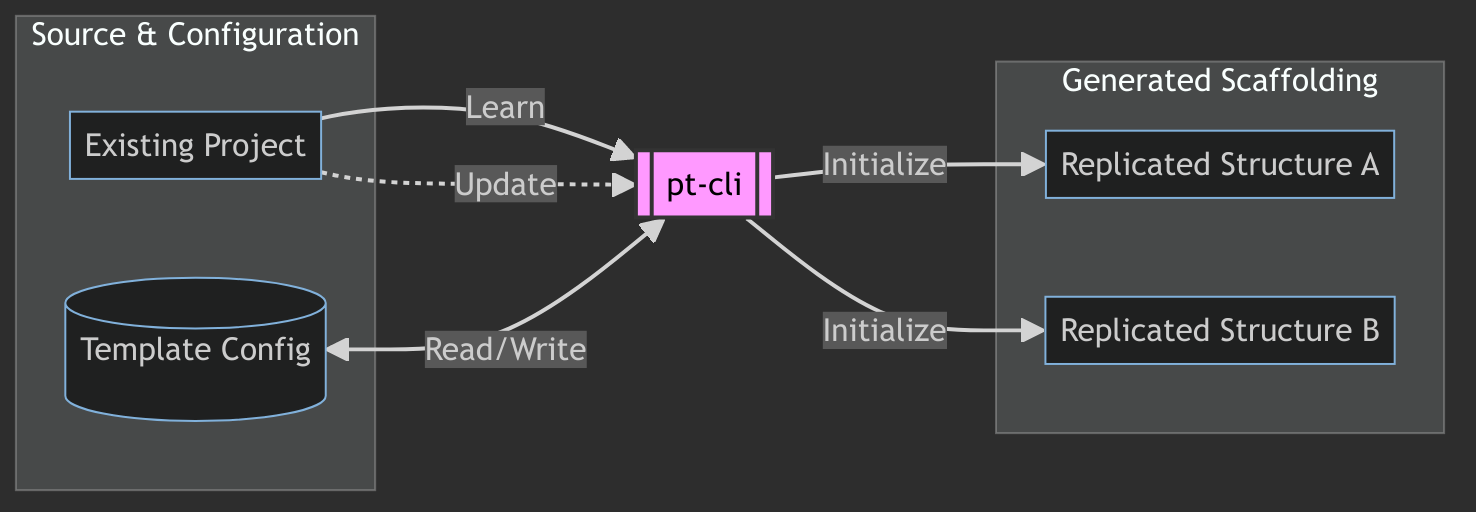
It’s pretty simple, mainly copies folders and files. For most I’m sure this is overkill, but I’ve enjoyed the process of improving and streamlining the process.
I used to cp -r PROJECT_TEMPLATE New_Project; cd New_Project && ./config and then answer a few questions to set some defaults like Godot version, stage after build, etc.
Now I just pt init godot New_Project and answer some of the same questions.
If you’ve been around a while I’d love to hear how you do things. I’ve always been interested in how things work, pipeline and process.
If you haven’t been around a while then you might find it interesting to see how others organize work. Here’s one: GitHub - garyritchie/pt_godot: pt-cli template for Godot Game Engine projects · GitHub – I’m not claiming it’s great but it fits the way my brain “works”  .
.
Now it’s a little faster to get to experimenting.
Disclaimer: Hermes Agent with local model used for the initial version. Gemini models used for subsequent updates.