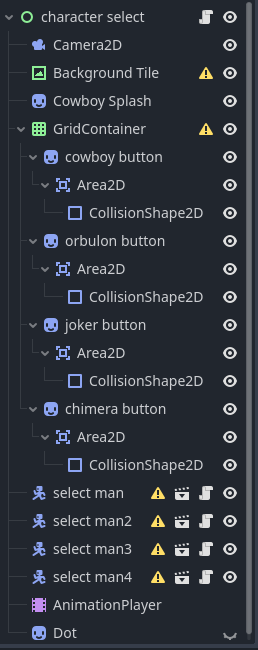
This is the current state of my game’s transition from the character select screen to the actual game screen. There is a camera zoom and pan, but I would like to add a pixilation filter similar to this:
Video #2
This is a video of how the pixelation filter works in Juice Galaxy. When looking online, the pixelation filters I found were just flat overlays to make a game’s art style pixel-art. What I’m looking to do is create a shader which, just like how I zoom and pan the camera, I lerp from an unpixelated look to a highly pixelated one (like how in the video, when the filter is cranked up the background is extremely low resolution.) How would I go about constructing a shader like this?
Most pixel shaders will allow for pixel size control through a shader uniform. You can animate this uniform via script code, a tween or an animation player.
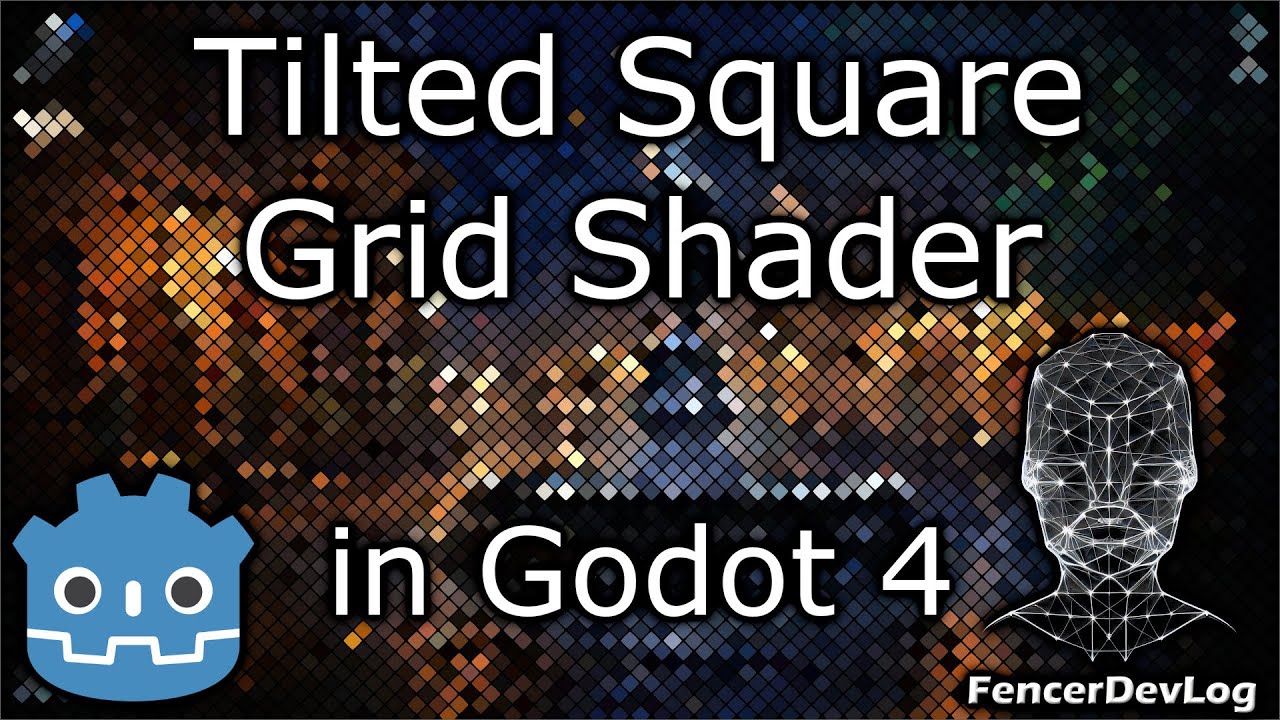
Check out my tutorial. The first part demonstrates a classic pixelated effect and is customizable via a uniform parameter. You can control this parameter from a GDScript code using a lerp function.
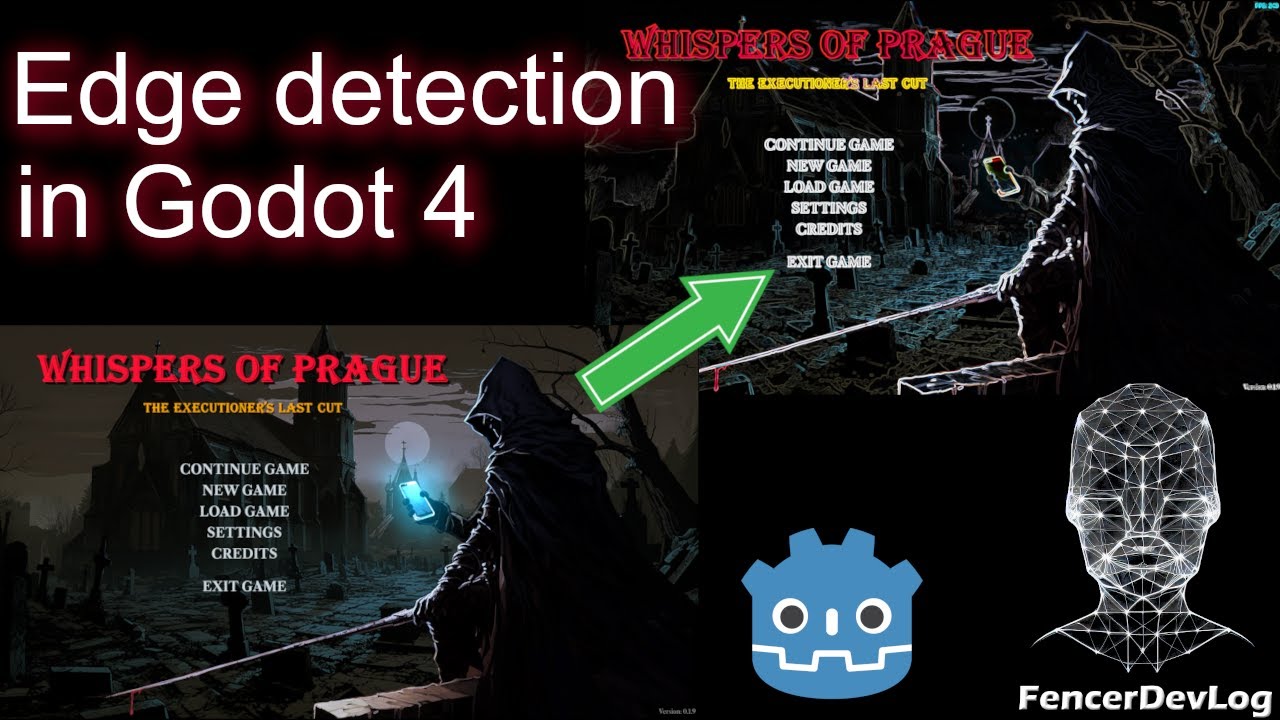
The simplest way is to create a full-screen ColorRect, add it as the last node in the scene’s node tree, and attach a screen-reading shader to it. I think I do it in the following video (post-processing the 3D scene), and I also apply it to a 2D scene at the end.