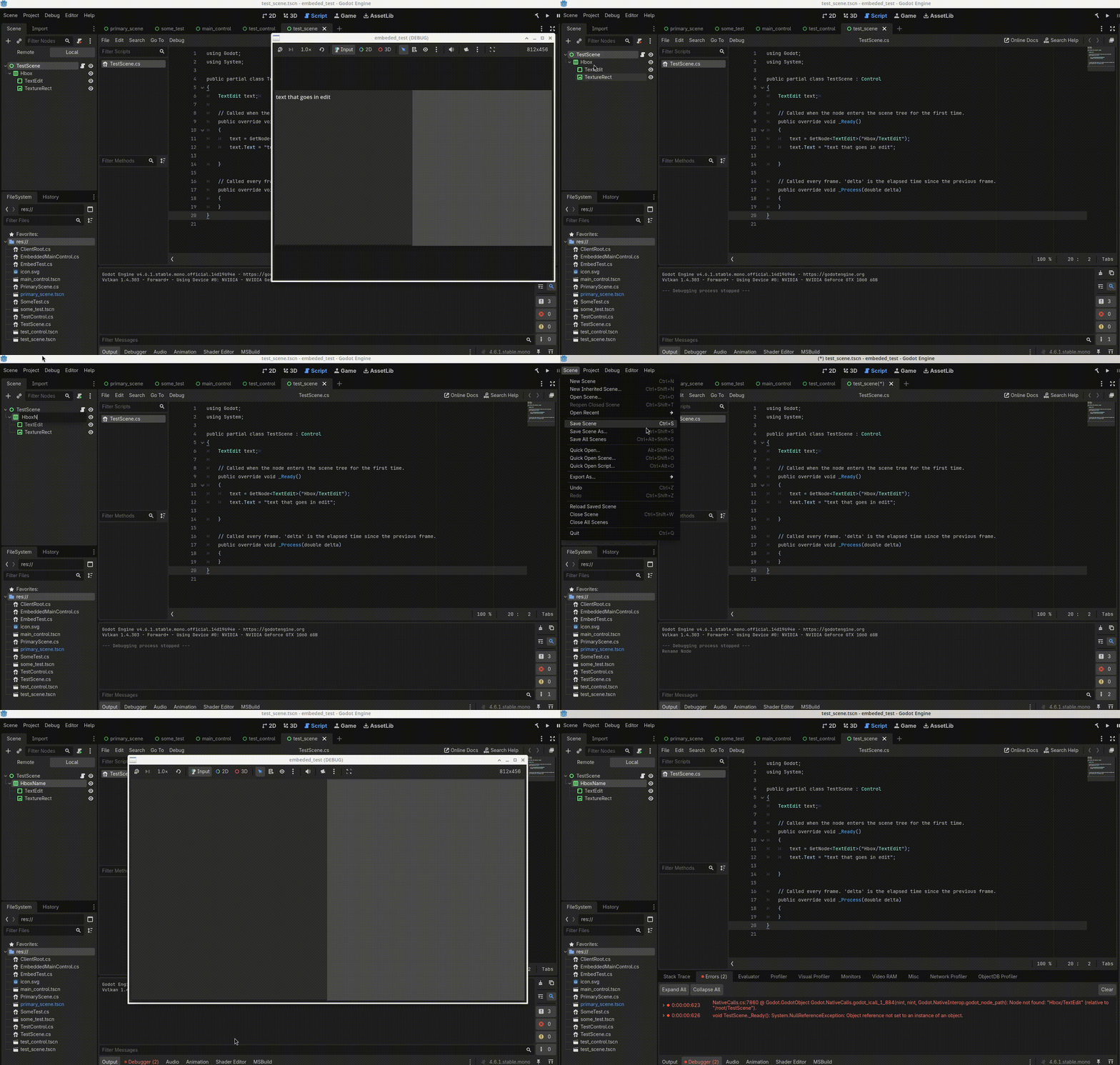
So I misunderstood the problem you were trying to solve. I thought you were trying to solve a problem with renaming nodes during execution.
I realize now that you are trying to solve a C# specific problem with changing node names in the editor, because you are auto-generating boilerplate code through a configuration file.
So I did some research for you. Another solution (other than @normalized’s solution) is to @export a NodePath variable. You can then assign the variable in Godot, and if you change the name or position of the node, the NodePath variable is automatically updated by Godot. Which means you don’t have to change it yourself.
From the docs:
You usually do not have to worry about the NodePath type, as strings are automatically converted to the type when necessary. There are still times when defining node paths is useful. For example, exported NodePath properties allow you to easily select any node within the currently edited scene. They are also automatically updated when moving, renaming or deleting nodes in the scene tree editor. See also @GDScript.@export_node_path.
Here’s a video explaining it in detail:
It’s not wrong, it’s just overly complicated and unnecessary in our opinion. You are trying to solve a problem that does not exist, because it has already been solved.
You just appear to want to do things the way in which you are comfortable. You also seem rather combative towards advice.
If you don’t want to do it that way, that’s fine. But regardless of the programming language you use, Godot solves certain problems in ways that are specifically performant for making video games. If you make your own solution to the problem, you are risking performance loss and ease of use.
We are trying to encourage you to see that, because there’s a learning curve with Godot that you seem to believe doesn’t exist.
That’s actually the same thing from the storage (and editor tracking) perspective. Look at the tscn file in both cases. Specifying the type just lets you filter when assigning via inspector gui.
Honestly I think the best answer is to just create an ETL script in GDScript to transform the Moustache files into GDScript code and all these problems go away.
In your opinion I’m combative and don’t accept advice, yet somehow despite my mention of design time, and the fact the editor plugin responded to changes in the scene editor and generated code when a scene is saved, you all presumed for some reason that I was generating the code at runtime, and providing answers based on your assumptions instead of actually reading the question.
Secondly the generated code is simply to set up the fields for the script and keep the references correct by updating the paths when the scene tree changes in the editor, it also imports the necessary namespace for any extended resources used in the scene. I don’t see what is complicated? It’s the same as Clicking attach script, only the generated script now has a field generated for each node and is updated each time the scene tree changes. It happens automatically so I don’t have to do anything other than work on implementation, I create a scene and I’m immediately implementing it as I do not have to write any boilerplate to get the node references or add any necessary imports for child scene objects in a different namespace.
It also means if a node name changes in the scene, that the field name in the generated code will change, which means that it will automatically detected in the editor in the implementation file raising a compile time error because Godot will allow you to set a field reference to a null pointer.
And an error is only raised when the object is accessed for the first time in the implementation. So now I catch this at compile time instead of runtime when a node name changes.
Lastly I would like to point out I started this thread to determine how I could have an editor plugin react to a scene saved in the scene editor. How many of you who presented so many useful opinions about my logic and methodology actually answered my question of how to know when a scene is saved in the scene editor?
So i guess I won’t ask how I interact with the inspector panel so I can inject signal handler stubs into the implementation portion of my scene objects.
Again, the editor already does what you’re trying to do.
You already found the answer yourself by the time I got to read the thread.
Feel free to ask. I’d suggest making a new thread for a new question. Also no need for obfuscated abstract language to signal your programming experience. It just makes your question harder to decipher and answer. Keep it plain and don’t presume you know everything. If that was the case you wouldn’t be asking questions, right?
I read your post multiple times. I googled a LOT of stuff. I spent hours trying to help you. I thought I made it pretty clear in my initial replies that I did not have enough information about what you were doing to understand how to help you. I apologize if my posts were not clear on that.
Up to you. I did tag in the four most knowledgeable people on the forum that I know to try and help. Including our forum C# expert. Like @normalized suggested, typically it’s better to start a new topic.
At this point I’d recommend some self-reflection on why you find it offense that people who do not get paid, volunteered their time to help you. Sure, maybe we didn’t answer the question the way you wanted. Sure, maybe we challenged your assumptions about Godot. But how come that’s so offensive that you feel the need to continually attack us while we are trying to help?
I also encourage you to actually make a game or three before you continue down this road, and use that experience to determine what’s going to be helpful.
I rarely use the inspector, I do most things in code, thus this was the easiest approach for me, and for anything dynamic I just create the entire control in code without any scene so everything can be instantiated in the constructor.
The only thing I use the editor for is to layout the controls and i do everything else in code. For the most part even working with gdscript I use the ide more often then not as I get the file structure and can easily jump between methods.
From your earlier description it looked like this was meant to be used for some kind of custom visual editor you wanted to have on top of it. The thing is - Godot’s editor already is that visual editor and does all it can to help you manage paths/references when moving/renaming nodes.
That said you can do everything from code using exported node paths:
[Export] Godot.NodePath n = "my_node_path";
You can’t deal with node paths in constructors because at the time the constructor is called the node is yet not in the scene tree. Note that _Ready() is not a constructor.
If your creating the nodes in the constructor why would you need the node path, you have the reference when you create the object? It’s only when instantiating a scene you have to wait till the nodes exist or need the node path.
For example for one of my plugins when playing with the editor I created a base view for all my ui panel to inherit from to create a uniform look to all the dialogs and I do everything in _init() which is basically the same as constructor is it not ?
extends Control
class_name ViewBase

var panel:Panel
var verticalLayout: VBoxContainer
var panelInput : PanelContainer
var panelStatus: PanelContainer
var verticalMargin: MarginContainer
var content:MarginContainer
var marginValue: int = 5
var lineEditStyleBox : StyleBoxFlat
var labelInfo : Label
var labelStatusCount : Label
var labelCurrentJob : Label
var progress_bar: ProgressBar

func _init()->void:
	size_flags_horizontal = SIZE_EXPAND_FILL
	size_flags_vertical = SIZE_EXPAND_FILL
	set_anchors_preset(Control.PRESET_FULL_RECT)
	panel = Panel.new()
	panel.set_anchors_preset(Control.PRESET_FULL_RECT)
	panel.size_flags_horizontal = Control.SIZE_EXPAND_FILL
	panel.size_flags_vertical = Control.SIZE_EXPAND_FILL
	add_child(panel)
	verticalMargin = _create_margin_container()
	panel.add_child(verticalMargin)
	verticalLayout = VBoxContainer.new()
	verticalLayout.set_anchors_preset(Control.PRESET_FULL_RECT)
	verticalMargin.add_child(verticalLayout)
	panelInput = PanelContainer.new()
	panelInput.set_anchors_preset(Control.PRESET_FULL_RECT)
	verticalLayout.add_child(panelInput)
	panelStatus = PanelContainer.new()
	panelStatus.set_anchors_preset(Control.PRESET_FULL_RECT)
	panelStatus.hide()
	verticalLayout.add_child(panelStatus)
	content = _create_margin_container()
	panelInput.add_child(content)
	lineEditStyleBox = StyleBoxFlat.new()
	lineEditStyleBox.bg_color = Color.from_string("2d2d2d",Color.DARK_GRAY)
	_create_status_contents()


func _create_margin_container()->MarginContainer:
	var marginContainer: MarginContainer = MarginContainer.new()
	marginContainer.set_anchors_preset(Control.PRESET_FULL_RECT)
	marginContainer.add_theme_constant_override("margin_top", marginValue)
	marginContainer.add_theme_constant_override("margin_left", marginValue)
	marginContainer.add_theme_constant_override("margin_bottom", marginValue)
	marginContainer.add_theme_constant_override("margin_right", marginValue)
	return marginContainer

func _create_status_contents()->void:
	var vbox: VBoxContainer = VBoxContainer.new()
	vbox.set_anchors_preset(Control.PRESET_FULL_RECT)
	vbox.size_flags_horizontal = Control.SIZE_EXPAND_FILL
	panelStatus.add_child(vbox)
	var hbox: HBoxContainer = HBoxContainer.new()
	hbox.alignment = BoxContainer.ALIGNMENT_CENTER
	labelInfo = Label.new()
	labelInfo.text = "Text"
	hbox.add_child(labelInfo)
	labelStatusCount = Label.new()
	labelStatusCount.text = "0"
	hbox.add_child(labelStatusCount)
	vbox.add_child(hbox)
	progress_bar = ProgressBar.new()
	vbox.add_child(progress_bar)
	labelCurrentJob = Label.new()
	labelCurrentJob.size_flags_horizontal = Control.SIZE_EXPAND_FILL
	labelCurrentJob.horizontal_alignment = HorizontalAlignment.HORIZONTAL_ALIGNMENT_CENTER
	vbox.add_child(labelCurrentJob)
Right. And the nodes you manage via the editor are tracked by the editor as I described. So no need for any additional systems. You shouldn’t be hardcoding node paths in any case. Then you won’t have to chase and alter them in source code. Looks like all your woes originated precisely there - in hardcoding the paths.
Well even if you use an exported variable it still has to be set in _ready or somewhere does it not?
Secondly if I go that route with the exported variable it has to be a public property and I don’t like that idea.
Third how would that work if it was a child scene? Say I have scene, say primaryscreen, and it has a child scene say called viewscene. If I use an exported variable how would I get the variable to be of type object viewscene for the child scene node? So that when the child scene is moved in the tree that it is also still accessible without needing to know the node path?
Currently my generated code supports this, and even imports the namspace for the object in question if necessary.
If you export it, it should be manually assigned in the inspector. Once that is done, the editor will track it. Don’t hardcode the paths. Your whole stated problem was to track eventual changes in the editor. What happens in editor, stays in editor
Why? You may be inadequately equating the concept of a public class property with what’s visible in the inspector. From whom would exported property have needed protection? You actually want to have it visible when editing nodes in the inspector so you can immediately see your dependencies, and which ones are dangling. That said, exported properties don’t need to be shown in the inspector. They can be hidden.
Scenes are just nodes. You refer to a scene by referring to its top node. So it’s exactly the same as referring to a plain node.
If you meant how to refer to a node inside a scene - you shouldn’t (although you technically can). Encapsulate instead. One scene shouldn’t really be digging into structure of other scenes or hold references to random nodes inside them. Provide the interface in scene’s top node/script.
Do as you will. It’s certainly doable one way or another. We’re just trying to tell you that you’re wasting time and effort. You should instead familiarize yourself a bit more with how Godot is conceptually and practically handling things and try to play along with it, not against it. It’s your choice though.
How am I wasting time and effort. take for example the sample image I posted 6 buttons and two line edits and that’s just whats in the visible panel, never mind the progress bar and status labels on the hidden panel.
That’s 8 controls so your saying it’s less effort to create 8 exported properties and then switch to the scene editor and then assign a node to each of those properties, than to have to do nothing because it’s auto generated and always up to date with the scene.
It took me three hours to code but now every scene is handled and I don’t have to anything, which to me seems easier then always having to create all these exported properties and then having to assign them.
I did change the generated code to not be hard coded paths, so thanks to whomever provided that opinion, but I’m happy with the generated code as it requires no extra effort on my part. And even if I went with the exported properties, I would simply change the generated code to create the properties instead of fields but I would still take the same approach as again it requires no extra effort.
Pro tip: since Godot 4.6, you can drag & drop exported variables into the script by holding Alt. It literally takes seconds to do it even for multiple variables at the same time.
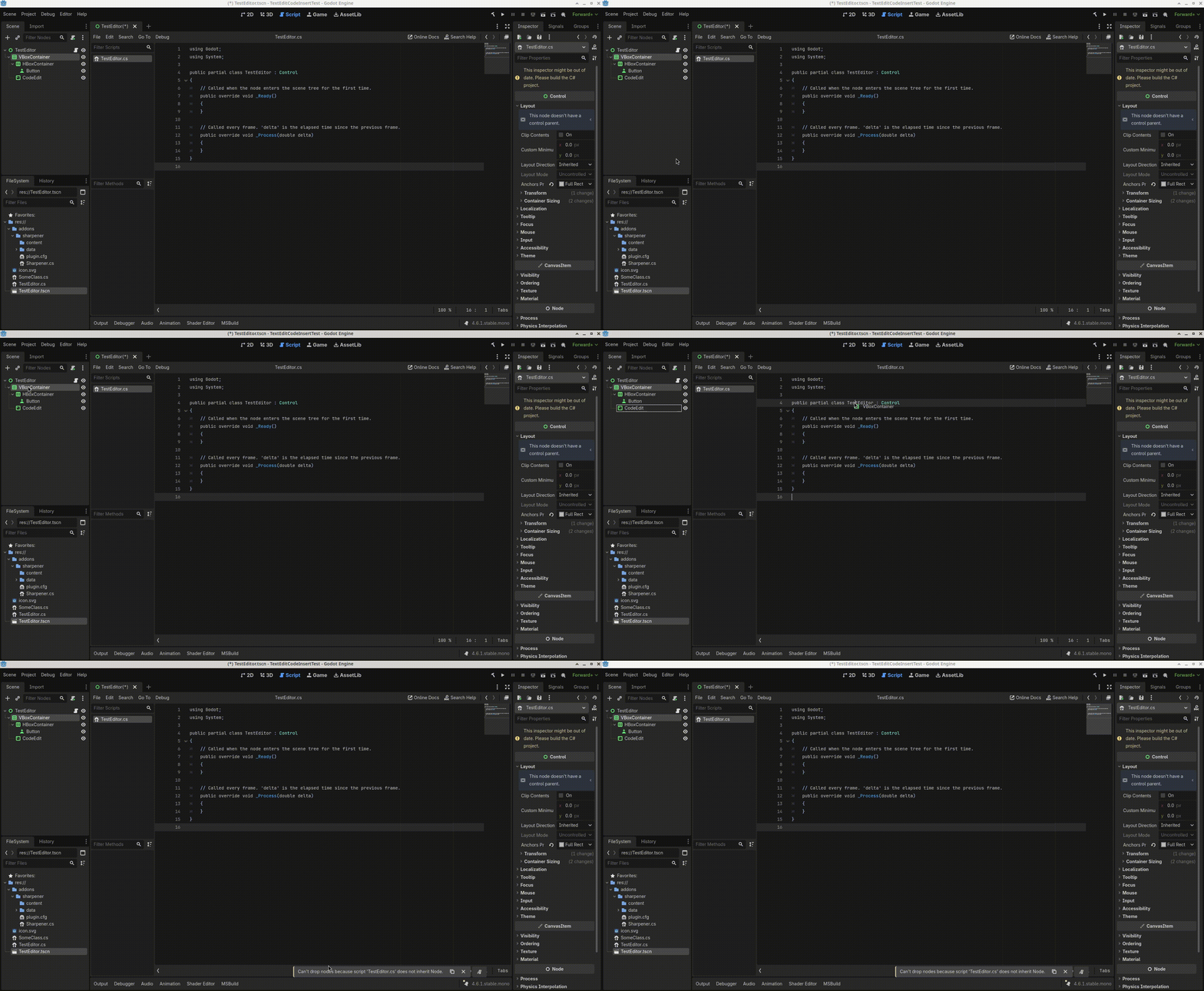
I’m working in CSharp for the most part and for C# scripts that does not work (Version 4.6.1). Just like it doesn’t auto generate methods for signals etc.. I guess.
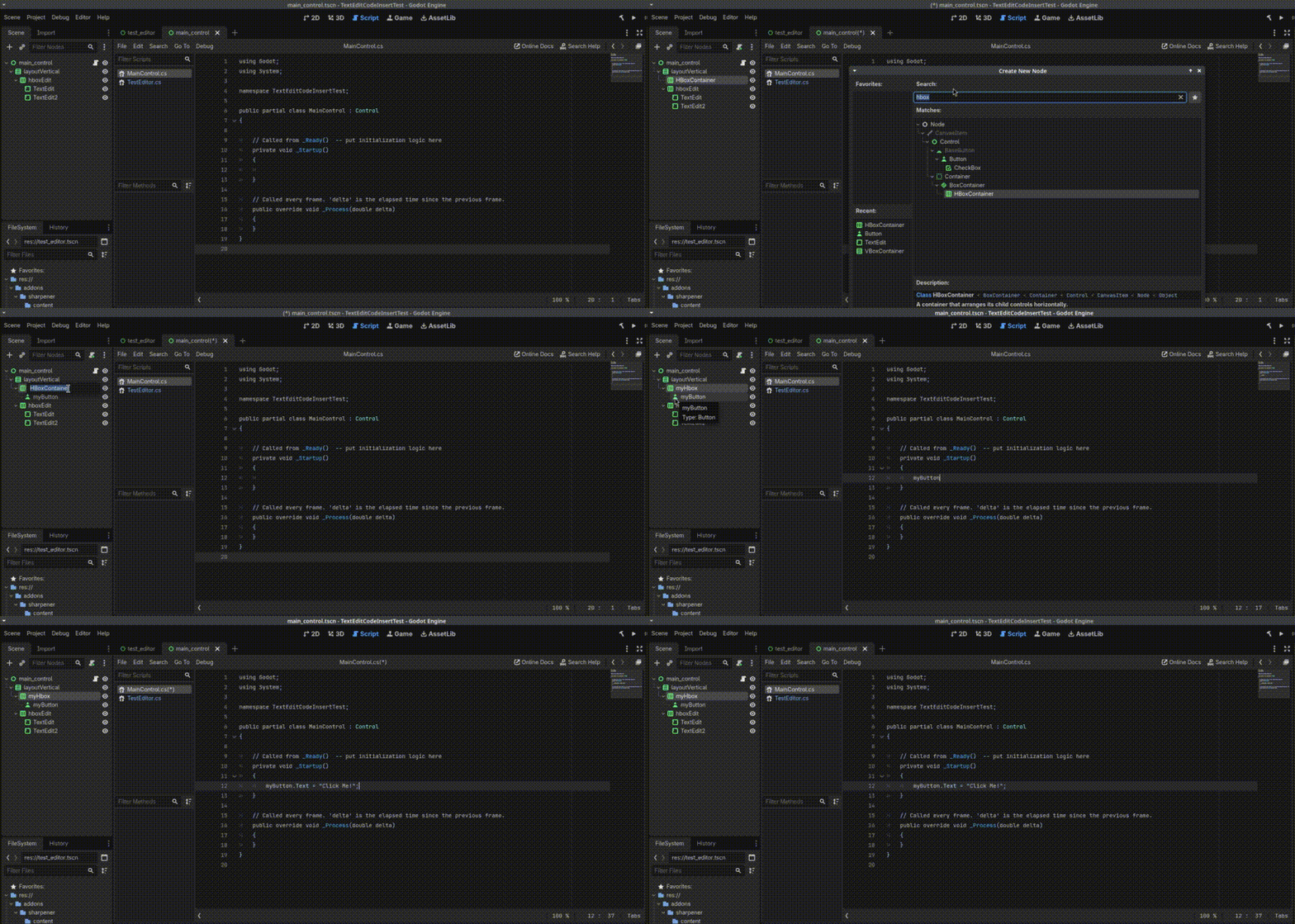
My bad, looking at the gif, I see I dropped it in the wrong place. It does work. Thanks for the tip.
Unfortunately it creates the property with snake_case for the name instead of PascalCase. For quick mockups and pocs it would be handy though. Thanks again.
Typing hardcoded paths is not “doing nothing”. And you need to maintain your basically redundant system. That costs some time and effort. Occam’s razor frowns at you
Note that you can still assign hardcoded default paths to exported properties if you must. The changes made in the editor will be tracked regardless. They’ll override the defaults you assigned in the code. [Export] is not just for inspector display. It also determines how the property value is (de)serialized with the scene. Values written in tscn files will override those assigned in script constructors (the actual constructors, not _Ready())
I don’t type anything at all to have the references for the nodes for fields. It’s literally all generated based on changes made to the scene tree. I don’t have to type in field names or if you’d like exported properties. I don’t have to type the paths to set up the field to reference the node, or set anything in the inspector. And as mentioned in an earlier post today the paths are no longer hard coded but the reference assignments are still generated.
So yes I do nothing but save a scene to have all my node reference assignments created and or updated based on the current state of the scene tree. Say I add a node in the scene tree, when I save the scene file I can immediately start coding against that node because when I saved the scene file a field reference with the name of the node was generated, and in ready it was assigned using it’s name. So to use the node in the scene script I have to do nothing.
The addon is not indiscriminate either, if a scene already has a script, it reads the comments at the top of the file till it gets to code, if anywhere in that header block of comments it finds $NDF then it does not generate a designer file for that scene.
It’s also capable to blacklist scene folders for simple scenes where the extra file would maybe contain two or three references and thus have no need of the design file.
I’m sure I’ll want to come up with other ways to exclude in the future, but for now I’m happy with how it works, it even handles extended resources if it can determine a C# type for it, otherwise it’ll skip any output for that node.
Secondly I was mistaken earlier and one cannot drag and drop the node on a csharp file and have it generate the extended property, at first I thought it just used snake case but it only generates gdscript.