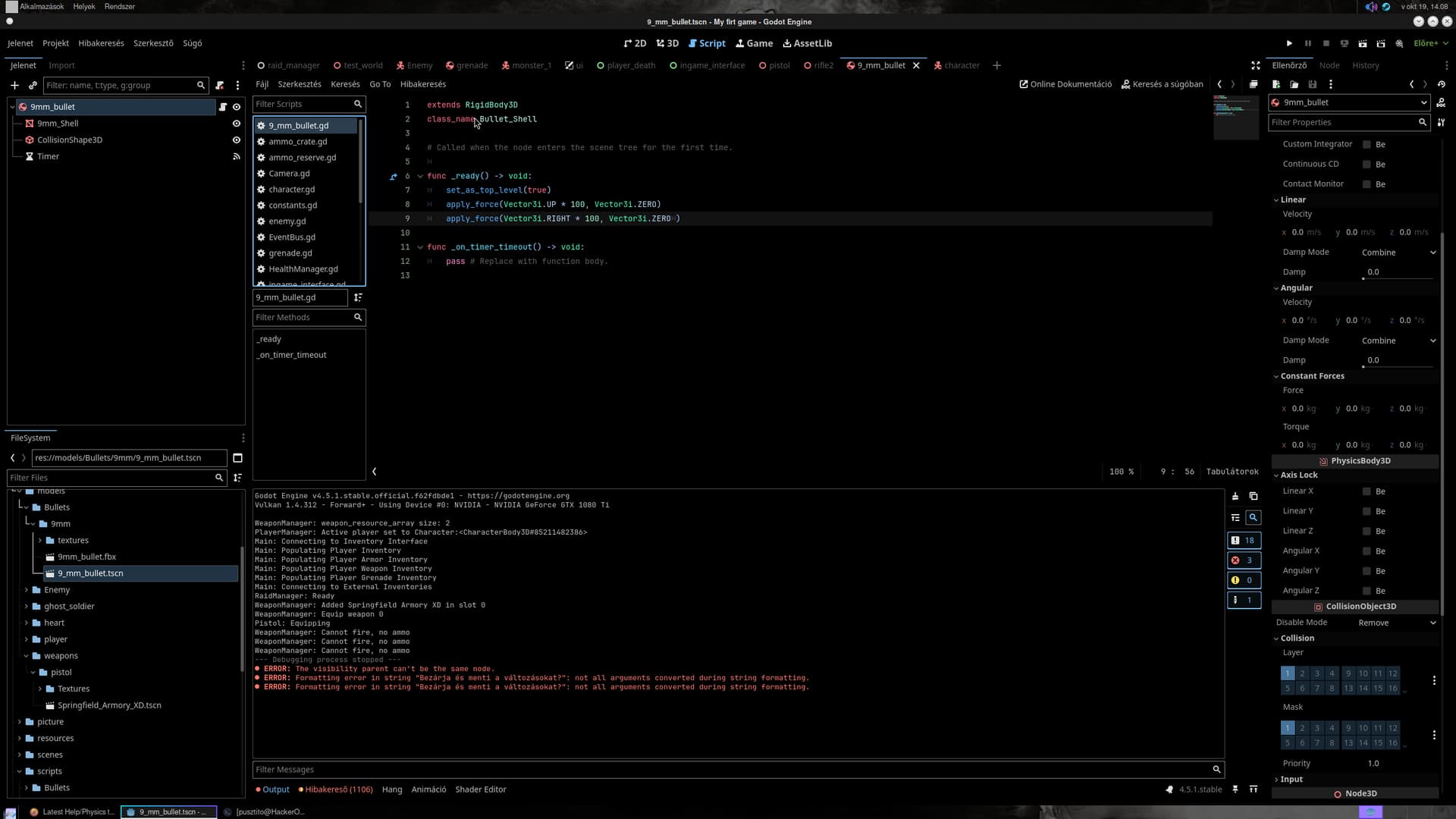
I would like to ask for help. I would like to add unique
fired cartridge cases to each of my weapons. I know that it can be done with GPUParticles3D, but I would like it to be realistic. I am trying with RigidBody3D, which works for the most part, but I can’t get the bullet to fly in more than one direction. Also, for some reason the cartridge cases don’t always stay on the track.
Well you’re applying the same force for each shell. Add some randomization to those force vectors. And I think if you’re ejecting shells it should be just an impulse, not a force.
I plan to add random force, but currently I’m trying to set it to always eject the cartridge case to the right side even if the weapon position changes.
The forces are applied in global space. You need to specify the direction in weapon’s global basis. For start, take one of that basis vectors and eject in its direction.
Sleeve ejection solved. It does what I expect it to do. Including random rotation when ejected.
I still have one problem with it. The pods are falling out of the graphics for some reason. Sometimes a few remain but the big one always falls out.
What could be the reason for this?
I tried layer and mask. I didn’t have much success. If it falls from a low point, more of it stays on the track, but if it falls from a high point, it goes through the floor. I noticed that if I drop the gun, it still goes through the floor, but not if I look down.