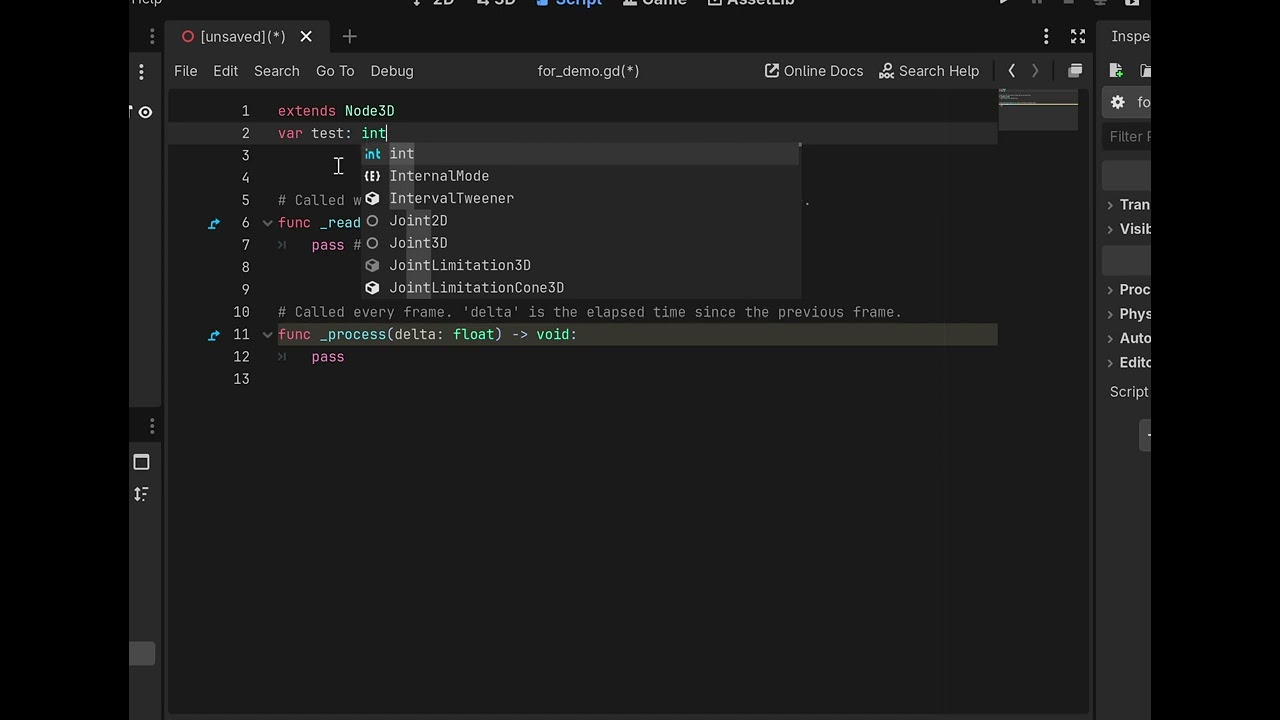
I’m new to godot and currently learning gdscript but there’s something driving me crazy.
When I’m working on a script, if I switch windows tabs - let’s say to watch a quick tutorial on youtube for instance - and then switch back to godot, it automatically undoes all my changes on the script (unless I had saved it before switching windows). As someone who is constantly switching windows tabs this is extremely annoying, and I haven’t found anyone else complaining about this so I’m pretty sure I’m missing something obvious here.
Is there any way to stop godot to undo changes on unsaved scripts when switching windows tabs?
Nahh,doesn’t happen to me.
How do you change the between the windows? the normal way or by using a hot key
The code I wrote:
extends Node2D

func _ready() -> void:
	print("NEVER GONNA GIVE YOU UP");

using namespace std;
void duh()
{
	cout << "NEVER GONNA SAY U A LIE!" << endl;
}
I cannot reproduce that. My scripts, saved or unsaved, errors or not, do not disappear or get altered in any way when I pop a Chrome or Edge browser window on top of them.
I’m running Windows 11 Pro and 4 monitors.
The best guess I have is that Chrome takes up so much RAM when it’s running, that it’s wiping out whatever is in memory in Godot. To test this, you could close every program you have running and close all but one browser tab. See if that makes a difference.
You could also run Task Manager and watch memory usage. Right-click the Windows Taskbar and select Task Manager.
You could also popping the Script Editor out to its own window and see if that solves it.
It’s definitely not a memory issue. It happens whenever I switch tabs, even if it’s not a browser. I closed everything and switch from godot to an empty folder in file explorer and the same thing happened. Also, task memory shows memory usage is fairly low.
Popping the scripts editor out didn’t solve the issue either, unfortunately.
I’m running on a brand new laptop (thinkpad x9-15 gen), on windows 11 home.
I’m also encountering this issue on Windows 10, Godot version 4.6.
Switching window focus while there’s an error in the script editor erases the line causing the error when switching back to Godot - in my case I have Godot open one one monitor and the issue occurs whenever clicking on anything on the other monitor.