Godot Version
v4.7.stable.official [5b4e0cb0f]
Question
Hi everyone! I’m new to Godot and I’m trying to implement a drag-and-drop mechanic. I want an object to be able to pass freely through other objects while it’s being dragged, but once I drop it, I want it to start colliding with other objects again.
I’ve been trying to achieve this using set_collision_layer_value() and set_collision_mask_value(), but it’s inconsistent—it only works some of the time. I’m aware that I could simply toggle collision on and off, but that approach doesn’t really work for my needs.
Could you please point out what I might be missing?
This is what a Rigidbody2D looks like
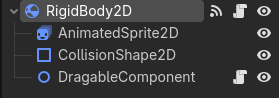
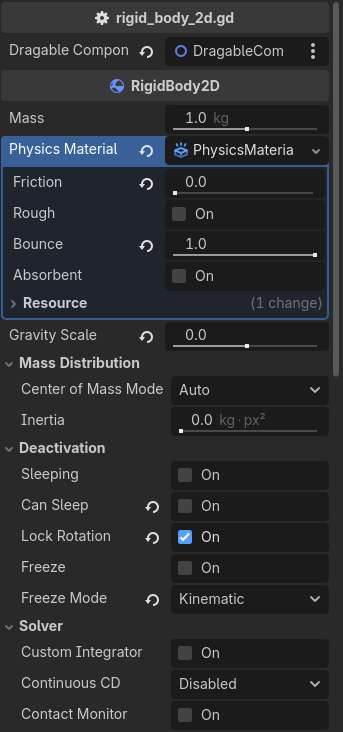
Rigidbody2D script
extends RigidBody2D

@export var dragable_component: DragableComponent

var offset: Vector2

func _ready() -> void:
	dragable_component.dragged.connect(_on_dragged)
	dragable_component.dropped.connect(_on_dropped)


func _process(_delta: float) -> void:
	if dragable_component._is_dragged:
		global_position = lerp(global_position, get_global_mouse_position() - offset, 0.3)


func _on_dragged() -> void:
	offset = get_global_mouse_position() - global_position

	set_collision_layer_value(1, false)
	set_collision_mask_value(1, false)
	set_collision_layer_value(2, true)
	set_collision_mask_value(2, true)


func _on_dropped() -> void:
	set_collision_layer_value(1, true)
	set_collision_mask_value(1, true)
	set_collision_layer_value(2, false)
	set_collision_mask_value(2, false)
Dragable Component script
class_name DragableComponent extends Node2D

signal dragged
signal dropped

var _is_hovered: bool
var _is_dragged: bool


func _input(event: InputEvent) -> void:
	if _is_hovered and event.is_action_pressed("lmb"):
		_is_dragged = true
		dragged.emit()

	elif _is_dragged and event.is_action_released("lmb"):
		_is_dragged = false
		dropped.emit()


func _on_rigid_body_2d_mouse_entered() -> void:
	_is_hovered = true


func _on_rigid_body_2d_mouse_exited() -> void:
	_is_hovered = false
Video of the issue
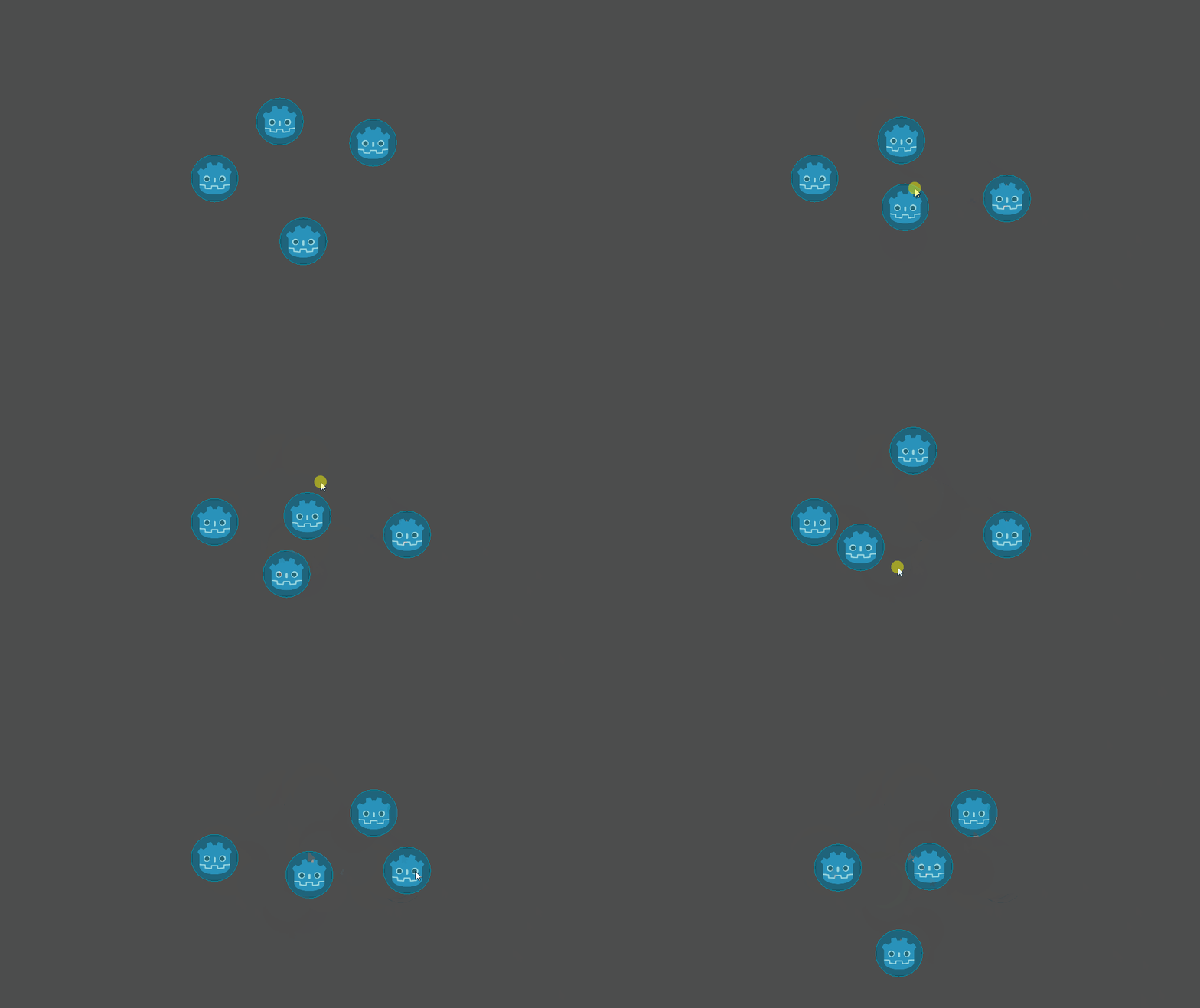
P.S. Apologies if any names or words seem silly; I am not a native speaker.