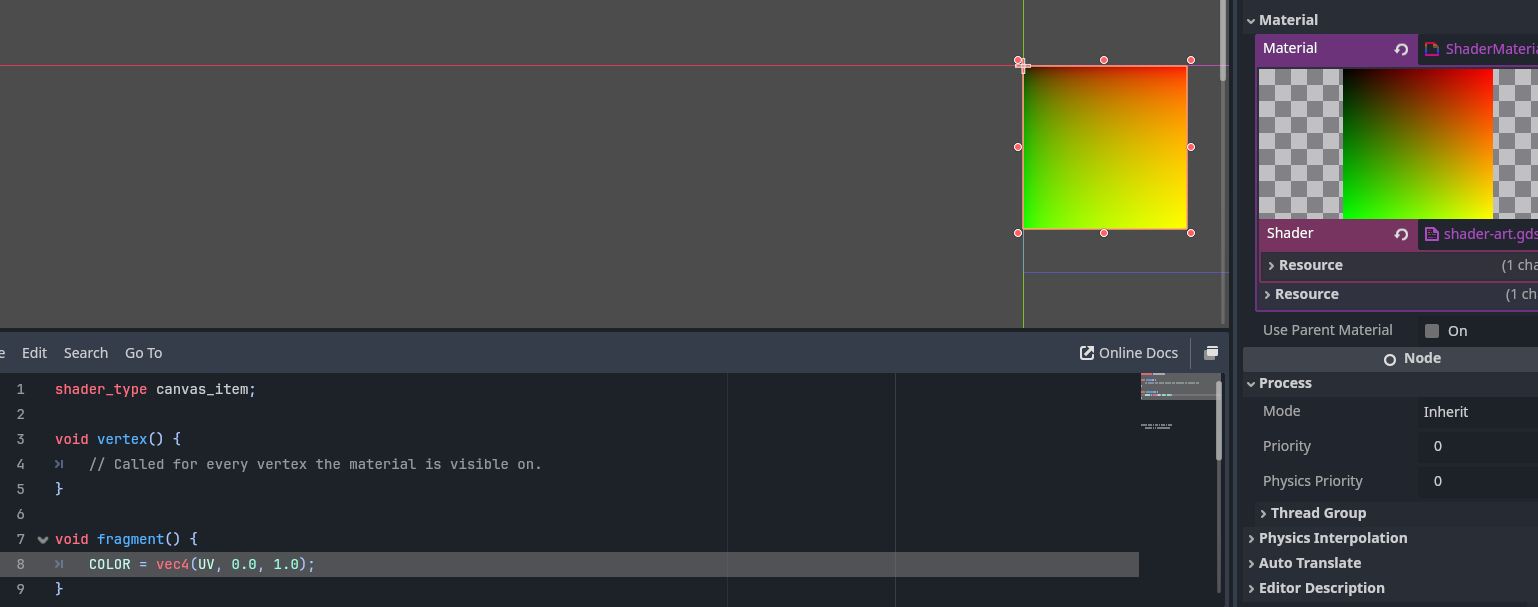
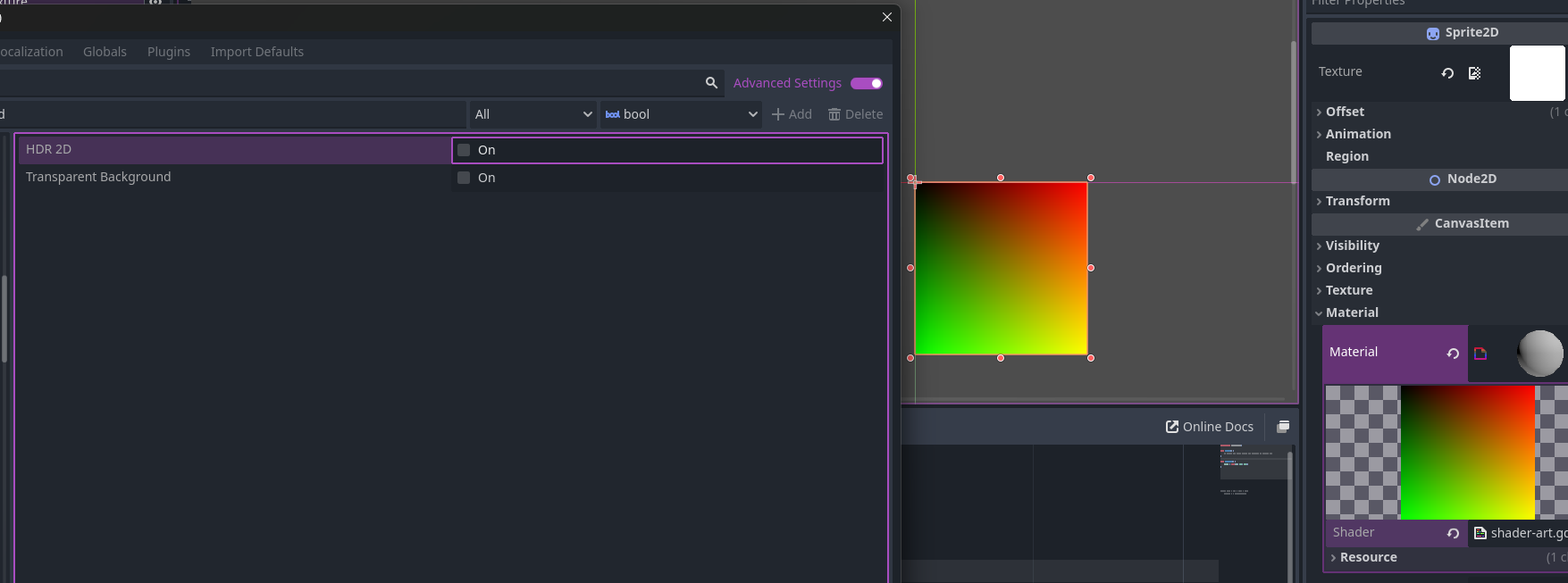
I wrote a simple gradient shader but when it's applied to the sprite it looks a bit off. You can see in the material preview the gradient looks good but when applied to the sprite with the same square ratio the black portion looks squished. I also implemented this code in Shadertoy and the gradient looks normal there. Is there a setting I'm missing or something?
If you look at that line of code, I’m actually doing exactly that as I’m using the UV.x in the COLOR not my custom myUV as seen in the lines of code above. Those are for future tasks I’m working on.
BINGO! It was the HDR 2D setting. I unchecked it and now it looks perfect. I was previously trying out bloom effects and I think I ticked that setting on for some reason. Thank you so much for the help, the both of you.