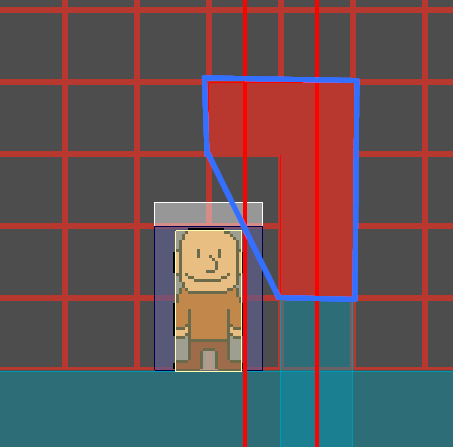
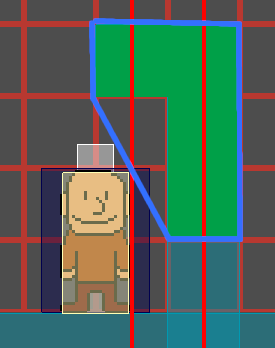
SOLVED! This post is super long, so here’s a link to the solution.
Godot Version
v4.4.stable.steam [4c311cbee]
Question
I have a ShapeCast2D with a ConvexPolygonShape2D as its shape. In the same scene, I also
have an Area2D (shown with a white rectangle) on the same collision layer as the ShapeCast2D.
In the below screenshot, the ShapeCast2D is reporting a detection with the Area2D despite not visibly touching the Area2D. I have also checked for the presence of other Area2Ds and there are no other Area2Ds that the ShapeCast2D can collide with.
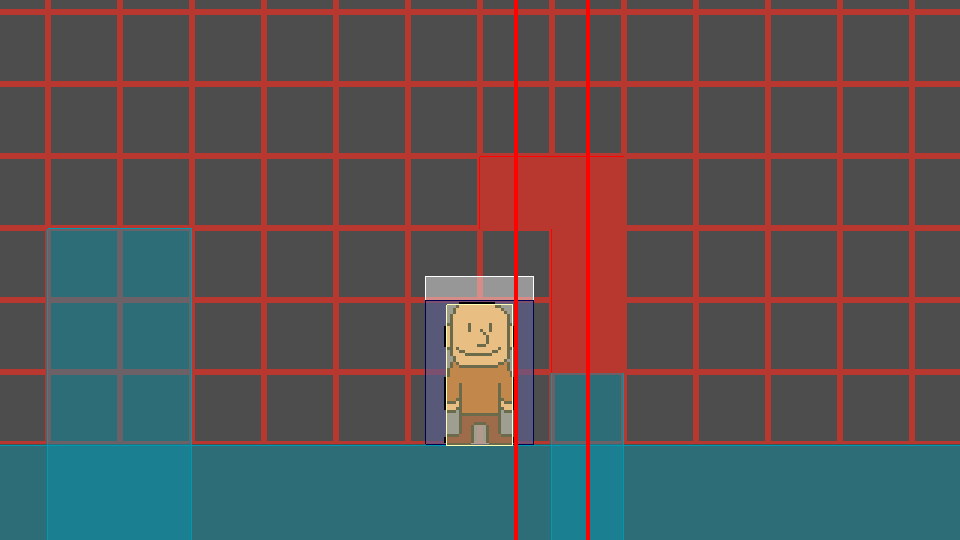
This problem can be mitigated by resizing the Area2D’s CollisionShape2D to be smaller (as demonstrated in the below screenshot), but ideally, the ShapeCast2D should only report a collision if it’s actually colliding with the Area2D.
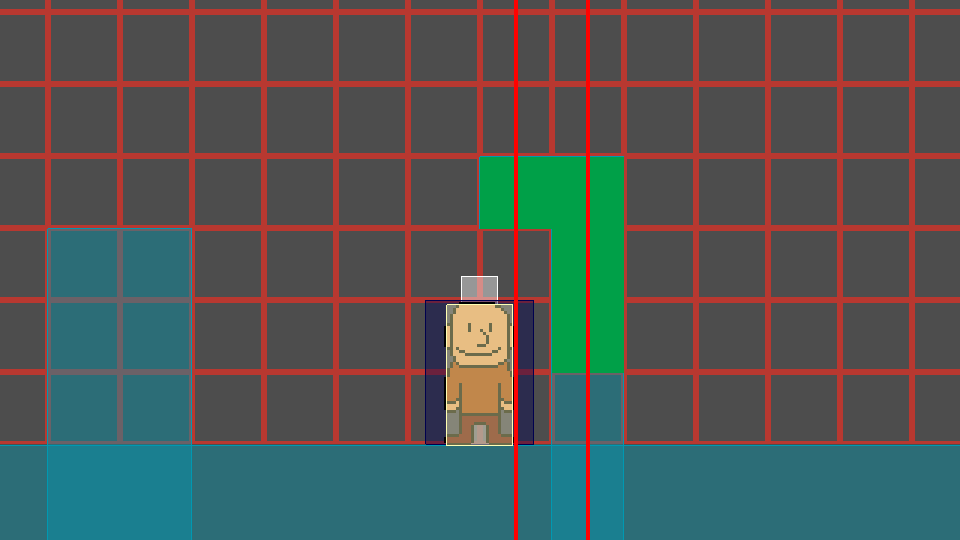
I’d also like to note that the purple body is a StaticBody2D that is NOT on the same layer as the ShapeCast2D.
Testing with a different ShapeCast2D shape, it seems to incorrectly detect a collision if it has a block hanging exactly one tile above the Area2D. Some examples:
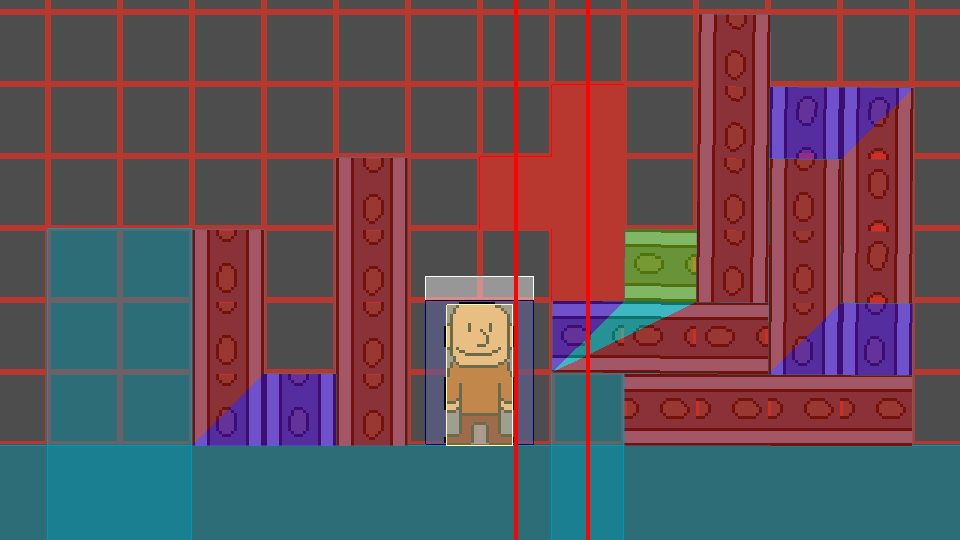
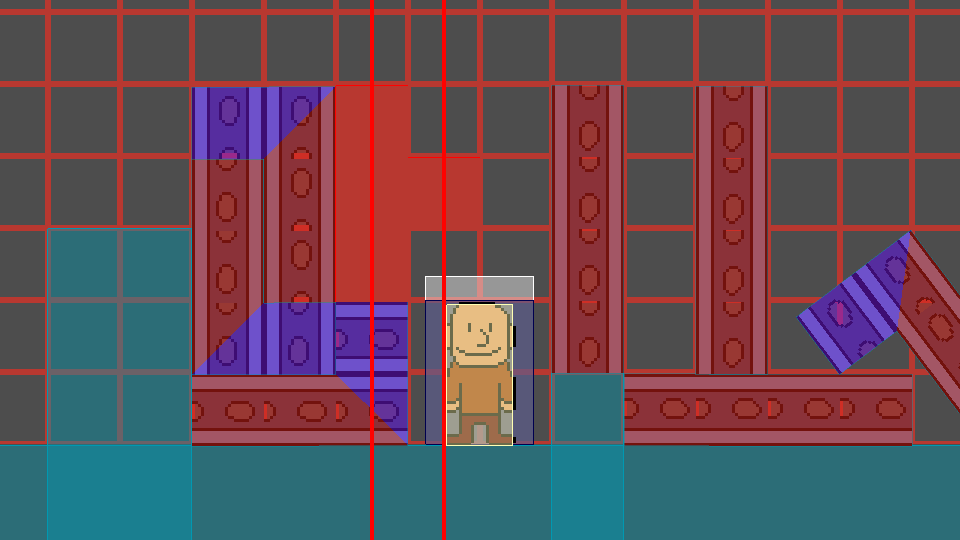
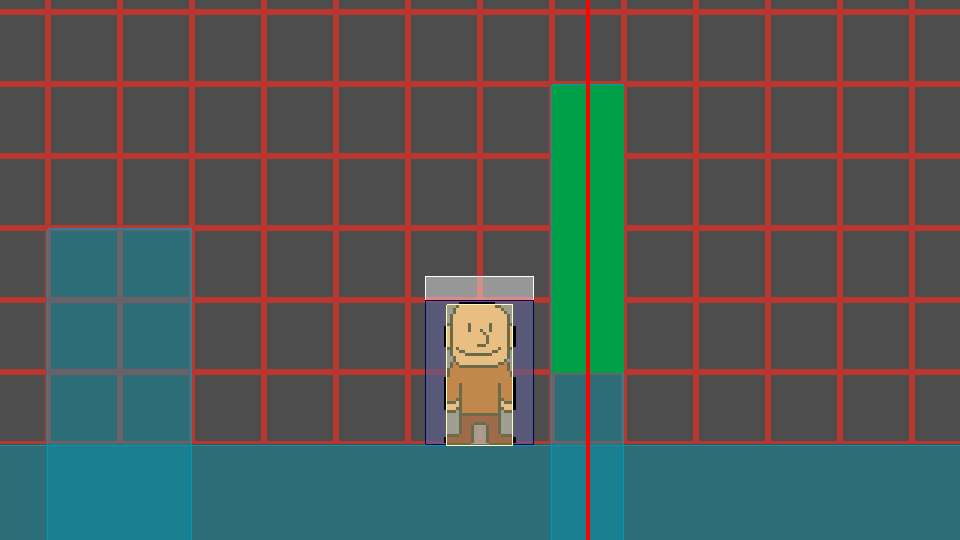
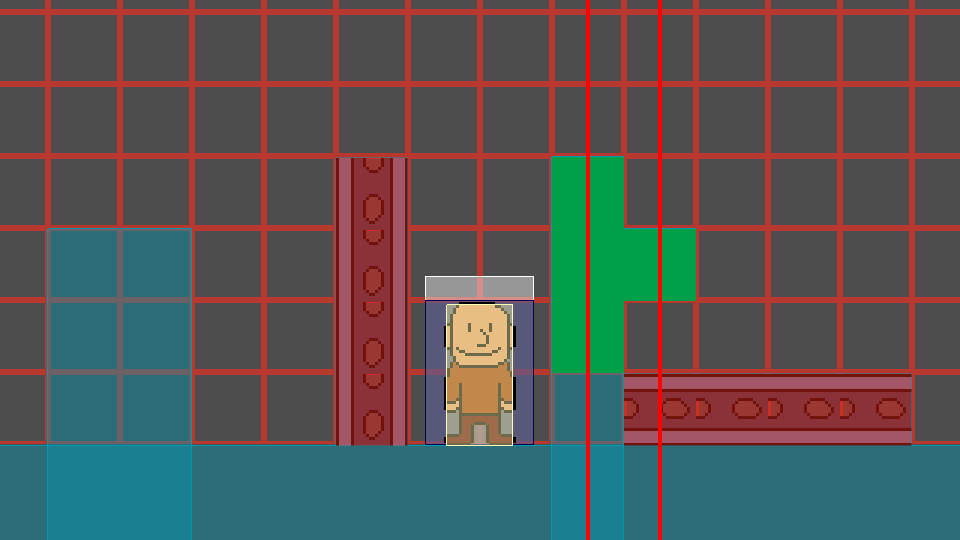
Other ShapeCast2D placements work as intended and don’t report a collision if it’s not colliding with the Area2D. Some examples:
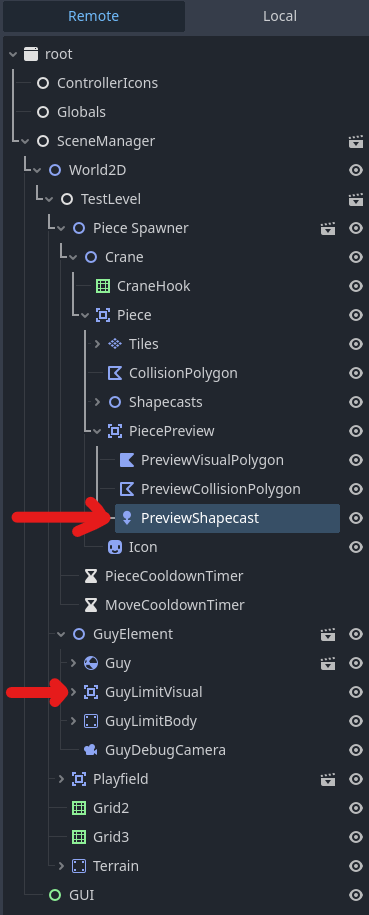
Here is my scene tree, as seen via the “Remote” tab. As far as I know, the nodes most relevant to my problem are the Area2D titled “GuyLimitVisual” and the ShapeCast2D titled “PreviewShapecast”.
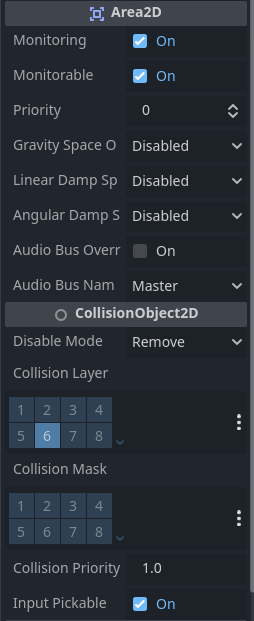
Here are the GuyLimitVisual’s properties (as seen via the “Remote” tab):
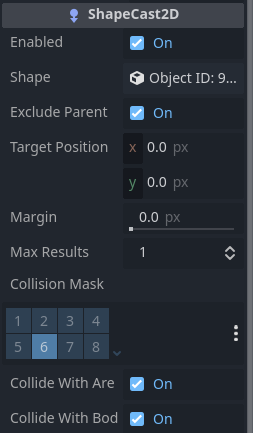
Here are the PreviewShapecast’s properties (as seen via the “Remote” tab):
Is there any way to mitigate this issue that ideally does not involve resizing the Area2D?