I want to run
get_tree().change_scene_to_file(“res://mission_summary.tscn”)
which will be a new scene, that acts as in-between the various game modes
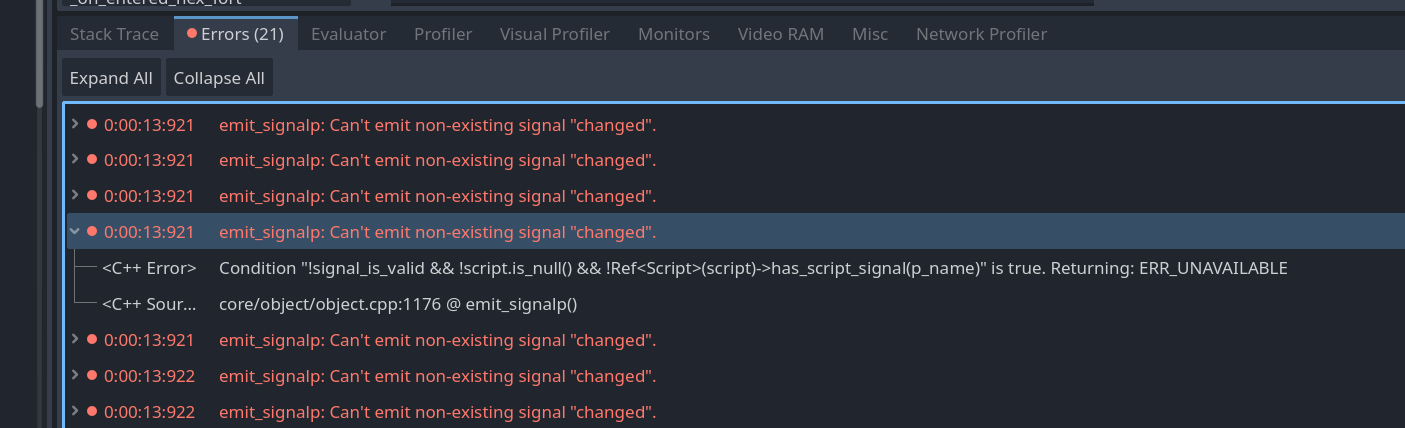
However, when this line runs , I get following errors:
E 0:00:13:921 emit_signalp: Can’t emit non-existing signal “changed”.
<C++ Error> Condition “!signal_is_valid && !script.is_null() && !Ref(script)->has_script_signal(p_name)” is true. Returning: ERR_UNAVAILABLE
<C++ Source> core/object/object.cpp:1176 @ emit_signalp()
This error is always repeated 21 times , but the scene switch actually happens successfully.
I do not understand this error message, because no signal is being emitted at the time of the scene switch. And no specific signal is called out in the message. I tried to comment out various parts of code that have signals defined or emitted, but it does not seem to affect the number of 21 times errors in the log.
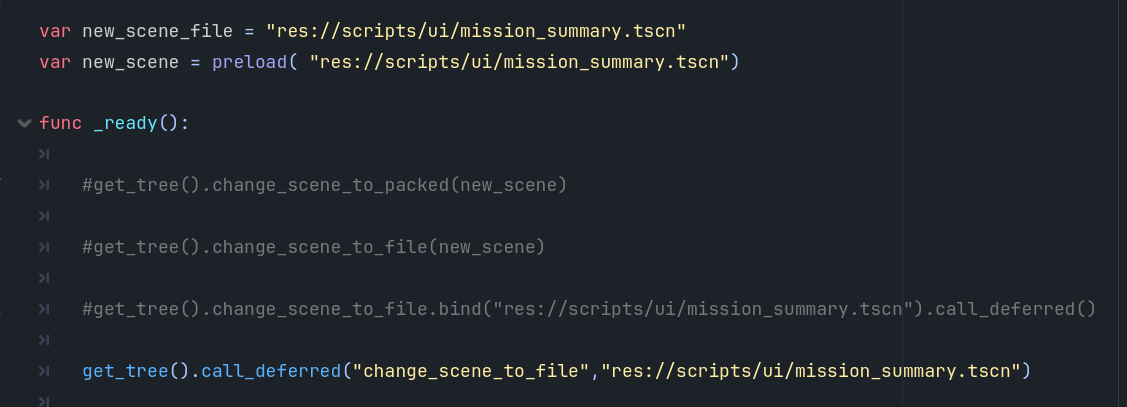
Could you provide the code where you change the scene?
Maybe try to put a print_debug() into tree_exited in the changing file, to see if the errors are getting thrown while loading the new scene or unloading the current.
Do you get the same error with SceneTree.change_scene_to_packed()?
In this issue the problem is, that some processes are not finished when changing the scene, so they try to access a part of the old scene, which just has been deleted. This causes a crash. call_deferred() ensures that all other processes are finished before changing and therefore fixes this type of error.
You seem to be having that something tries to emit the signal “changed” which does not exist.
This should be unrelated to the processing order.
Is “changed” a signal you are using or emitting yourself?
right that makes sense you said you where not getting errors in the log, then please put a debug point at the print_debug line, then run the game and check if the errors have already been emittet when you are at the debug line.
(you can add a debug point by clicking to the left of a line.)
Unit Overlay is an instantianted scene and has 3 signals here. When I disconnect those signals, nothing happens. I still have 21 errors.
But when I drop entire scene, the number of errors goes to 17 (which is actually 16, because 1 new appears) . This does not make any sense
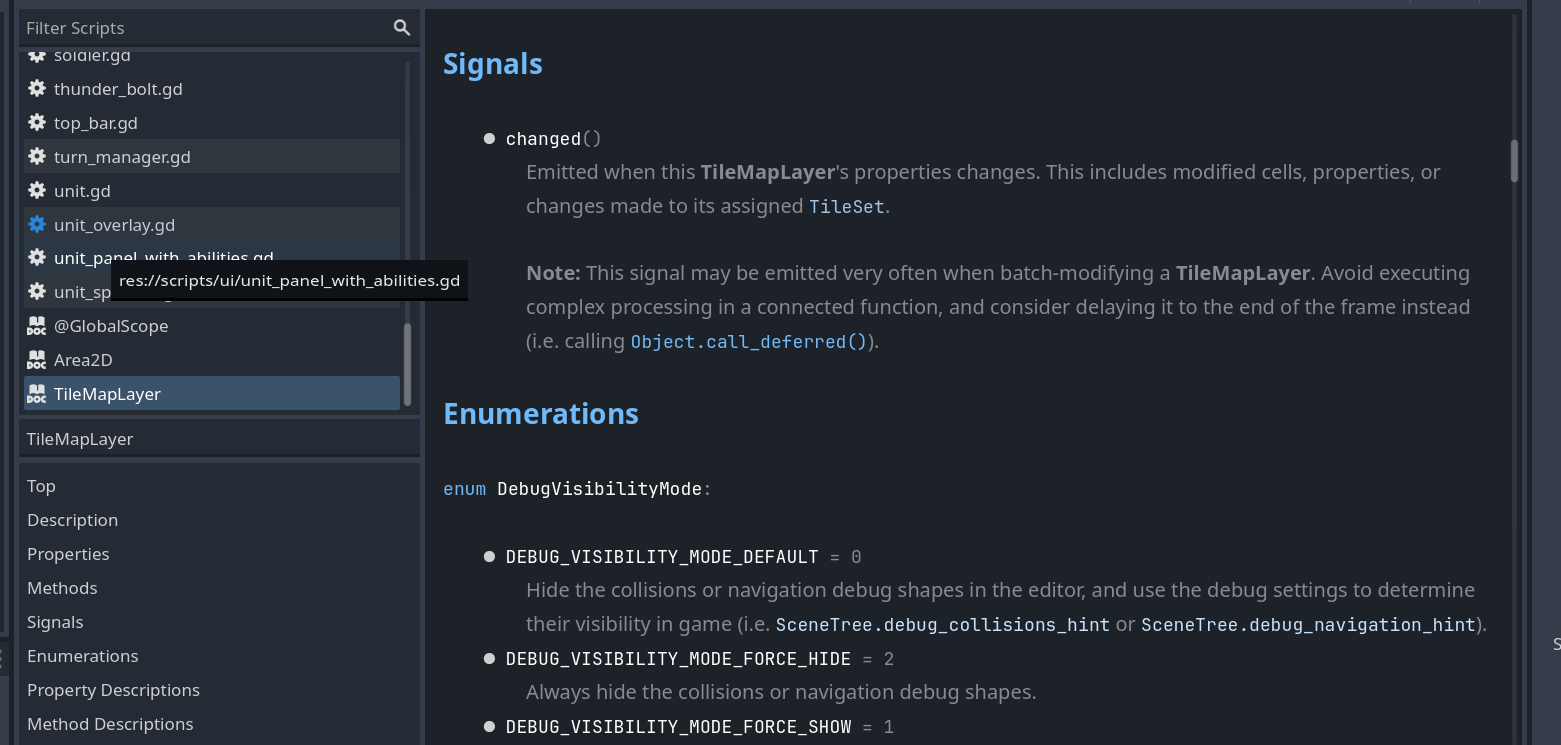
This seems to be issue with the built-in class or the wrapper library built on it. It seems to be sending this “changed” signal.
When I try to change scene and TileMapLayer is one of this scene children, it will bombard me with those signals, and even call deferred on the change scene does not help.