Godot Version
Godot Version 4.5.1 Stable
Question
Hello! I am trying to write a script to make my player jump in the opposite direction of the walls normal, but unless the normal is EXACTLY the correct value it doesn’t work.
if jump_pressed and jump_charges > 0:
		if is_on_wall() and get_wall_normal() == -move_direction:

            jump_charges += 1
			jump()
            #Make player jump slightly away from their move direction
			print("Jumped off wall you're facing")
			velocity.x = get_wall_normal().x * 10
			velocity.z = get_wall_normal().z * 10

		else: jump()
I tried changing the if statement to a multiply the Vector 3 to add a buffer, but it gives odd results.
if is_on_wall() and -get_wall_normal() >= move_direction * 0.8 and -get_wall_normal() < move_direction * 1.2 :
How should I approach this? When comparing the Vector 3s I just need the X and Z values, but don’t know how to allow them to have a little buffer.
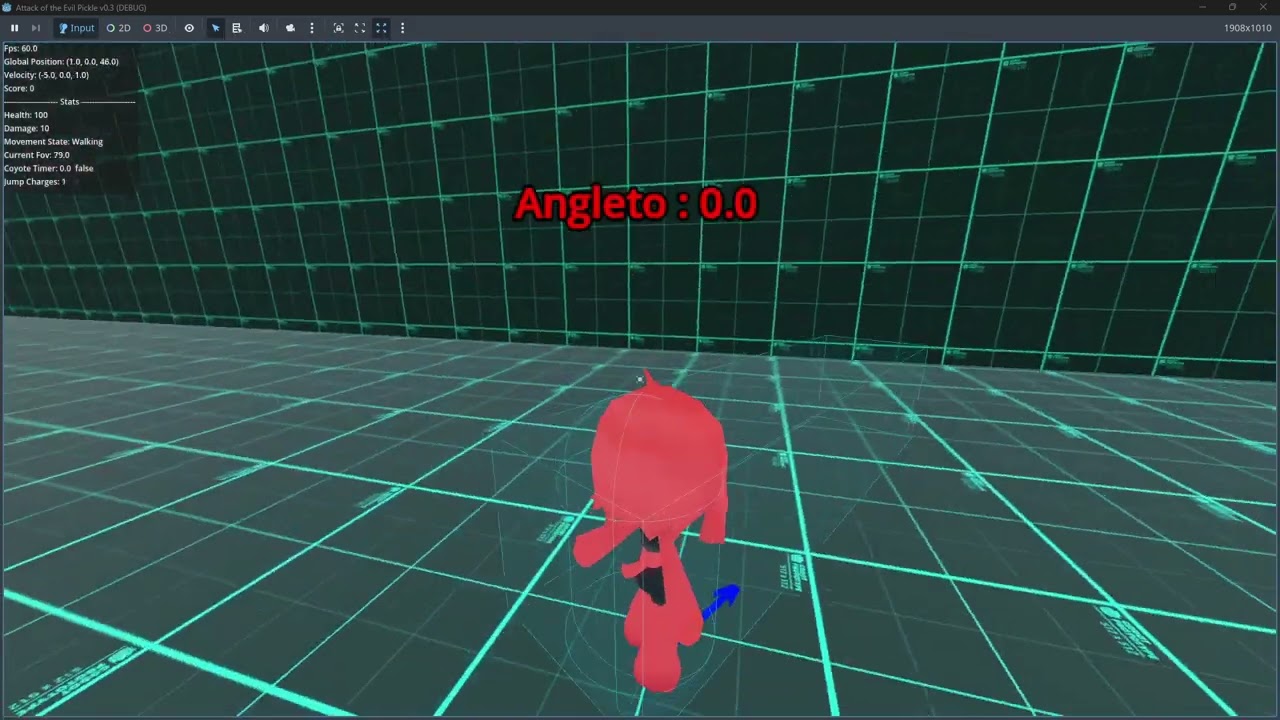
Heres a video example showing what my code does: