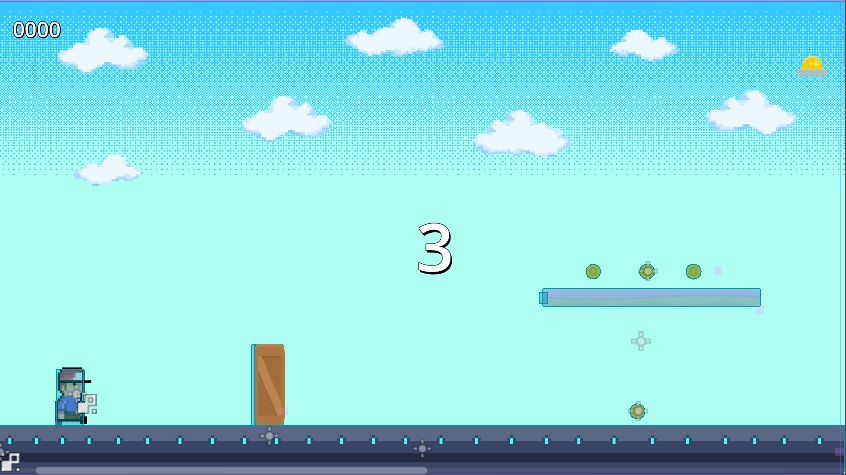
` Hello, I’m programming a small game, a runner. I use the same PNG for the initial ground as for the ground blocks that are generated. The problem arises with these generated blocks: the details of the PNG are erased or end up shifted to the right. In other words, it modifies the PNG. Why does this happen?
you can see the issue in the images, the floor must tu be the same. but the blue details are removed
hello, those blocks are rigidbody with a sprite in it, those blocks are spawned every,out of the screen, time a signnal is triggered. All the blocks have the same image attached to the sprite
It’s really hard for me to understand the actual problem.
Are you saying that the blue details on the ground texture get removed or moved after you start the game? are this blue details part of your ground texture or they are separated node attached as a child to them? It would be cool if you upload an image of your scene tree or provide the related script.
Maybe the problem is scaling. make sure to not scale any physics node such as Rigid body, Static body and Area, try change their collision shape size.
And why your blocks are Rigid body? are they suppose to move or have physic is some way? if not why not make them Static body.
Are all of those little blue things an individual Rigidbody? that’s not good. are they suppose to have any physic or any part in game play rather than a ground decoration? if not try this things:
if they are just decoration for ground so it don’t look simple, just try adding them to your actual ground texture png, like edit the image in Krita or Gimp or even Paint.
If that is not possible you can have them be a single Sprite2d, instead of a whole Rigidbody
You are right, but the engine tell you that you should not scale the RigidBody itself
“Size changes to RigidBody will be overridden by the physics engine when running”
So i think it is a bad idea. I am still not sure what is the OP issue tho.