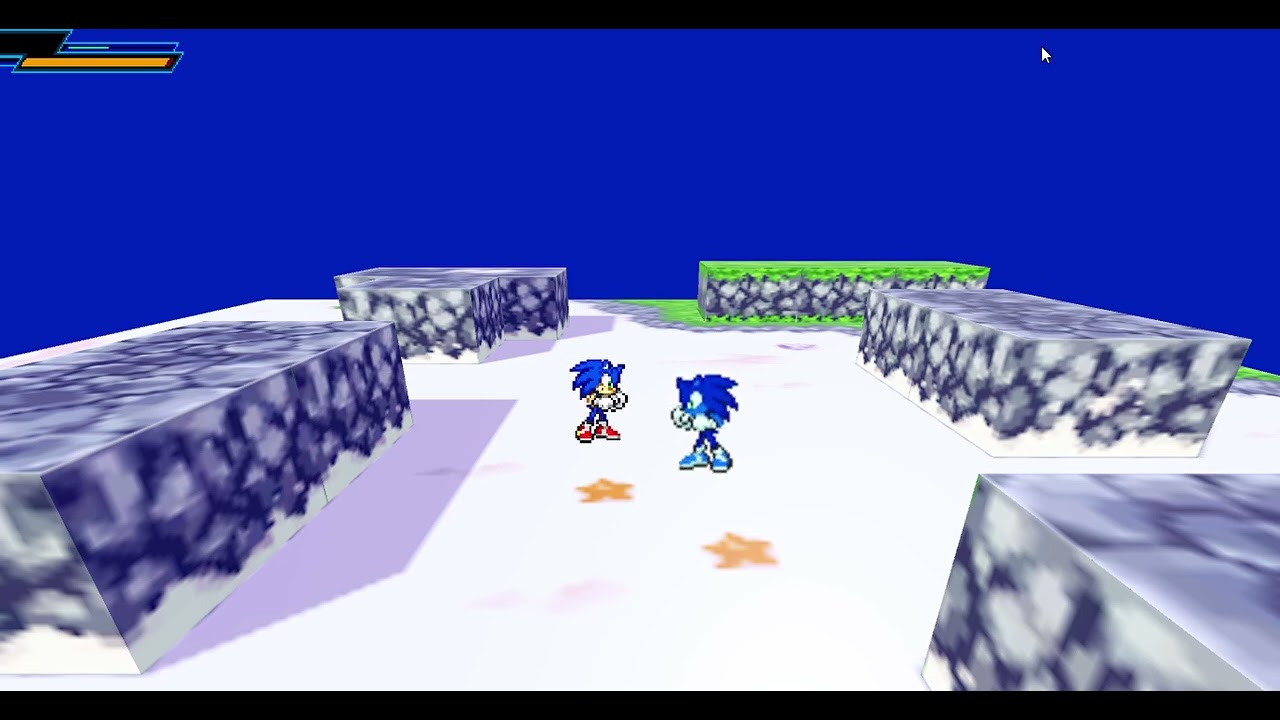
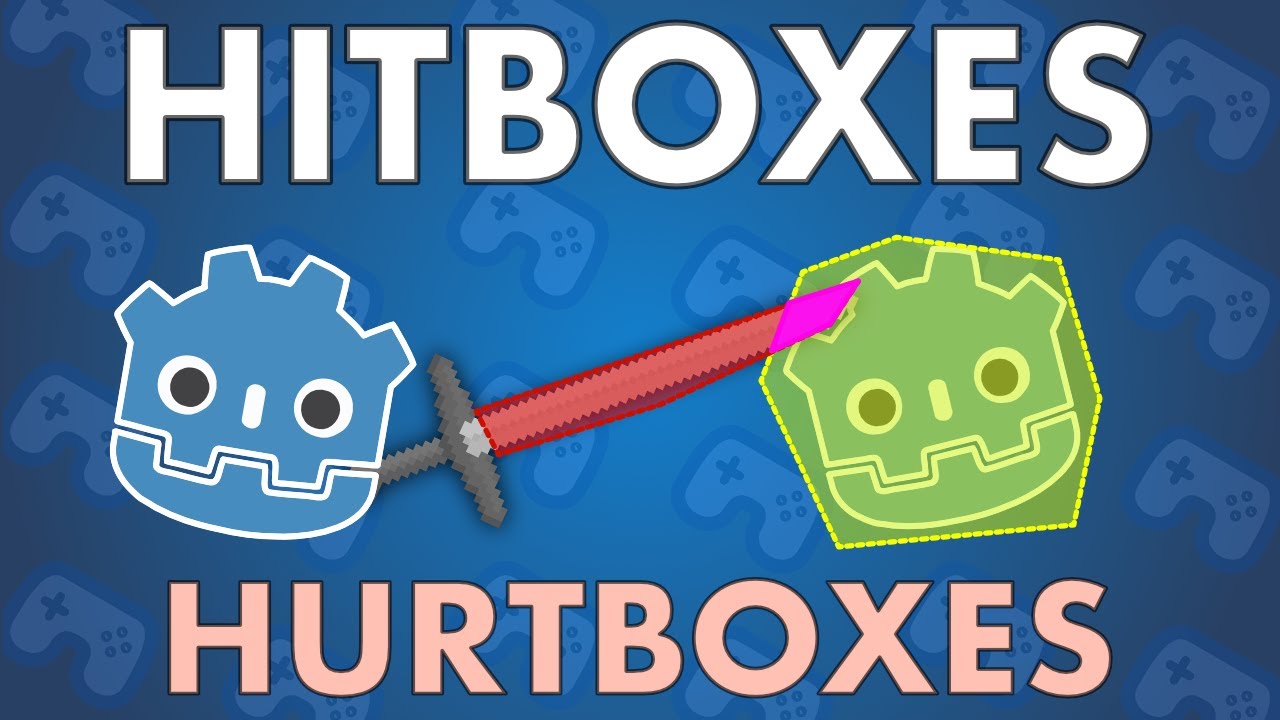
Hello, everyone I’m making Sonic Battle 2 in godot was wondering if anyone could provide guides on how to get a hitbox or hurtbox working? So far it’s looking pretty decent but I still need a lot more features to be added before I think of releasing some kind of playable demo for it, it’s gonna be open source I’ll even release a engine to go along with it later if it goes well hope someone here would be kind enough to help me out we also need a level select system for story mode to test it out and if you know about the og Sonic Battle this helps even more!
Did you try just googling for it? This is the first thing that comes up for the phrase “hitbox hurtbox godot”.
Don’t want to discourage you, but you might want to first check any applicable licenses that SEGA holds over Sonic that might get you in trouble for releasing a game with a licensed character.
Sega allows fan project, you’re thinking of Nintendo but thanks for the video it’s just I’m using Animated Sprite 3D, also this is a free passion project I’m not making profit off of it.
I’m thinking of copyright laws in general. If SEGA allows for fan games and yours qualify for that - great. Just wanted to make sure you’re aware of that.
You can’t really make a proper hitbox/hurtbox system with just AnimatedSprite3D, as it has no collision detection. You need to use one of the nodes inheriting CollisionObject3D, like Area3D, CharacterBody3D or RigidBody3D, unless you want to implement your own collision detection system (please don’t).