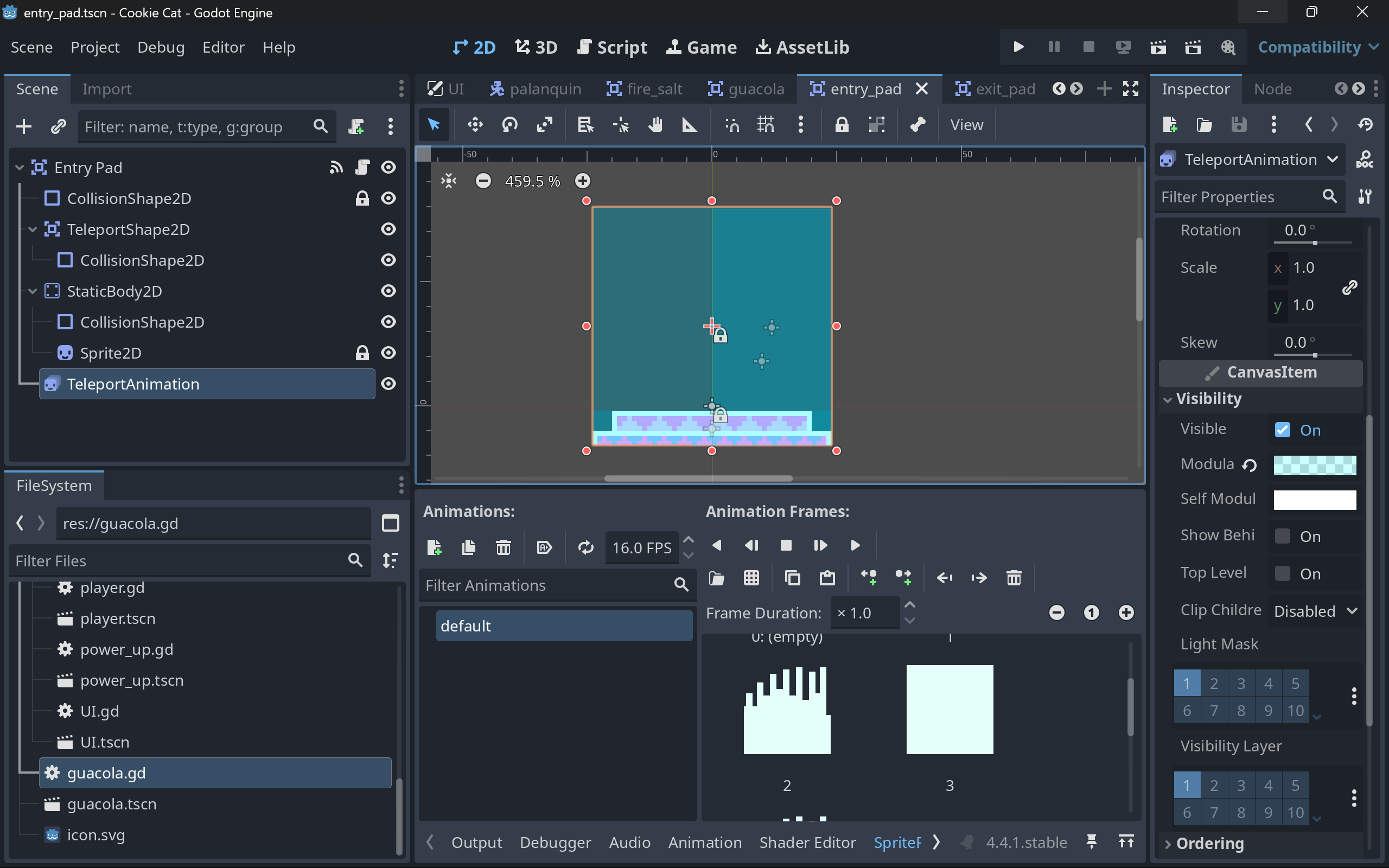
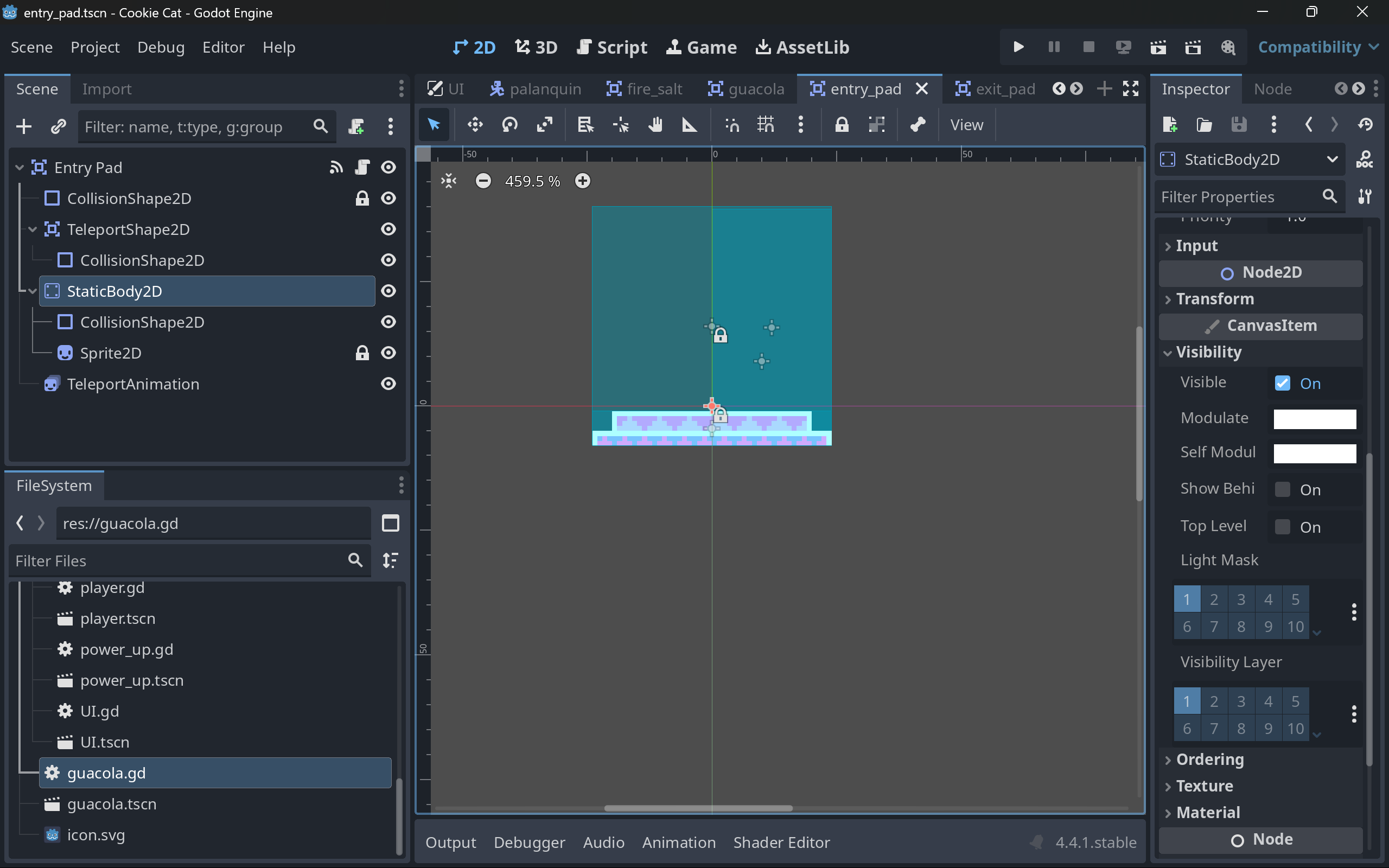
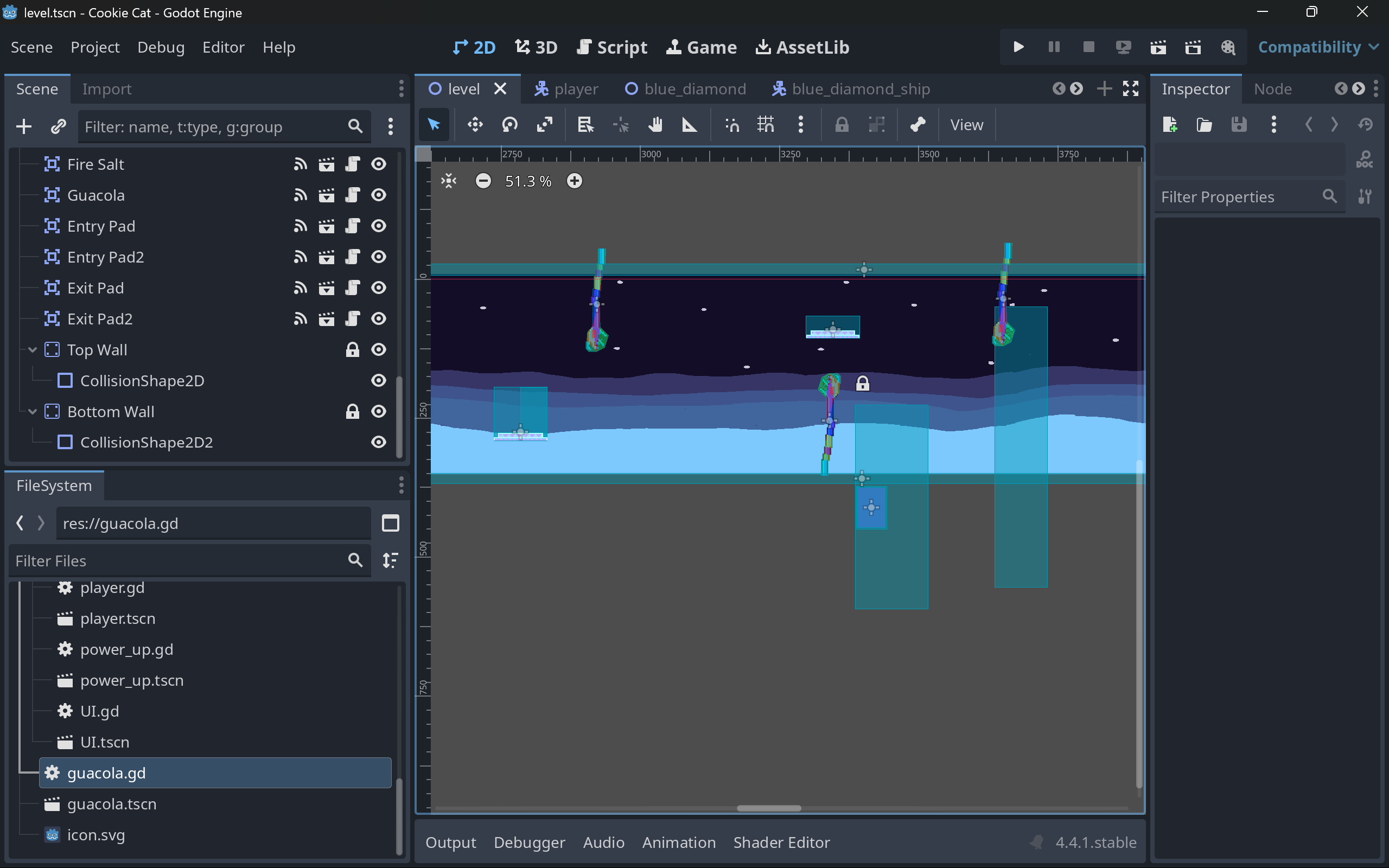
I’ve run into an issue when running my game. I have a Sprite2D for a warp pad that the player can use to teleport. The warp pad scene and the sprite itself are set to visible in the Inspector, and I have checked that they are also visible in my Level scene. I checked the transparency, and it is not transparent so it should be visible. I have an animation that runs when the player enters the warp pad and that is visible, too, it is just the sprite for the warp pad that is not showing. The sprite has the correct texture. I have checked my code to see if I set visibility to false anywhere in the code, and I did not find anything. Sprite light mask and visibility layer are both 1, the same as everything else in my project.
I was messing around with setting the player body visibility to false when the player entered the warp pad, so I thought might be where it went wrong, but again, I couldn’t find any evidence of that in my code. I used the print function to check I was changing the visibility for the correct body, and that checked out. I did try and manually set the visibility to true in the warp pad ready function, and that did not work. My best guess is still that I messed something up when changing the player visibility, but I can’t figure out how.
Any insights?
Here is the code for the warp pad scene. I tried to include all relevant screenshots, but let me know if you’d like to see anything else. Thank you!
Are you using the same (or a copied) material for setting the visibility of the player?
If they are the same resource, than changing one property also changes the other. You could just make the material unique to see if thats the case (they are different scenes, I assume)
Some other reason could be that the draw order is wrong for that object (CanvasItem/Ordering/Z-Index) and it’s behind the background
Next thing I’d try is running the game and checking out the sprite in the remote tree. You might be able to see what’s wrong when inspecting the sprite “live”.
I don’t think I fully grasp what a material is, are they used primarily for 3D games? I don’t think I am using materials at all, but the player sprite and the warp pad sprite are separate scenes and use separate image files as textures.
The draw order appears to be correct, and the other aspects of the warp scene are displaying in front of the background. None of the visual elements within the warp scene overlap, so they shouldn’t be hiding each other from within the scene, either.
I couldn’t see anything suspect in the remote tree. The warp pad appeared as expected and the eyeball symbol was indicating that it should be visible.
Just to clarify, the entry_pad scene is what I am referring to when I say warp pad.
I don’t think I fully grasp what a material is, are they used primarily for 3D games? I don’t think I am using materials at all, but the player sprite and the warp pad sprite are separate scenes and use separate image files as textures.
Materials are basically things you put on visual objects, and they usually do something with how the object is displayed. There are applications for materials in 2D too (e.g. for shaders).
I know it does not make much sense because you already said you could change player visibility if the player enters the warp pad. But if the collision layers/mask for the entry pads & static body were not setup correctly, it would move the static body along with the sprite child to a different position, because it directly recognizes it as the thing you want to move… Just a thought.
(Bonus points if it’s moved to the exit pad and it’s being displayed there)
That wasn’t the exact problem, but it was the collision layers/mask that were set up incorrectly (it’s always the collision layers!). I messed around with them trying to address another issue and just created another problem, haha.
Thanks for your help! My lesson is to ALWAYS check the collision layers.