Godot Version
4.6
Question
Hi everyone !
Goal: Add an outward outline to my panel_container.
Current situation: The StyleBoxFlatof the panel_containerhas border_width_* properties, but the borders grow inward, shrinking the panel’s content.


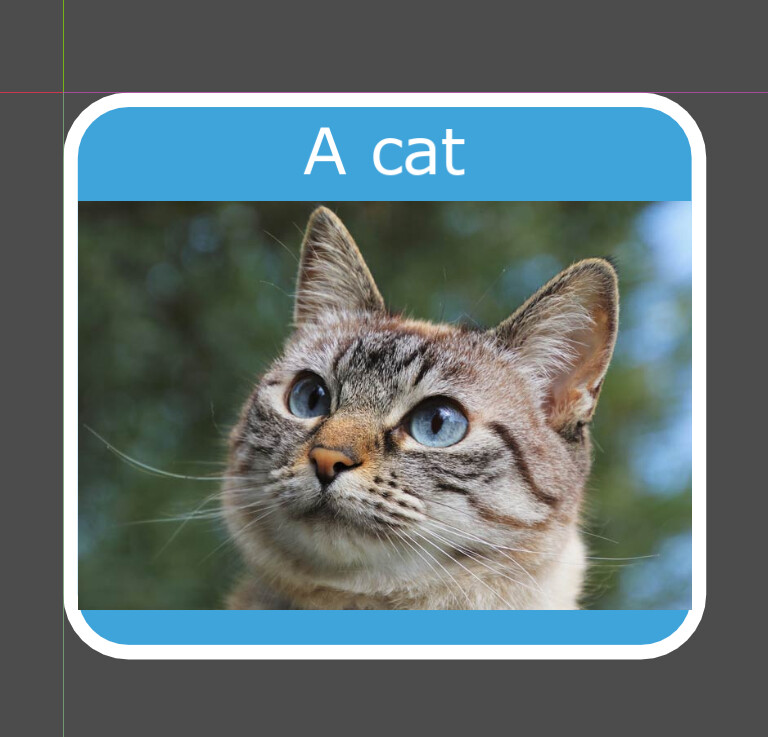
Workaround: Add another Panel as the parent of the first Panel and use the expand_margin_* properties of the StyleBoxFlat.


Issue: Since I have already created inherited controls from my panel_container (which is actualy a custom window but I simplified for the example) with border_width_* properties, I now need to update all of them to rearrange the layout.
Proposed solution: Add a toggle to determine whether StyleBoxFlat should draw borders inward or outward.
If cleaner workarounds exist, I would be interested in learning about them! 
Thanks by advance