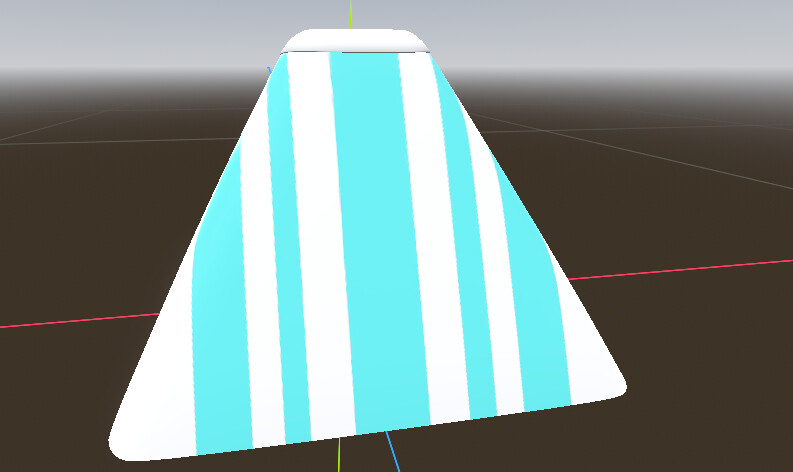
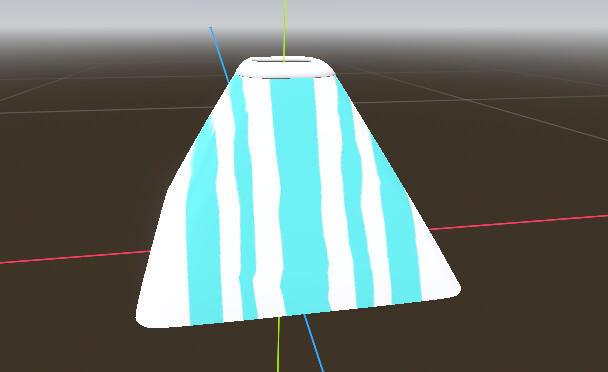
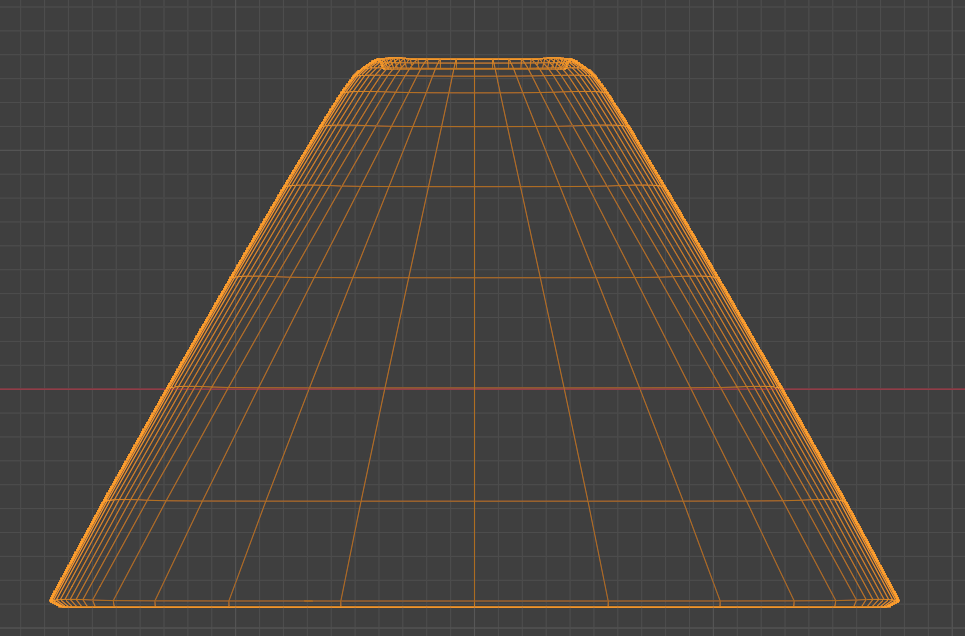
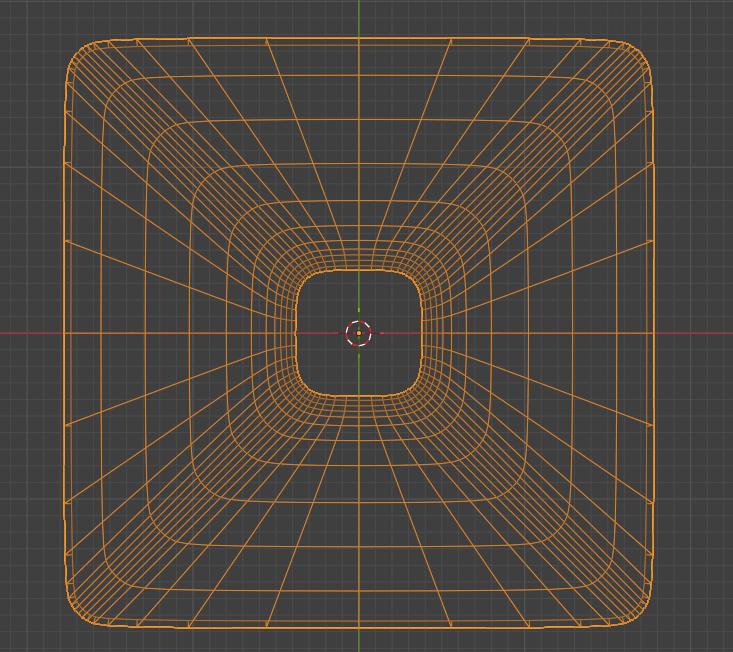
A couple textures on 3D models become distorted/squiggly when the camera is at moderate distance, but it looks fine in Blender and when up-close in Godot. All of my models have their own UV maps, and each texture is exported specifically for those individual maps. Here’s one texture:
Is there any way to fix this? I tried increasing the bitmaps, enabling anisotropy, and changing the texture filter, but none of that has worked—though I could of course be applying it incorrectly.
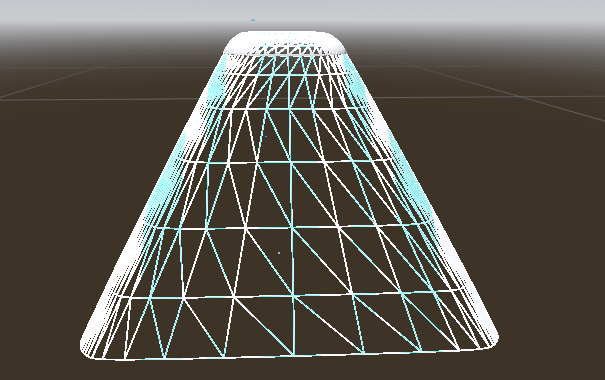
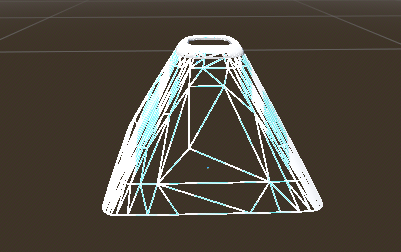
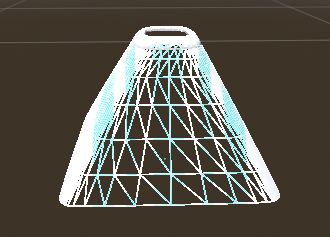
How does the wireframe look in Godot? In the 3D view select the “Perspective” button and try out “Display Wireframe”
If it’s wobbly, you could reduce this node’s lod bias, or import the mesh without a generated LOD. If your mesh is scaled it can mess with the LOD activation, it’s usually very forgiving. Maybe applying transforms in blender could help while retaining LOD functionality.
The LOD kicks in really early. Do you have scaled the object? That could mess with the AutoLOD. It’s better to apply the scale in Blander than to tune the bias.
Yes, I just tried applying scale in Blender and re-importing into Godot, but the outcome was the same, so I think my object is scaled properly. And I’m currently not changing the size of the object in Godot, but I don’t know if that would affect the texture later on if I decided to.
I’m also kind of new to 3D modeling, so I don’t know much about LOD and if there’s a feature in Blender or Godot to help with this.