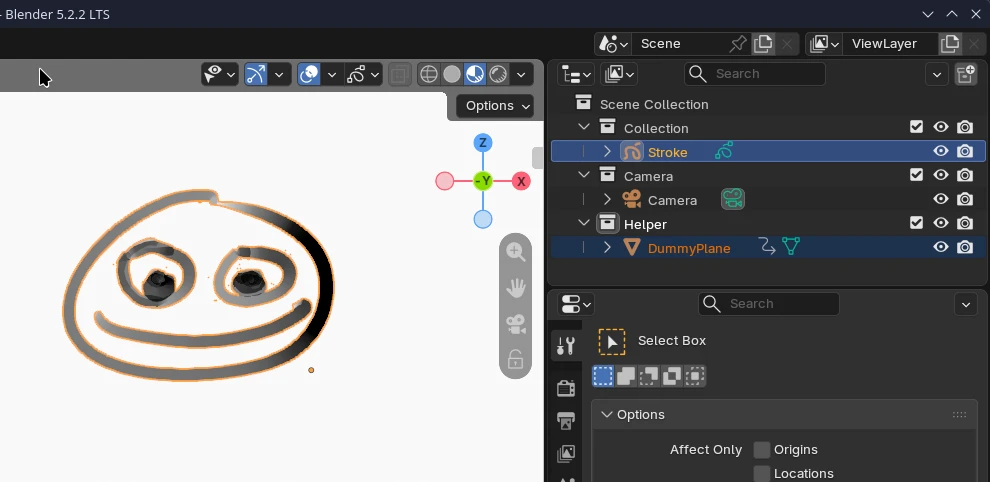
Just to have a distinct topic for my experiment / prove of concept (PoC) to transfer Grease Pencil data from Blender to Godot via glTF.
The PoC is inspired by the 2D vector project by @renevanderark
So I’m not spamming the other thread. If you are interested to transfer Grease Pencil as 2D shapes (baked as (animated) SVGs), please support the project by @renevanderark.
Here I’m exploring the possibilities to transfer Grease Pencil data as 3D data via an extension for glTF. It’s based on the blender-to-godot-curve-tool by coded-eye on the Godot asset store:
the Blender exporter itself is based on this project:
It’s a very simple basic export for curves, which is not part of the glTF specification.
In the end Grease Pencil strokes are just curves in Blender.
The new line renderer used for the upcoming Trail3D in Godot 4.8 seems to be a perfect fit for this.
Will see how far I will come. I’m avoiding any use of AI or LLMs.
Got the basic curve export from Blender to Godot working, the script’s for Blender and Godot are rel. short, but little bit over my head, have to read more …
I would welcome any suggestions or ideas for this topic.
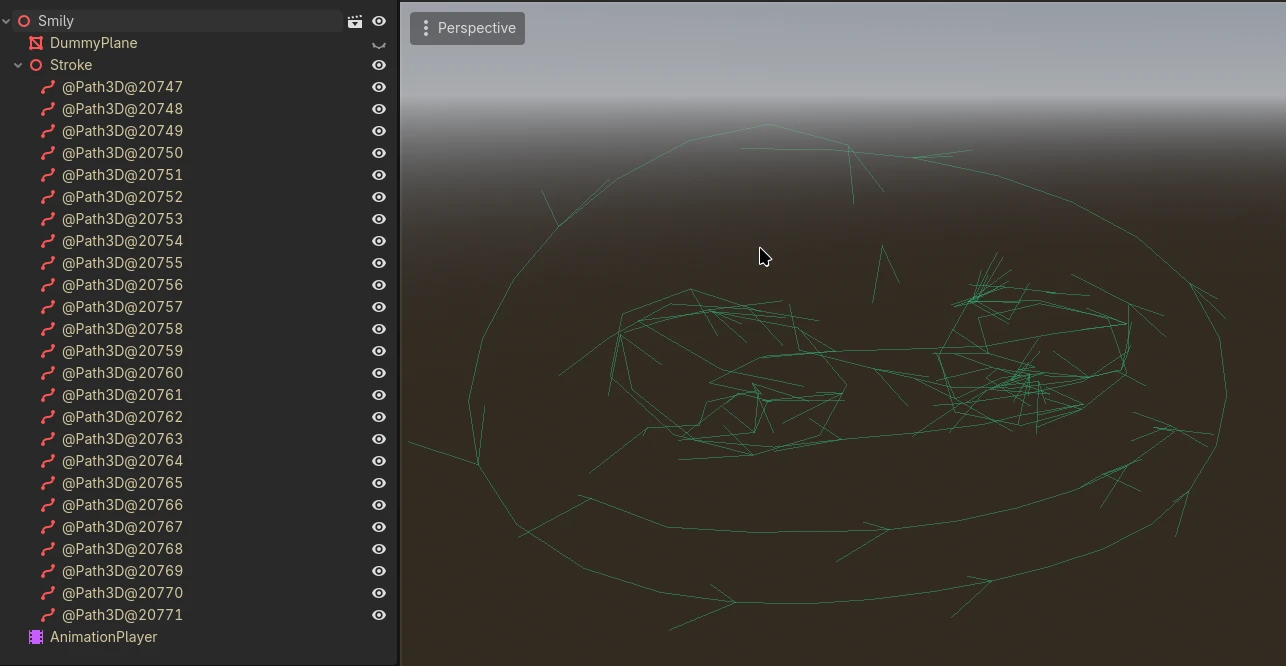
Ok, first PoC confirmed.
I can now export Grease Pencil strokes as curves to Godot. Only the curves for now, without additional data. It shows that the concept should be possible.
A little bit annoying to juggle three projects with three git. I haven’t decided yet, how I would release this. I have cloned the curve tool and the gltf_curve_exporter. Coded eye has made some changes to the original gltf_curve_exporter for the curve tool. I have patched the original gltf exporter with the changes.
Now I don’t know if I should fork their projects, or just add the gltf_curve_exporter same as the curve tool does. Or offer patches for their projects.
As both are MIT licenses I should release it as MIT, too. Or start a new project with the demos for the Godot project and just add the exporter and importer extensions. And add it as an additional asset to the asset store.
But this is something for the future.
For now I have only changed the Blender exporter, the curves are imported by the curve tool same as the curves. Would have to change this, too, for more features.
The biggest roadblock is that the line3D in Godot 4.8 will not be accessible other than with the Trail3D. Don’t know when the line3D node will be available, maybe with the 4.9?
I’m not sure if it is feasible to generate my own mesh geometry for the short term. Don’t think so.
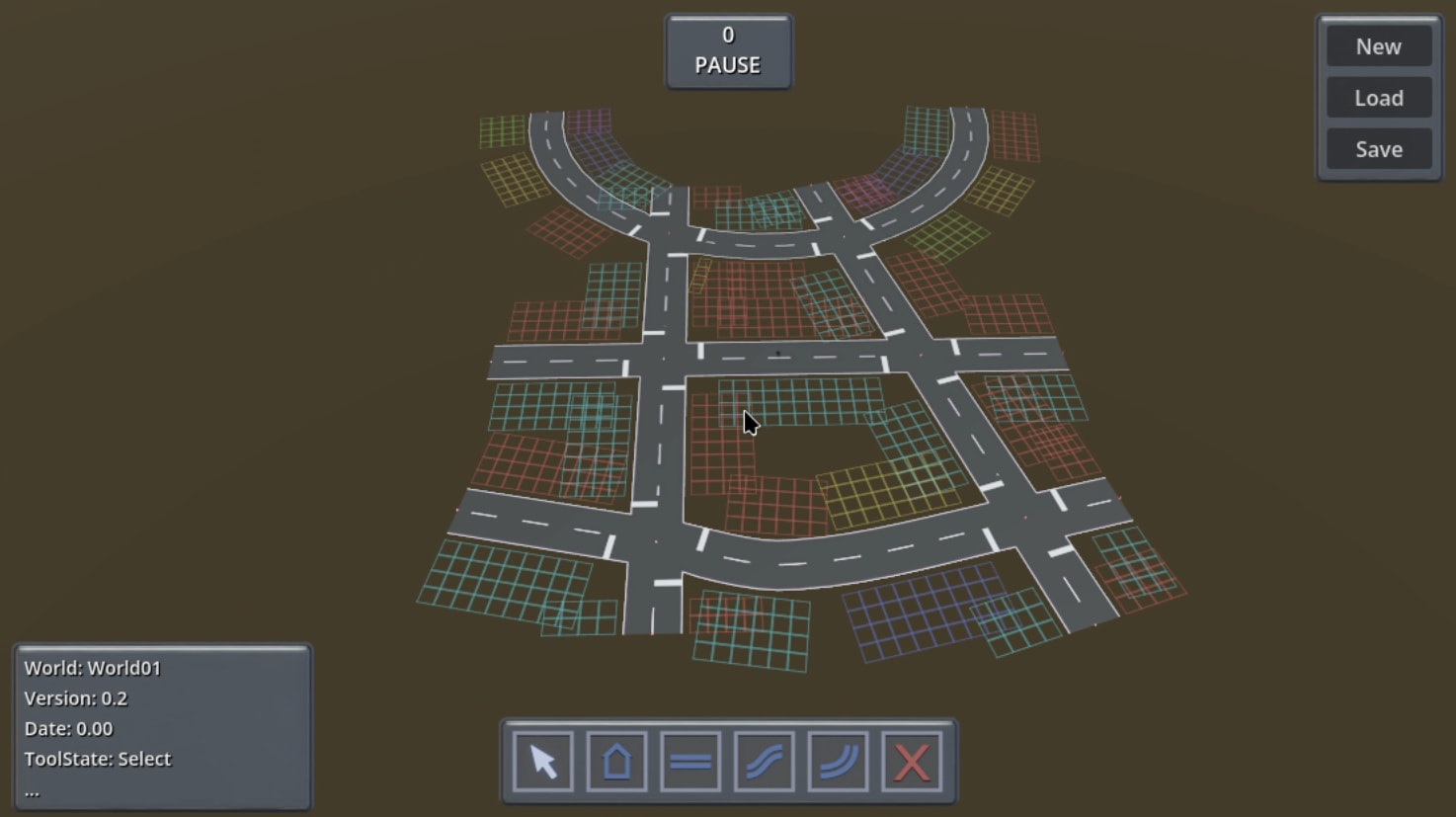
I would base it on an abandoned project of mine. Some kind of city builder.
For that I have build a street meshing system. The crossings were a pain, especially the UVs.
But I would love to use the new Line3D. Maybe after the 4.8 it’s one of the earlier patches for the 4.9, would use this. Would like to contact the developer of the Godot Line3D.
Assuming the z-axis plane could be discarded, can’t you make a script to convert to a Curve2D, call tessellate on that to generate a line, then call Geometry2D.offset_polyline to generate an outline for a mesh from that (which will already be usable for a csgpolygon3d I believe), otherwise call triangulate on it… ?
(This is not my forté as you may have noticed - I always try to scout for the simplest available solution first; that extra plane just complicates things )
 )
