I had finished my project in Godot for Android, but when I exported it, the game didn’t work as it should. Some labels wouldn’t load and the buttons weren’t working. The only things that worked were the animations, sounds, and the transition to another scene. I made sure the SDK was compatible with my device (my Android is 10, the project’s SDK was 24-35).I put in both advanced and less advanced architecture.I made sure there were absolutely no errors or warnings in the engine.I made sure that all files were being exported and that the permissions were being requested correctly.
To test this, I noticed that the buttons still had their names in the viewfinder, even though the script loads them automatically. I removed all the names. When I exported again, absolutely no text appeared.
The strangest thing is that the project is running correctly in the editor.
This means the get_global_transform is being called for a node that is not added to the tree of nodes and thus has no global position. It returns an empty transform instead of an actual one. I don’t know if this is necessarily related to the problems you are seeing but it’s a lead.
Well, how could I fix this? If this error was shown 15 times, does that mean there are 15 nodes with some hidden problem? How could I tell which node is faulty?
It might be one place called fifteen times. If the log gives no further clues you just have to look through all the places in the scripts where the get_global_transform or global_transform is used. Make sure the nodes it is applied to would be in the tree at the time. Or add print() here and there to have the code report what it does to the log.
The stuff inside the engine should be entirely platform independent, that’s the idea. I’d guess the export is ok if it runs and there is no errors in the log.
Best bet is to follow the actual flaws. Put the print()s around where you said your buttons isn’t working, see what part of the code is doing not what you expect. Are they not pressed at all or is the code they shoud run fails at some point, stuff like that. Also, maybe you can run on android straight from the editor, although I had problems with that last I tried.
Ah you are editing on android. Not sure how to see the log from the game in that case, but chances are there are some error messages there you aren’t seeing.
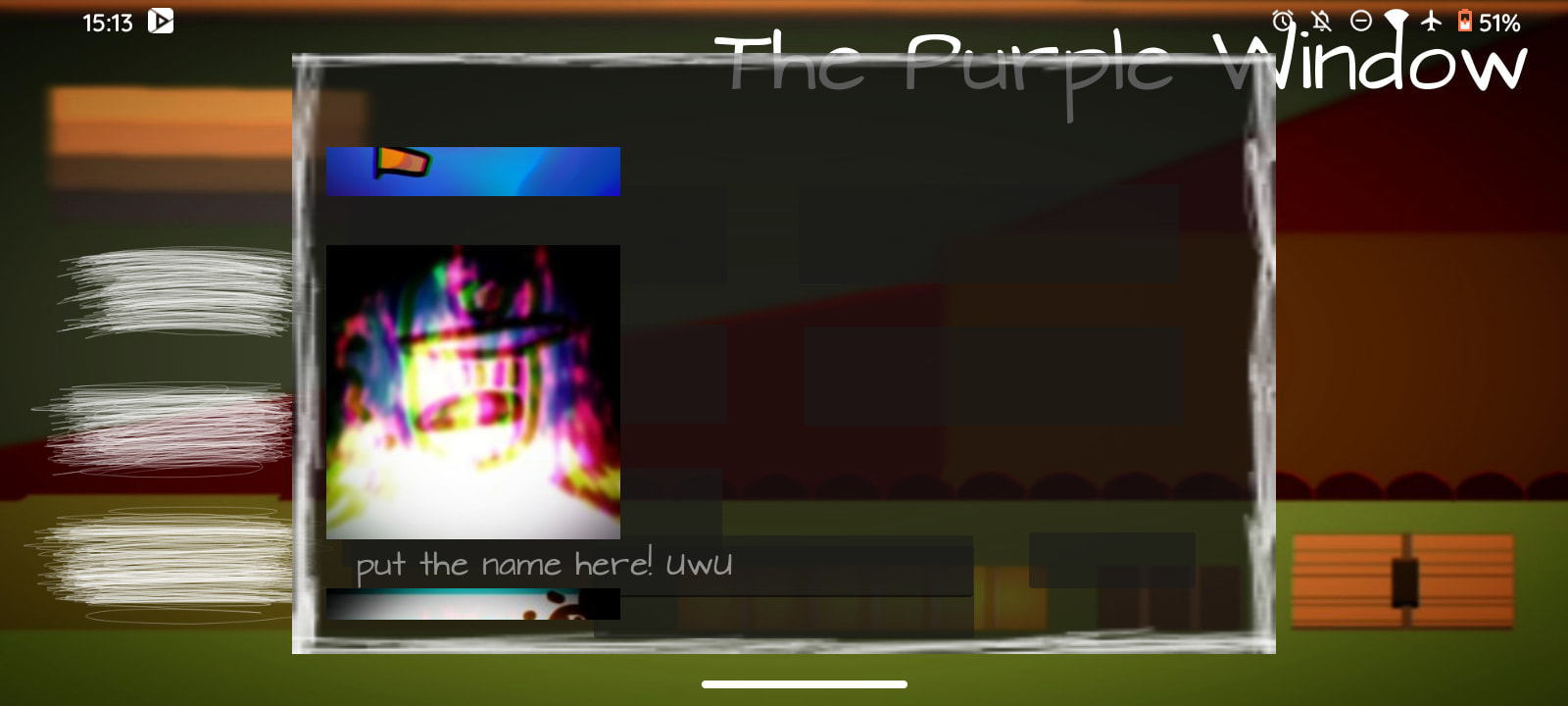
The only thing wrong in the video is the texts are invisible. This might just be a missing or damaged font. Open the exported apk and check if the font is actually there. Or you could switch to defaut font and see if that changes anything.
Yeah, it seems the problem is something related to the texts. And the font is in the APK. Also, I already tried to use the regular font, but there was the same trouble…
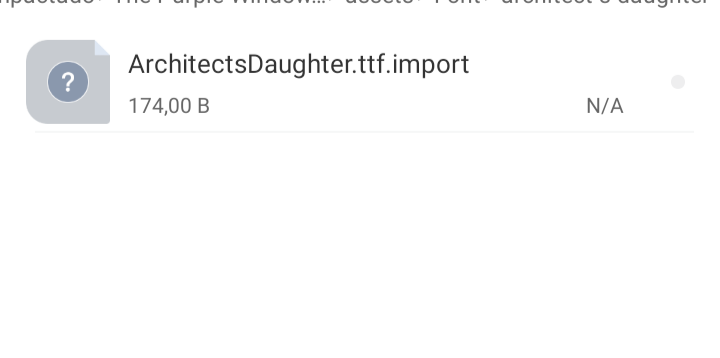
This one is not the font file. The .import file is where Godot keeps its settings related to the resource. There also should be the ArchitectsDaughter.ttf itself somewhere. The one from Gogle Fonts weights around 37kb .
Apparently the problem isn’t with loading the font into the project, since the only text that appears uses the font, such as the bugged placeholder and the title.
It seems the problem arises when the text is inserted via code.