Godot 4.5
Question
(I apologize if there are any discrepancies between this post and the usual post format, this is my first question, feel free to correct me. )
I Was following a tutorial from Gamedev.tv (he says the tutorial is in 2.3, but would not effect anything seriously) and everything was going great until section 2.4: If statements and reading inputs. The tutor then put in the code:
func _process(delta):
    if Input.is_action_pressed("ui_right"):
        print("You're pressing right)
When I type the code its doesn’t work, the only difference between me and his code is that my delta needed to be underscored, my code here:
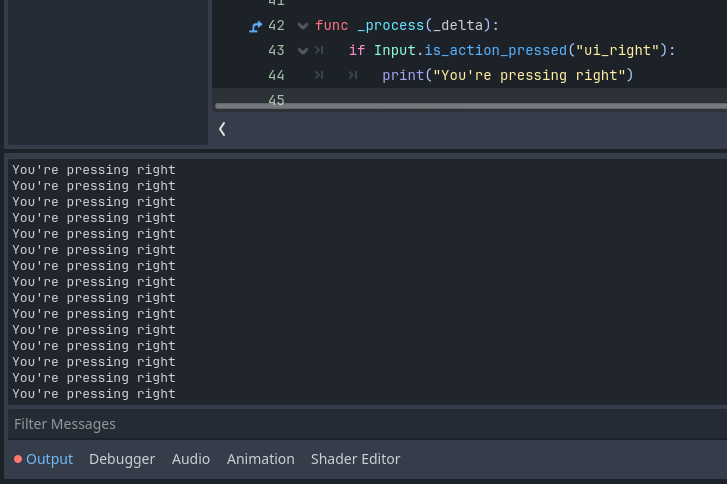
func _process(_delta):
	if Input.is_action_pressed("ui_right"):
		print("You're pressing right")
there is no indent before this function, I have ensured that ui_right is assigned to both the d key and the right arrow, I tried altering it to say “you’re pressing enter” with ui_enter being in the if function instead, I thought it may have been an issue with the game not being full screen but changing the game being embedded or full screened yielded no results.
Thank you for reading, suggested actions?