Godot Version
4.5.1
Question
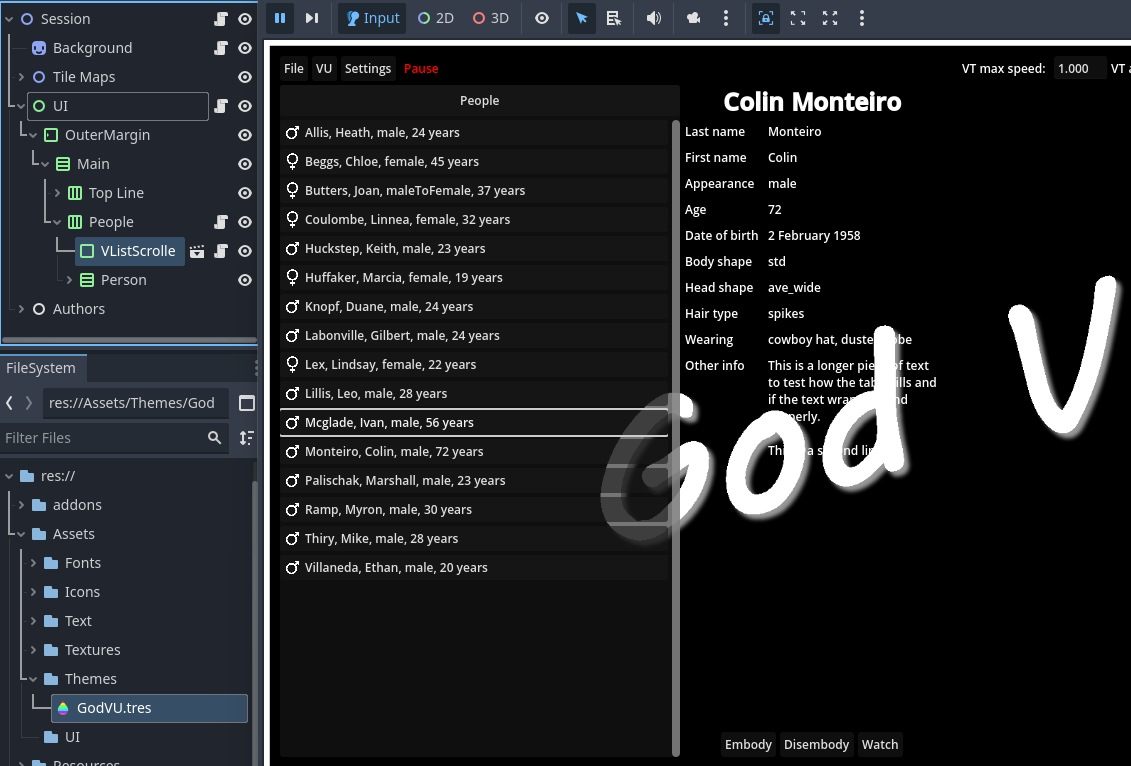
I am trying to create a UI in front of a 2D background. I have ordered the nodes so that the background is behind (higher up the scene tree) the UI. All the z indices are zero. Part of my scene renders in front of the background and part behind. The part that renders in front is an addon UI scene.
How do I get the all the UI to render over the background?
I suggest making the Background a TextureRect instead, so it can properly interact with other UI elements. And then you can move it around and have it properly render either in front of, or behind other UI elements.
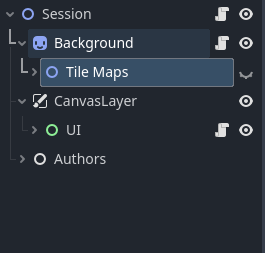
Make UI node a CanvasLayer. That will make it as a seperate canvas from your main one, so you can make it render above your game scene
Thanks for the suggestion of adding a TextureRect. I want to include my 2D game sprites in front of the back ground and behind the layer, so I need a way to manage the 2D elements behind the UI.
Thanks for the suggestion.
I tried adding a canvas layer (with ordering 1) and it has no effect.
I don’t understand why half of the UI is in front and half behind as they are all parent to the same control node.
You need to check z_index and z_as_relative for each node to make sure it makes sense for what you want. That will tell you the draw order (or visibility order). A node with a higher Z index will display in front of others regardless of where they are in the scene tree.
If they have the same z_index, then the node that is a sibling and listed lower in the tree will be drawn on top of a node listed higher.
For CanvasLayer solution, check the z_order of the CanvasLayer node, and make it higher than the other nodes you want it to be on top of
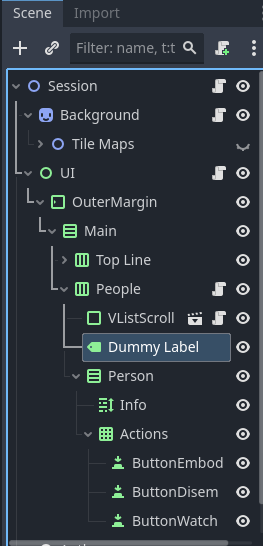
I solved the problem by inserting an empty label between the node that was displaying correctly (“VListScroll”) and the one not displaying correctly (“Person”), see below.
All the nodes in my tree have Z index 0, so the display is based only on tree order.
If anyone can explain why my fix works, I’d appreciate it!