Using a normal map "skews" my lighting

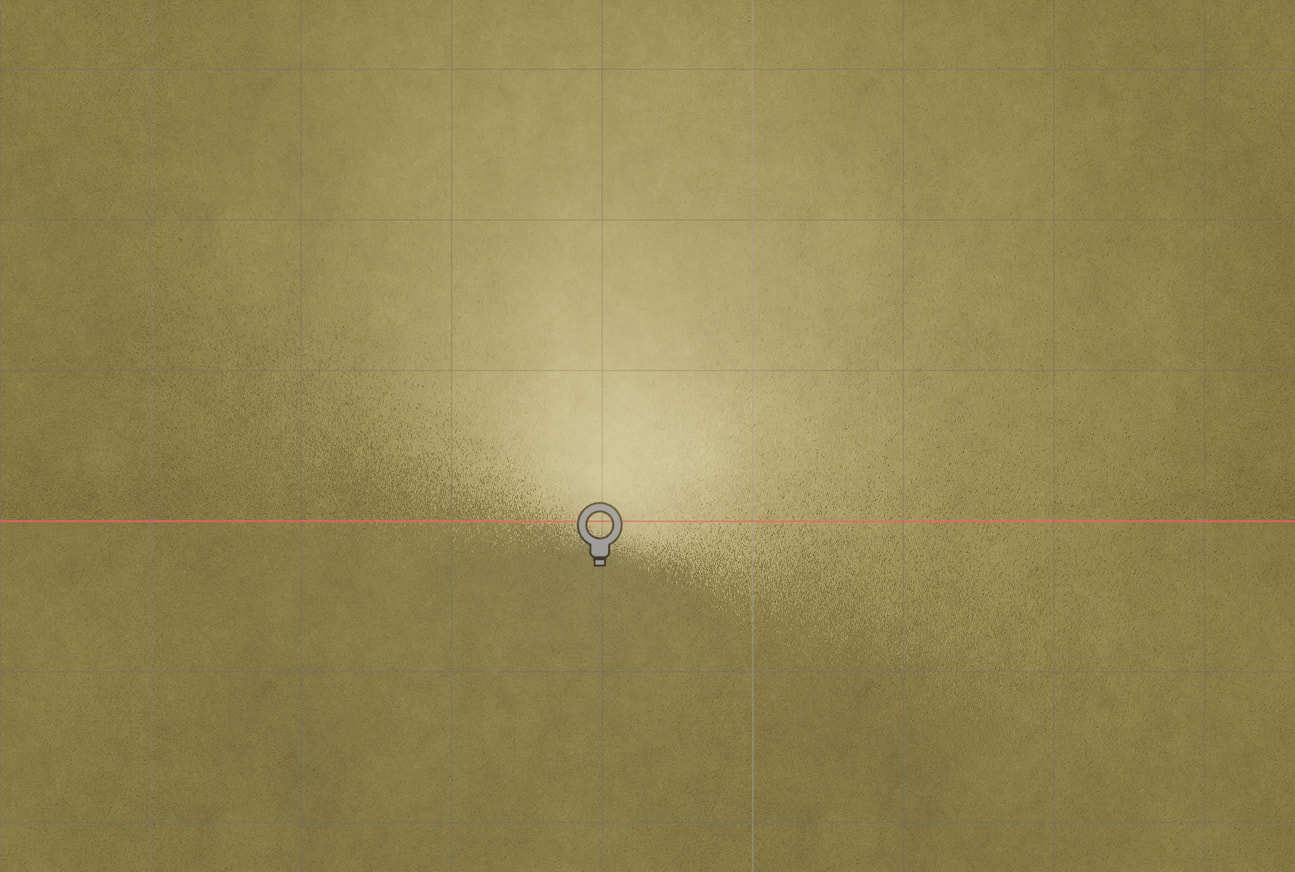
I have this normal map that I made in Blender, and from what I can tell it works perfectly fine in Godot expect for the fact it kinda skews how far lights can reach across the surface of anything using this normal map. Anybody have any idea why that could be?
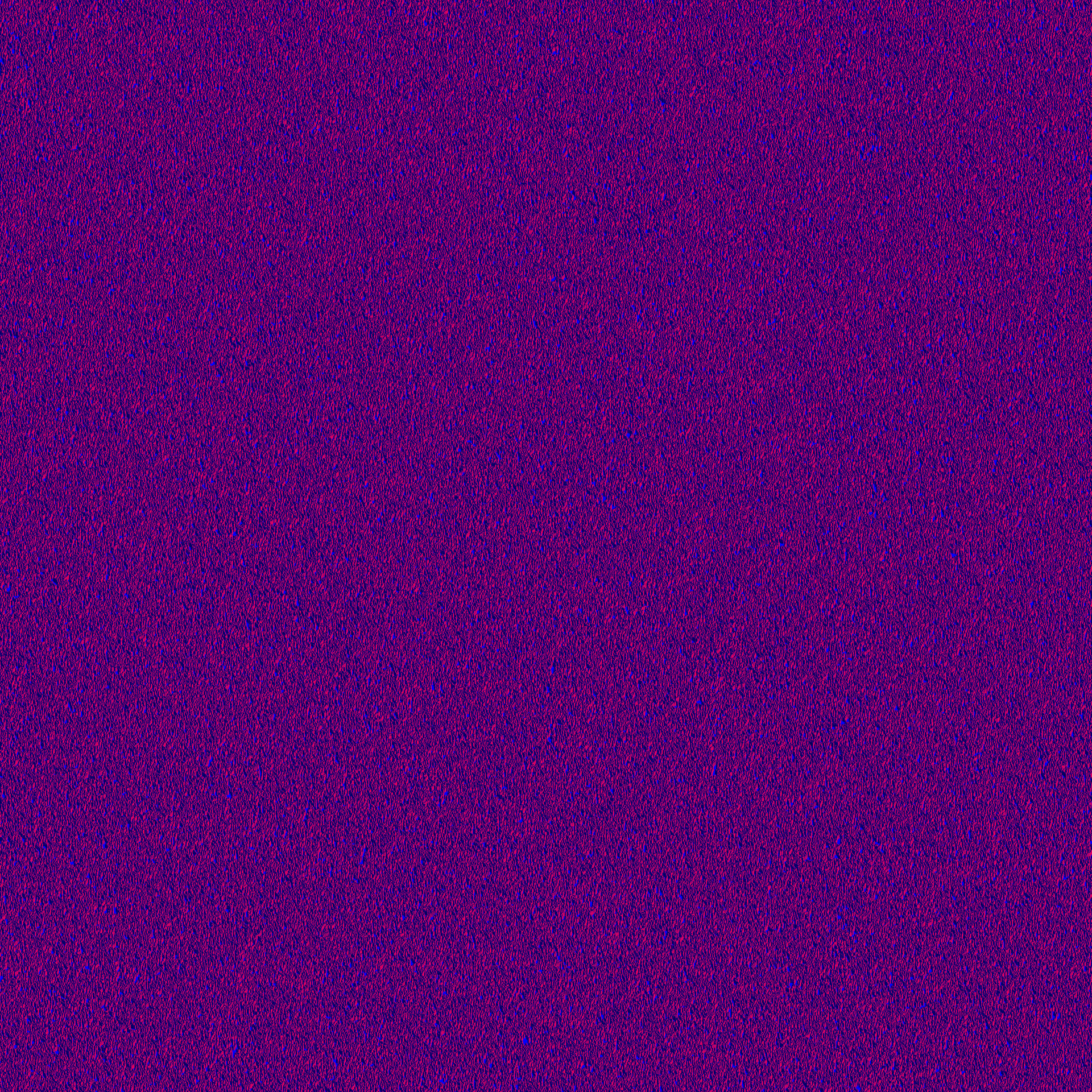

Also the material is supposed to be a carpet and the strands are going exactly ↑ this way, no tilt in either direction at all.

Just using a standard material as well

That is what the normal map does, it fakes having more surface geometry so that the lighting pass can vary per pixel over a triangle rather than each triangle being flat.

Pretty much the basis of per pixel lighting, which we now take for granted with contemporary GPUs.

The normal map encodes a relative “up” vector, so instead of using the current triangle’s normal for lighting, it uses each pixel’s (fragment) normal, which stores x, y, z in r, g, b. That is why a lot of normal maps used for this purposes have that blueish violet magenta tint.

Hope that helps,

Cheers !

That’s a strange looking normal map. How did you produce it?

I put a orthographic camera facing a hair particle simulation and then rendered out the diffuse and normal maps from that camera, that’s all.


Thanks for the reply, I do know all this, I’m just confused why the lighting is uneven in one direction when the normal map is seemingly symmetrical.

The normal map is a set of vectors encoded as RGB values

(x, y, z)-> (r, g, b)

And the normal vector is the z vector, so for most normals in the map to be facing up it should look blue.

Your normal map looks purple, so i guess blue mixed with red, and therefore the positive x axis has a component that is showing up throughout the map, thats why the lighting is anisotropic.

i have noticed that normal maps sometimes turn green in godot, i dont know why, or whether the engine is switching the y and z values to work with “y is up” coordinates … but it appears to be automatic anyway.

What was the particle geometry?
How is the same normal map behaving in Blender?

The particle geometry is basically just pointed cylinders and I think the normal map works fine in blender? I dunno for some reason i have a really bad eye when it comes to normal maps, some times i cant even tell if they are inverted incorrectly.

Thanks for the info, i’ll see if I can use that info to fix the issue, for the normal maps turning green thing, its because when u import normal maps (auto detect) godot does some weird compression stuff, you can read more about it here: Importing images — Godot Engine (stable) documentation in English

Yeah i just read that … the normal map can ignore the blue channel .

It would make sense that they dont need B if they have the other two because (R^2+G^2+B^2)= 1.0

So yeah shaders that say if n.b <0.5 are broken … lol … i made this mistake in a terrain shader.

A lot of shaders use an extra function ‘unpack_normal(vec3 normal)’ i just used that all this time without realizing why :slight_smile:

Can you render it in Blender with the similar lighting situation you have in Godot and compare?


Ya’ll it’s happening to more materials, the lights in the image above just have a regular Omi-lights. And this time I used a regular method to make normal maps, there’s no sun or anything like that either.


To me it seems to be a world space thing because this image is after i tried rotating the entire world and but still facing the same direction in world space (same direction)

Lambert wrap shading seems to not have the same issue, obviously i want to keep using Burley so this isn’t really helpful though, and yeah in blender it works perfectly fine :face_with_crossed_out_eyes:
![image|547x500](upload://hbpd5fla7EY0CtKaKyPGvLrNR

Ok so for the ceiling texture I was talking about above, turns out the issue was that the light was just too close to the surface that had the material, which is kinda inconvenient because I want the light to be super close but oh well.