Godot Version
4.5
Question
Sometimes in my game, I want the player to be able to go through certain obstacles/areas that can reduce/increase their speed.
I made a simple Area3D that does just that, it sets the player’s speed or sprint speed multiplier if change_sprint_mult is enabled to something else while the player’s in the Area and resets it when they’re outside.
Having only one of these areas, and it acts correctly. Applies the slowdown/speedup as it should.
This is the Scene of this area:
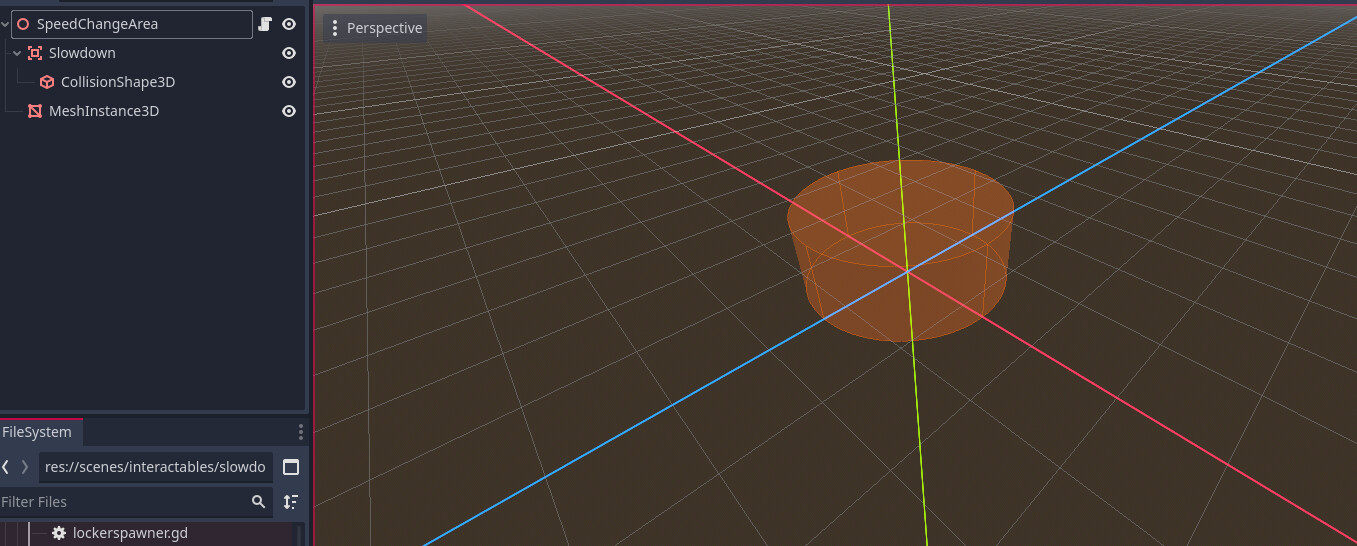
Issue is when multiple of this scene is inserted into my main scene. It’ll now begin to “overshadow“ with the other ones, namely the one lower on the tree is the one seems to have priority.
Here’s how it’s laid out, both do the same thing:
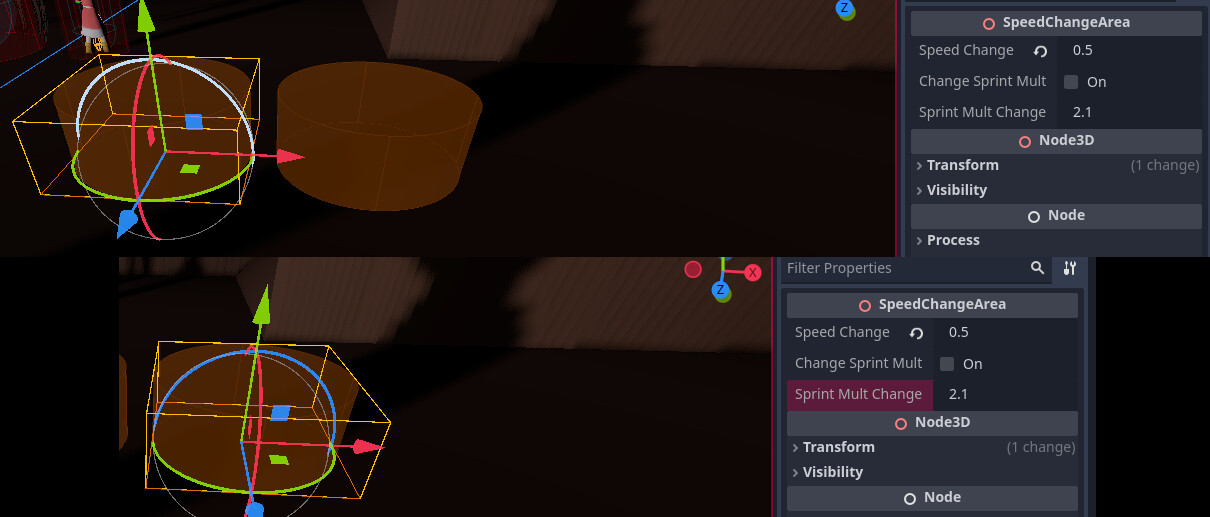
However, when in-game, this happens:
What I wanted to happen is for both of the Areas to apply the slowdown, not just one.
The code associated with these areas is as follows:
class_name SpeedChangeArea extends Node3D

@onready var slowdown: Area3D = $Slowdown
@onready var player: Player = get_tree().current_scene.get_node_or_null("Player")
@export var speed_change: float = 1.3
@export var change_sprint_mult: bool = false
@export var sprint_mult_change: = 2.1

func _process(_delta: float) -> void:
  if player != null:
    if slowdown.overlaps_body(player):
      PlayerStats.set_player_speed(speed_change)
      if change_sprint_mult == true:
        PlayerStats.set_sprint_mult(sprint_mult_change)
    else:
      PlayerStats.reset_player_speed()
      if change_sprint_mult == true:
        PlayerStats.reset_sprint_mult()
I want these areas to act independently, but it seems as though the script is disagreeing as to which area is the one it’s supposed to work with. I’ve thought about it some time here and there, but I just can’t quite find a way to separate them so that they work independently. Any help would be appreciated!