Godot Version
4.4.1-stable
Question
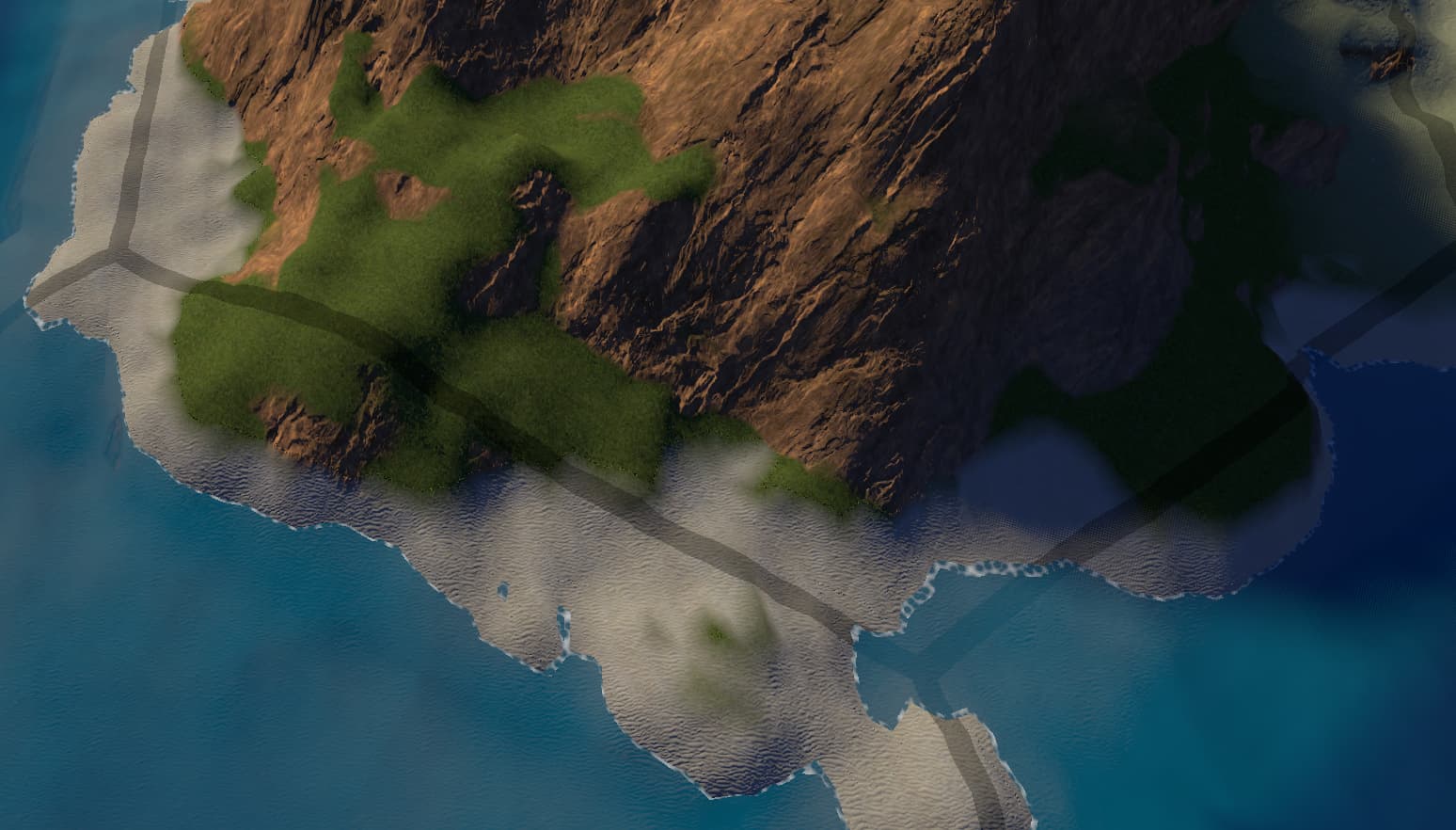
I have a visual artifact I’m trying to understand when 2 textures get blended.
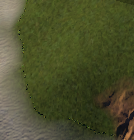
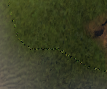
There exists a line of janky pixels when I blend 2 textures.
Picture:
The blending is done in a shader, like so:
        // Above this is code for elevation beyond vegetation, snow elevation etc
        } else if (vertex_y > max_beach_height) {
            // Vegetation with a band blending vegetation->underlying_soil
			float factor = clamp((combined_max_vegetation_height-fine_noisy_y) / grass_blend_range, 0.0, 1.0);
			vec3 vegetation_if_allowed = vegetation_terrain(i, normal, uv);
			vec3 underlying_soil = soil_from_index(i, uv);
			albd = mix(underlying_soil , vegetation_if_allowed, factor);
		} else if (vertex_y > max_sea_height) {
            // Beach with a band blending beach->vegetation
			float factor = clamp((max_beach_height-vertex_y) / beach_blend_range, 0.0, 1.0);
			vec3 vegetation_if_allowed = vegetation_terrain(i, normal, uv);
			vec3 sand = beach_terrain(i, normal, uv);
            albd = mix(vegetation_if_allowed, sand, factor);
The logic being to figure out what elevation the vertex is at and apply the correct texture this way.
In the snippet there’s 2 cases:
- Deal with vegetation textures up to a certain height, then create a blending band between vegetation and soil.
- Deal with beach texture up to a certain height, then a blending band between beach and vegetation
The same logic/code powers both of those blending bands (with the only difference being the size - I’ve tried setting it the same but it doesn’t change anything. Which makes sense since these bands don’t ever overlap).
So what causes those lines?