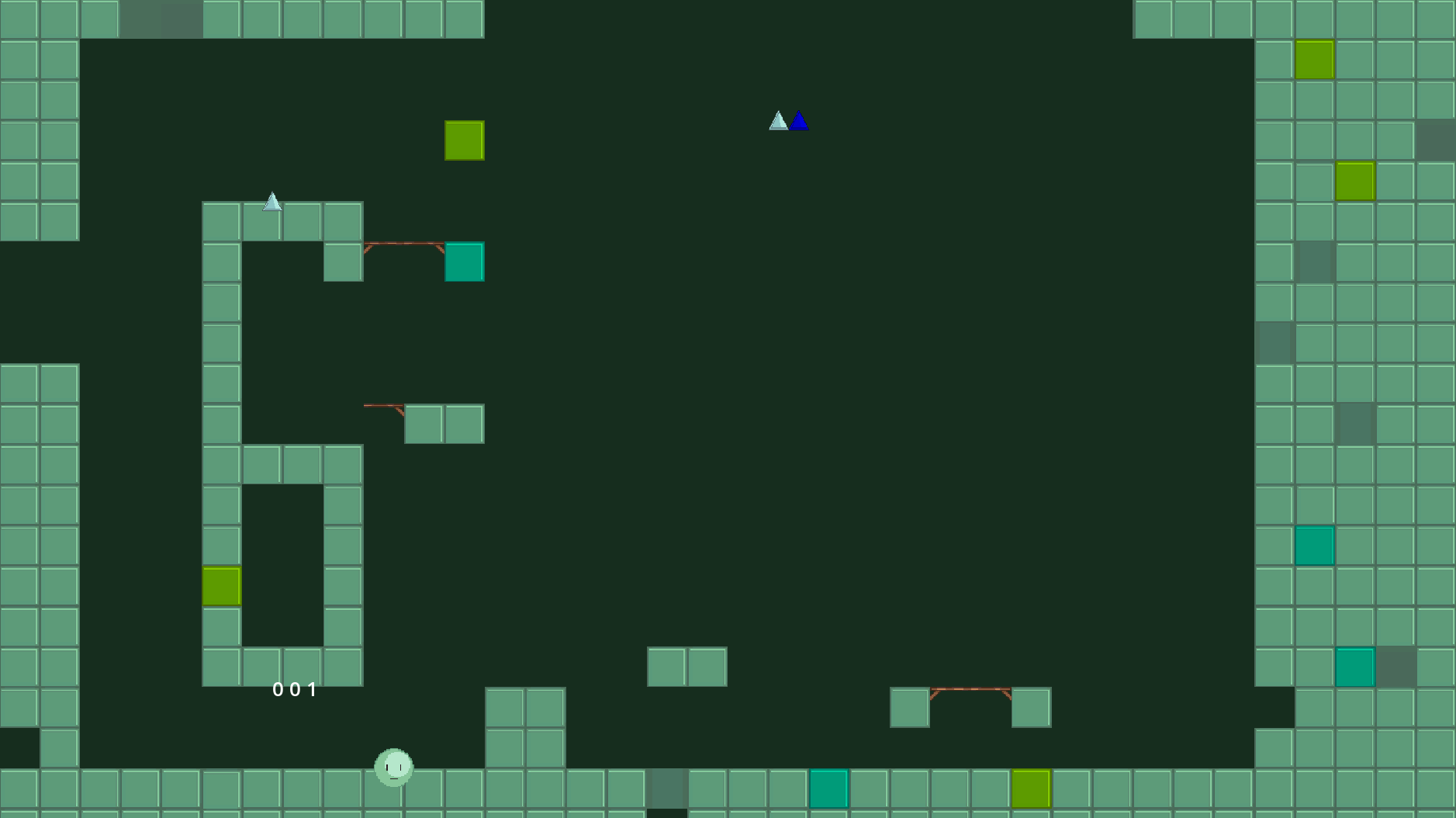
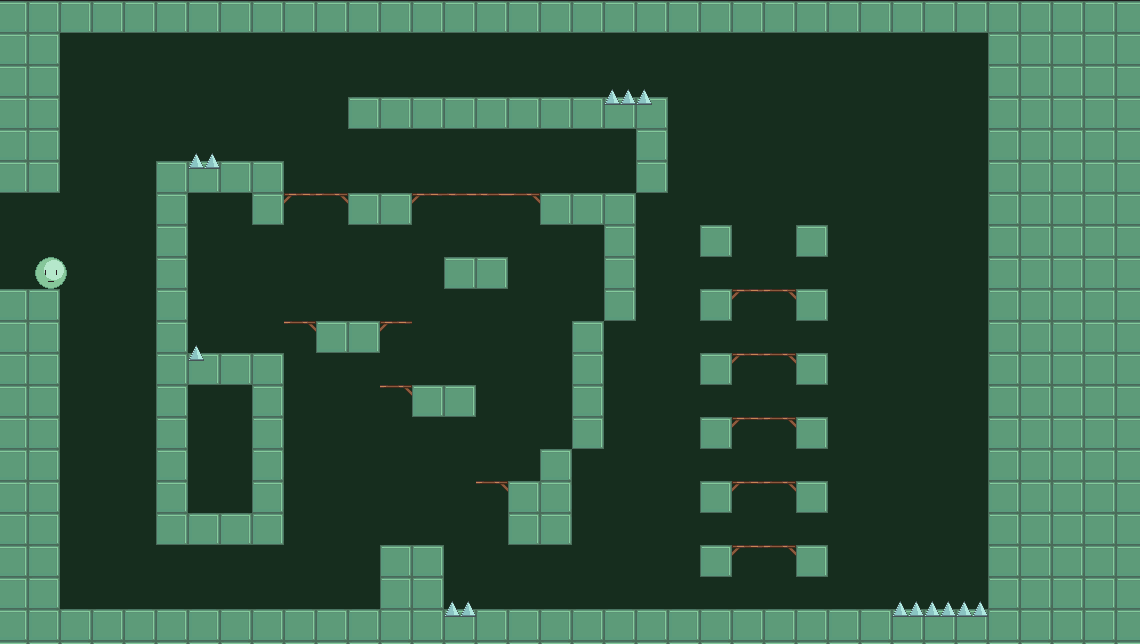
Hard to tell without knowing anything about your project. Maybe you used control nodes and absolute coordinates? That could make it so on a different resolution, things might appear in different places.
Another possibility is that your game started up a different scene. Check what scene is set as your “main” scene by going to your Project settings, Run, Main Scene, and see what it’s set as.
The main scene is just the title screen. theres 3 buttons that lead you to different levels, this is level 1 that is shown in the screenshot. the only control node in this entire level is the single-color background.
also i am sure that absolute positions arent used for any of these objects, except for the player, which seems to be working fine
My guess then is that you have some filenames or folder names with uppercase letters in them, and that’s preventing whatever is in them from being accessible on Windows.
You should always use snake_case for all folder and file names in Godot to avoid this problem on Windows and Mac exports.