Question
No exaggeration when I say this, but I’ve been trying to solve this issue for the past 4 hours and got nowhere. I added a TextureProgressBar to my game and created a simple texture for it in Krita. I exported each layer individually and even created 2 NinePatchRect nodes inside my control node. I am trying to make it so I can resize the width of the frame and background without it affecting the horizontal edges. However, when I add margins it just does this:
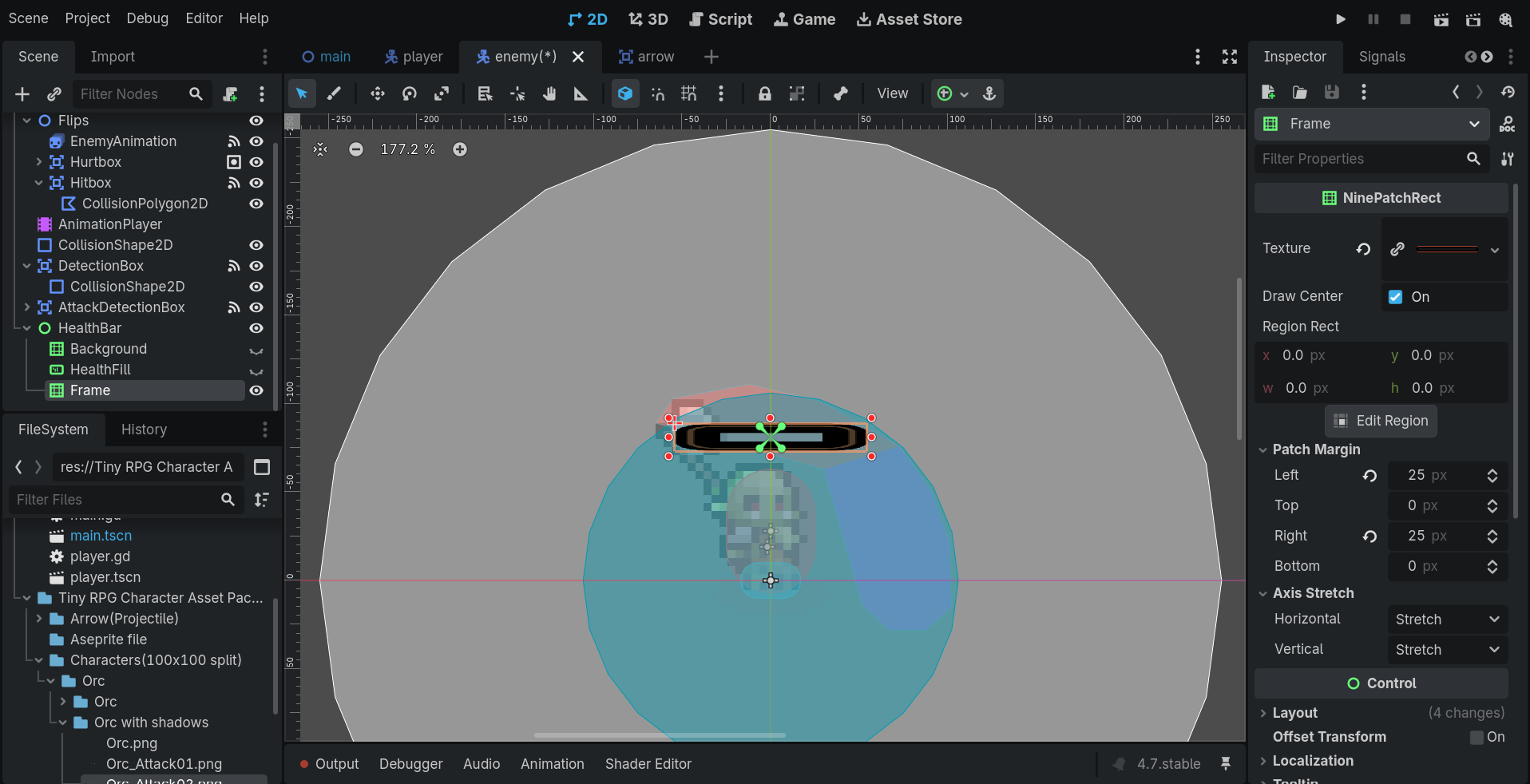
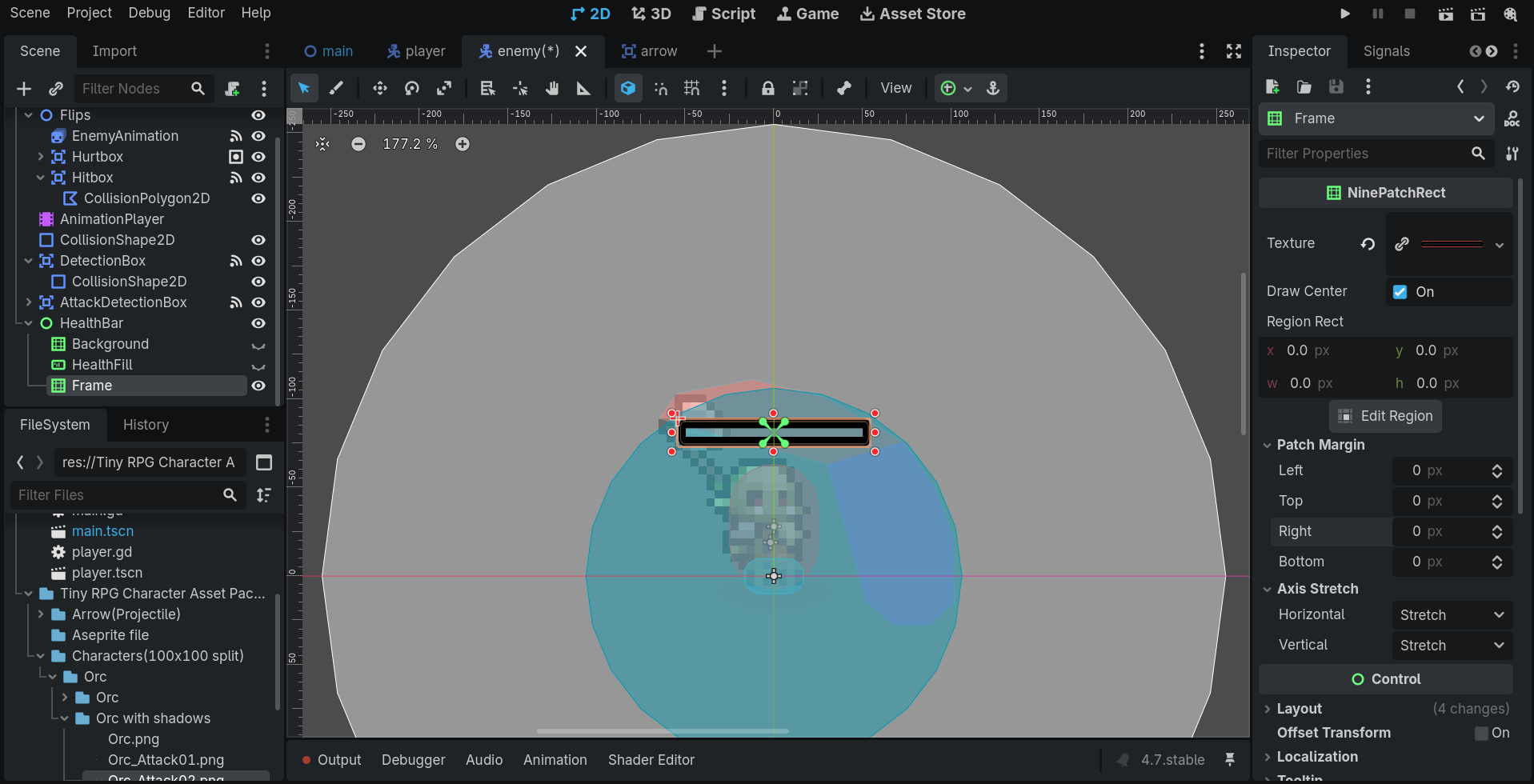
As you can see in this next screenshot, the sizes are proportion with no margins:
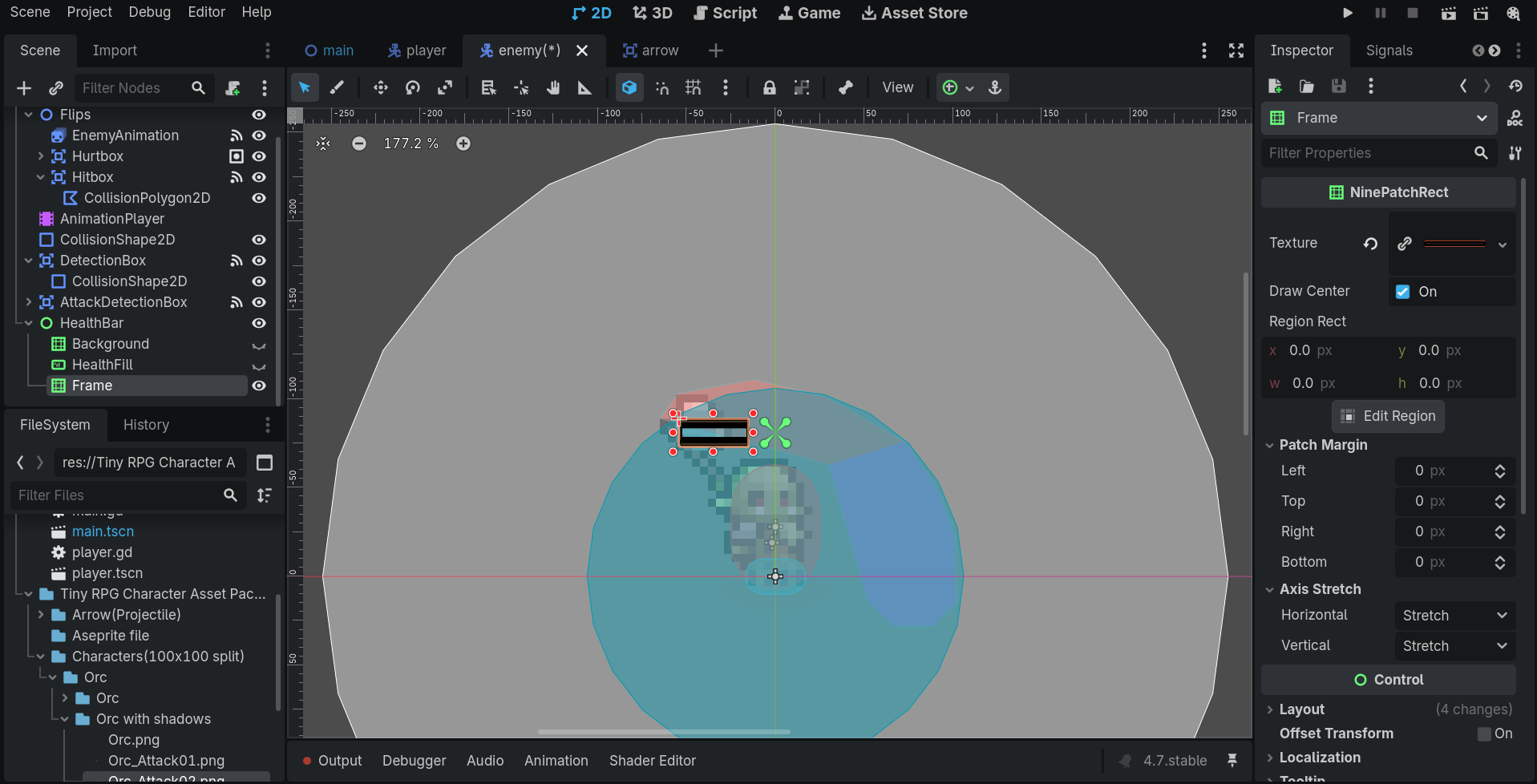
And whenever I try to change its size horizontally, it obviously does not go well:
If you are wondering, my image is 800 * 120 and I’ve tried setting bigger margins and it doesn’t fix the problem, only makes it worse actually.
I’ve also tried changing the horizontal stretch to Tile and Fit Tile and also doesn’t fix it, also makes it worse.
Thus I’ve reached the conclusion that I’m extremely lost and would really appreciate any help. If you have any questions that could lead you to a conclusion I will do my best to answer them quickly. Thank you.