Godot Version
v4.6.dev3.mono.official [9d84f3d13]
Question
I found myself in the awkward situation where if I have the following background color
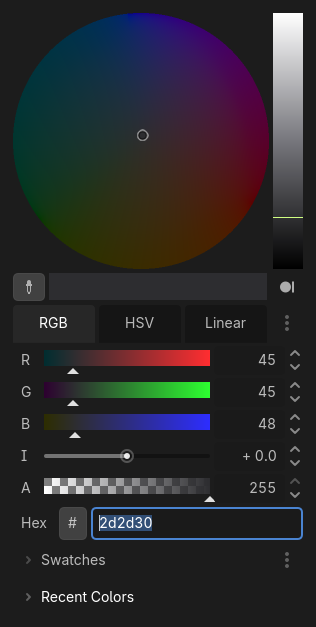
and then I have some handles made of random colors on top of it

if I try to adjust the opacity of the colored handles the only way I know, by modifying the Alpha channel of the Modulate property, if I want to increase opacity from 0 to higher values, the opacity changes aren’t smooth.
And here’s what I mean:
if I use the Linear slider (which offers the most granularity) for Alpha, between 0 and 0.006 there are no changes:

and then the moment the value hits 0.007 this is what I get:
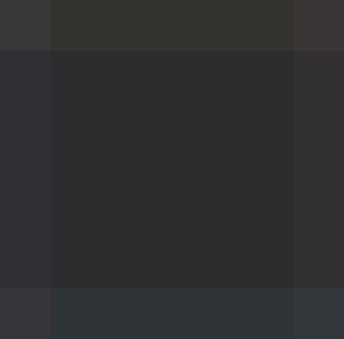
The handles simply pop in; maybe I’m wrong or I don’t understand how things work, but I’d expect the colored handles to be a little bit less visible for the 0.007 value considering that they’re completely invisible for 0.006.
Can someone please help me understand why it works like this? I would like to tween the alpha channel for some UI controls, but it’s very undesirable that twining at low Alpha values has this effect.