Godot Version
4.4.1 Stable Mac OS
Question
` I’m making simple game with testing different way of doing coding and came across interesting finds .
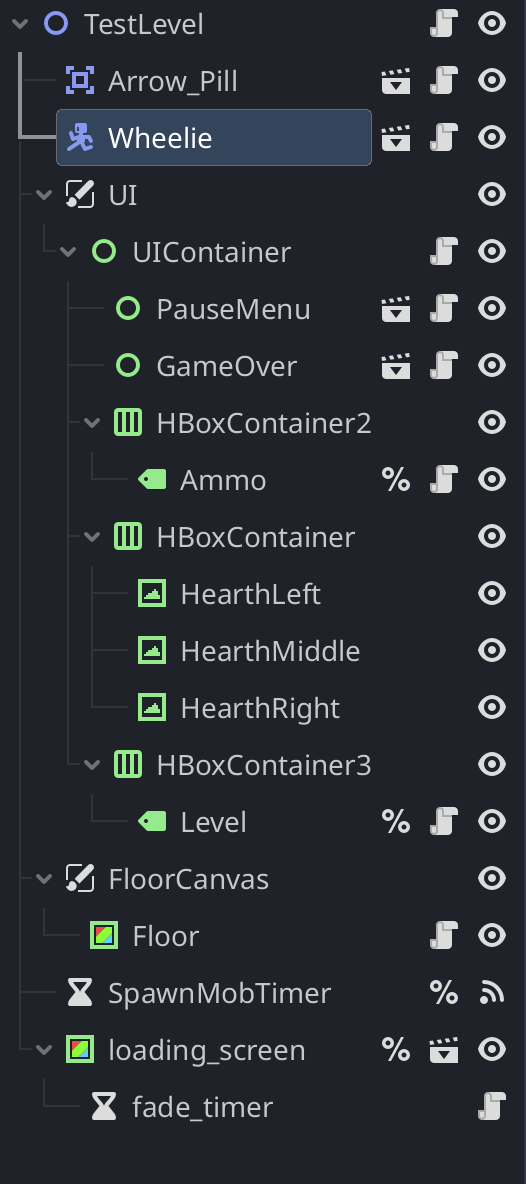
- Usage of
get_tree_string_pretty()
when I use this on Labels inside of container it won’t print full directory of node
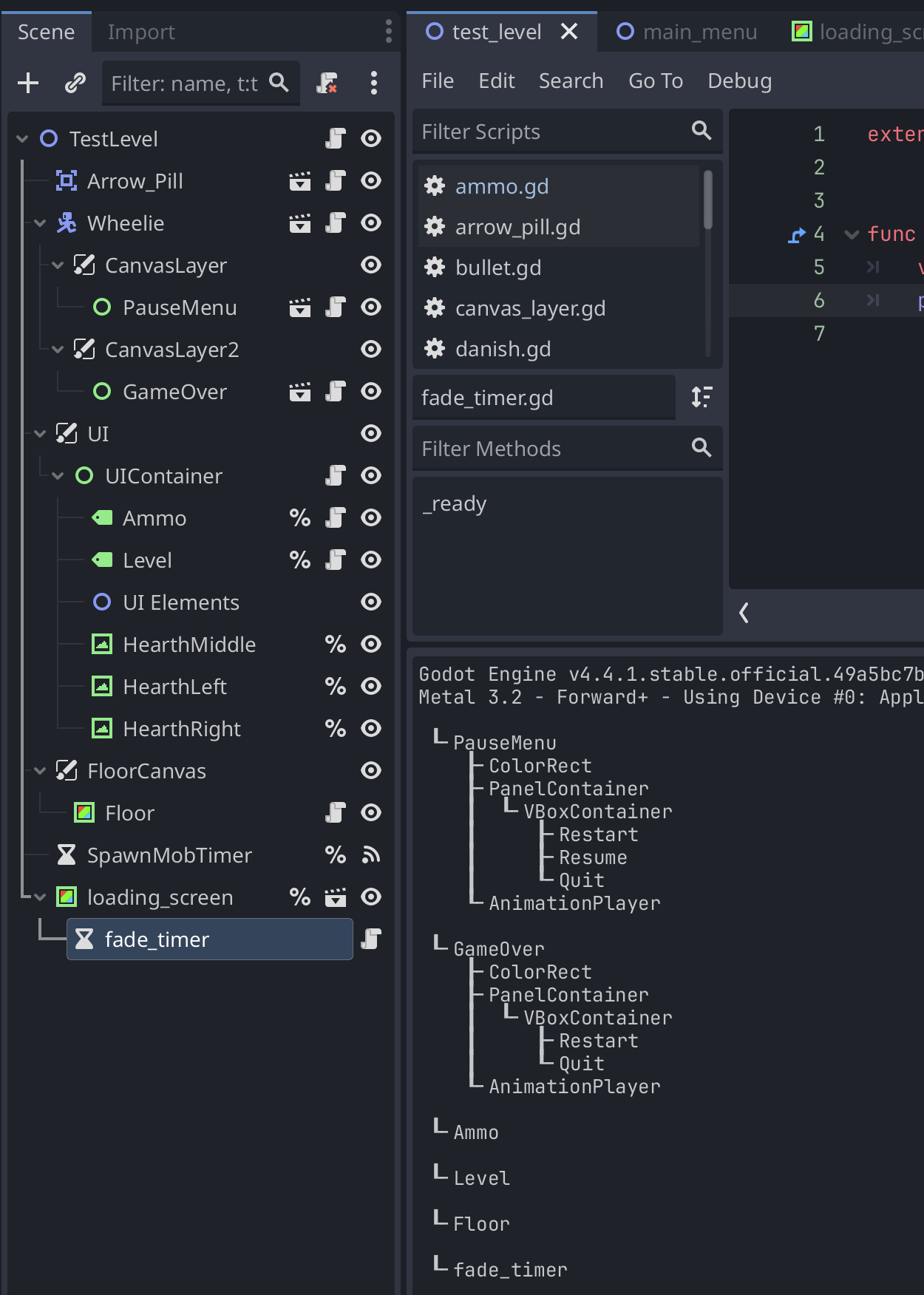
- Anchoring and window sizing
This is where I get confused , I tried read docs and make it as it described but I endup with mixed results or inconsistent .
For future if I manage to make it proper orienting and anchoring, need to adjust the path2d based on orienting as well
- got Ammo, Level label which should be anchored to top left
- got 3 TextureRect which should be anchored to top right
they are placed inside of UIContainer with script
extends Control

# Heart TextyreRect placeholders
@onready var heart_left: TextureRect = $HearthLeft
@onready var heart_middle: TextureRect = $HearthMiddle
@onready var heart_right: TextureRect = $HearthRight


# Heart textures change if life is depleted
@onready var heart_full: Texture2D = preload("res://Art/buffs/symbol_hearth.png")
@onready var heart_empty: Texture2D = preload("res://Art/buffs/symbol_hearth2.png")

# Store last screen size to detect changes
var last_screen_size: Vector2i = Vector2i.ZERO

func _ready() -> void:
	# Check for players live balance
	var player = get_node("/root/TestLevel/Wheelie")
	player.lives_changed.connect(_on_lives_changed)
	_on_lives_changed(player.lives)

	# This should handle screen size independetly on different resolutions
	last_screen_size = DisplayServer.screen_get_size()
	_update_orientation(last_screen_size)

func _process(delta: float) -> void:
	var screen_size: Vector2i = DisplayServer.screen_get_size()
	if screen_size != last_screen_size:
		_update_orientation(screen_size)
		last_screen_size = screen_size

func _update_orientation(screen_size: Vector2) -> void:
	var hearts = [heart_left, heart_middle, heart_right]

	# Safe area for mobile devices ( camera, corner etc.)
	var safe_area: Rect2 = Rect2()
	if OS.get_name() == "iOS" or OS.get_name() == "Android":
		safe_area = DisplayServer.get_display_safe_area()
	else:
		safe_area = Rect2(0, 0, 0, 0) # no offset on desktop

	# Anchors for orientations
	if screen_size.x > screen_size.y:
		# Landscape
		anchor_left = 0.8
		anchor_right = 1.0
		anchor_top = 0.1 + safe_area.position.y / screen_size.y
		anchor_bottom = 0.3 + safe_area.position.y / screen_size.y
	else:
		# Portrait
		anchor_left = 0.1
		anchor_right = 0.9
		anchor_top = 0.85 - safe_area.position.y / screen_size.y
		anchor_bottom = 1.0 - safe_area.position.y / screen_size.y

	# Evenly space hearts horizontally
	var spacing = (anchor_right - anchor_left) / (hearts.size() + 1)
	for i in range(hearts.size()):
		hearts[i].anchor_left = anchor_left + spacing * I
		hearts[i].anchor_right = anchor_left + spacing * (i + 1)
		hearts[i].anchor_top = anchor_top
		hearts[i].anchor_bottom = anchor_bottom

# Signal for change of texture in placeholder
func _on_lives_changed(lives: int) -> void:
	var hearts = [heart_left, heart_middle, heart_right]
	for i in range(hearts.size()):
		hearts[i].texture = heart_full if i < lives else heart_empty
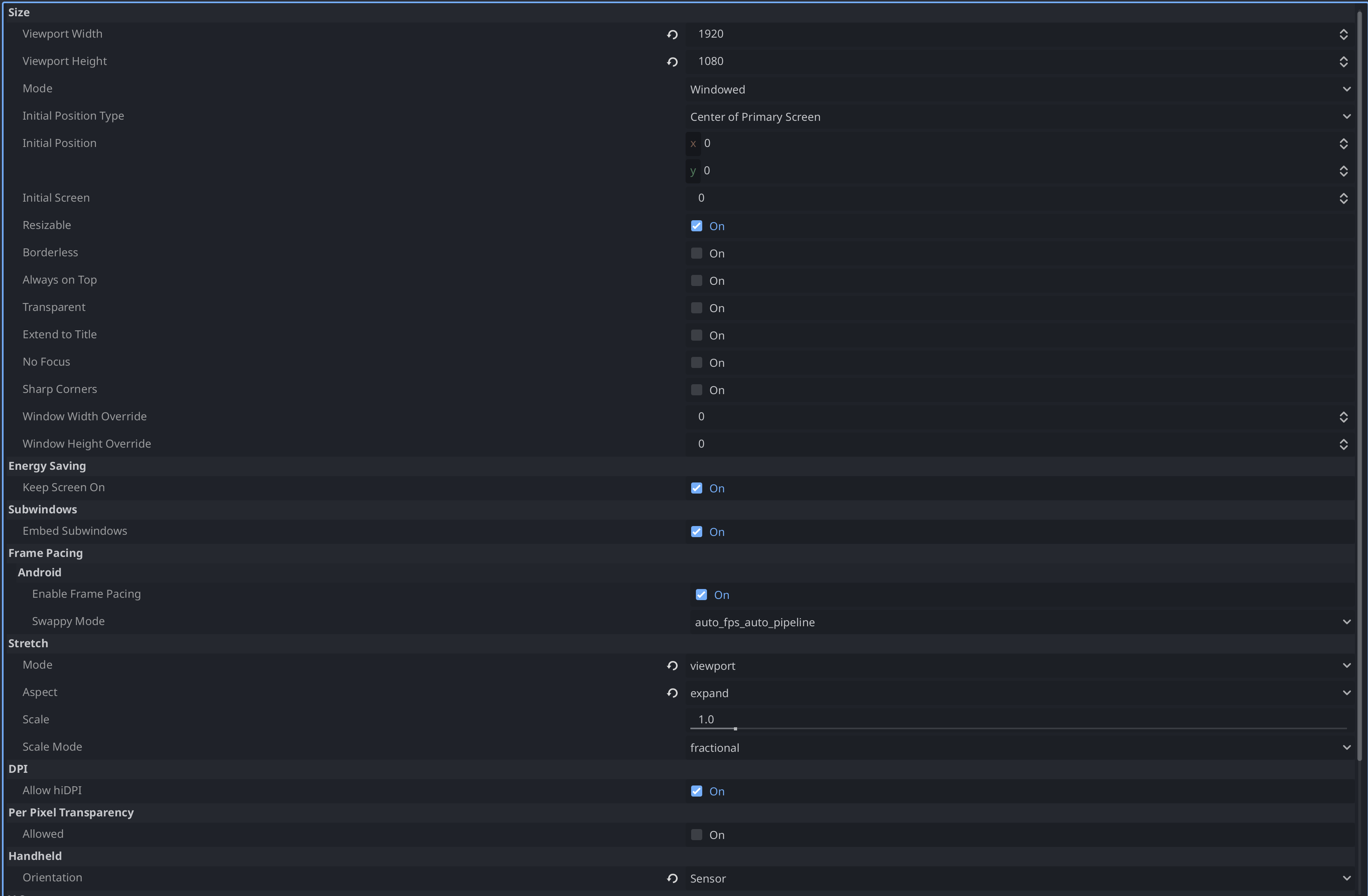
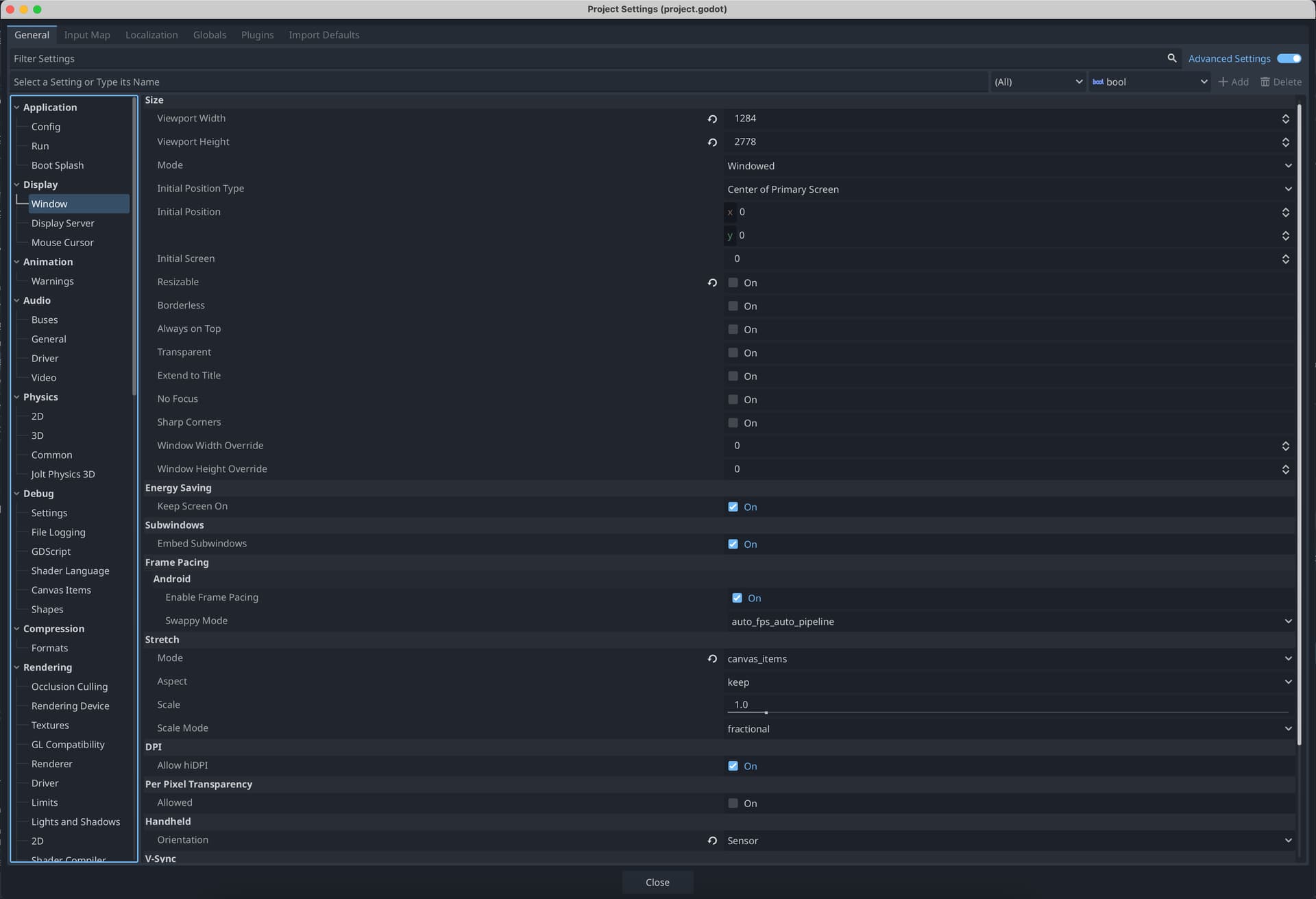
settings for Display-Window - in Project Settings
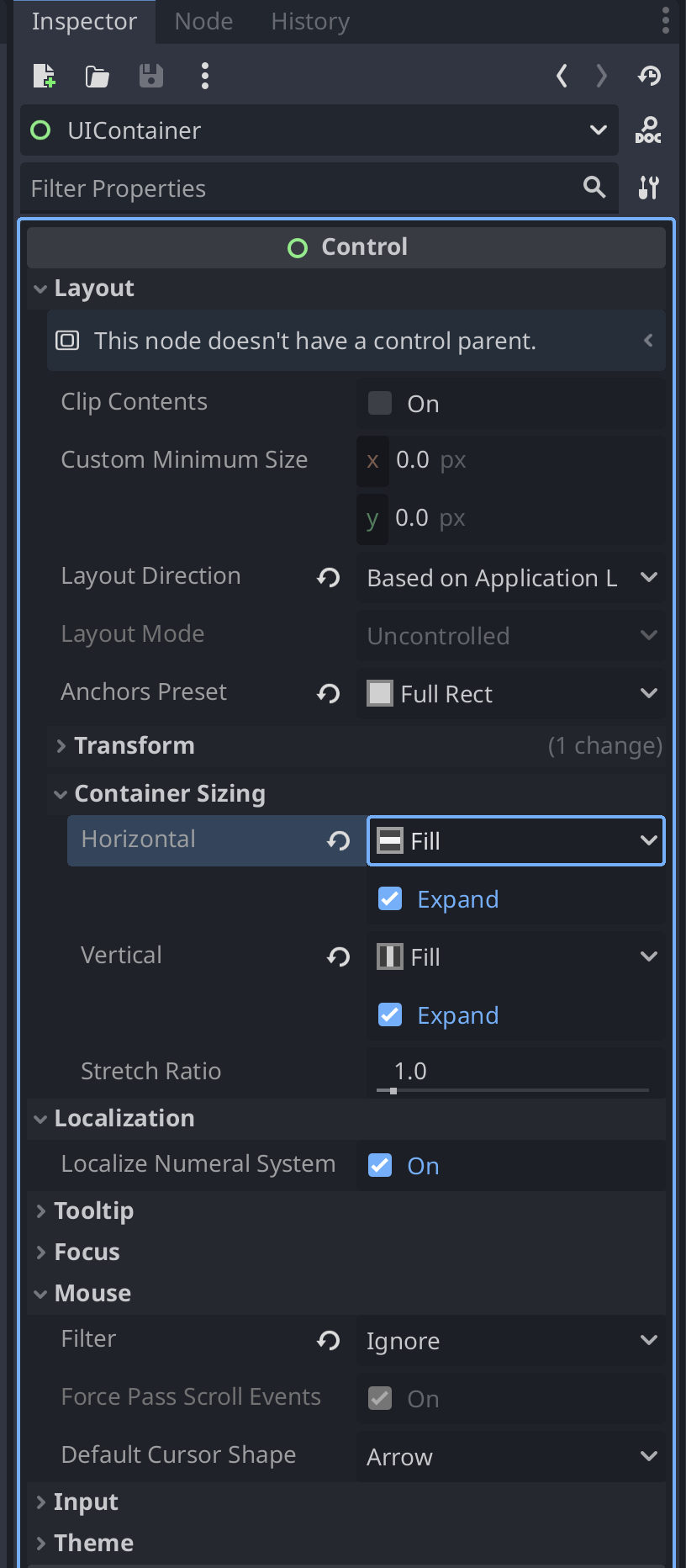
Settings of UIContainer
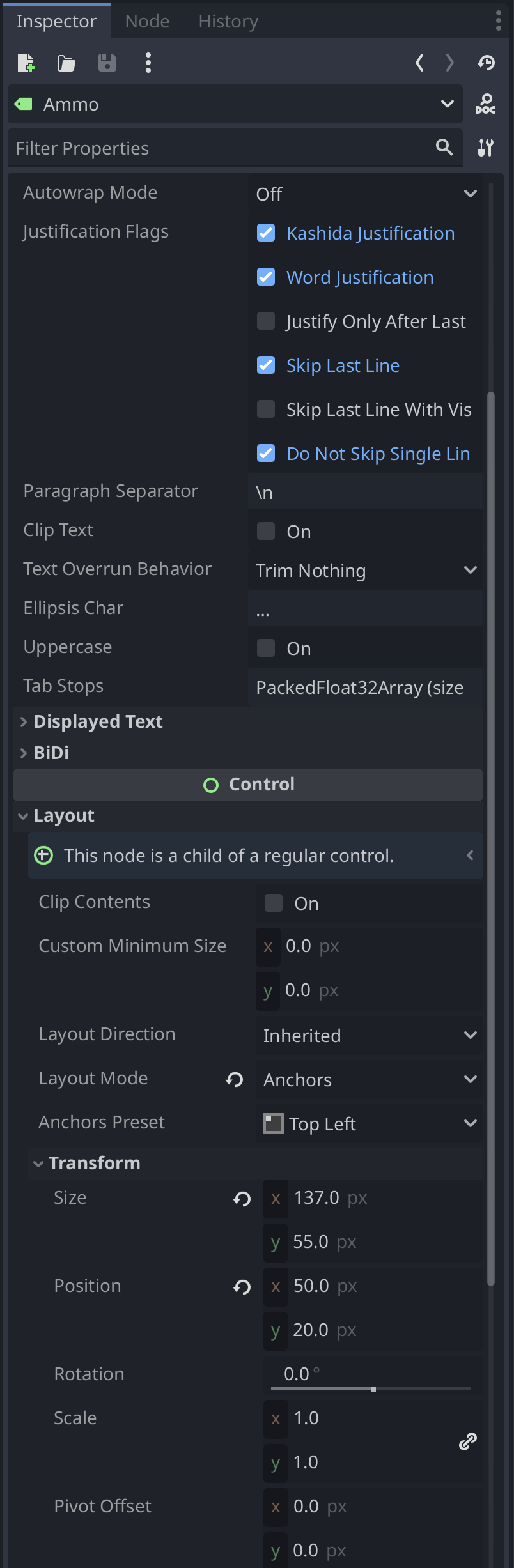
Anchor Settings on labels
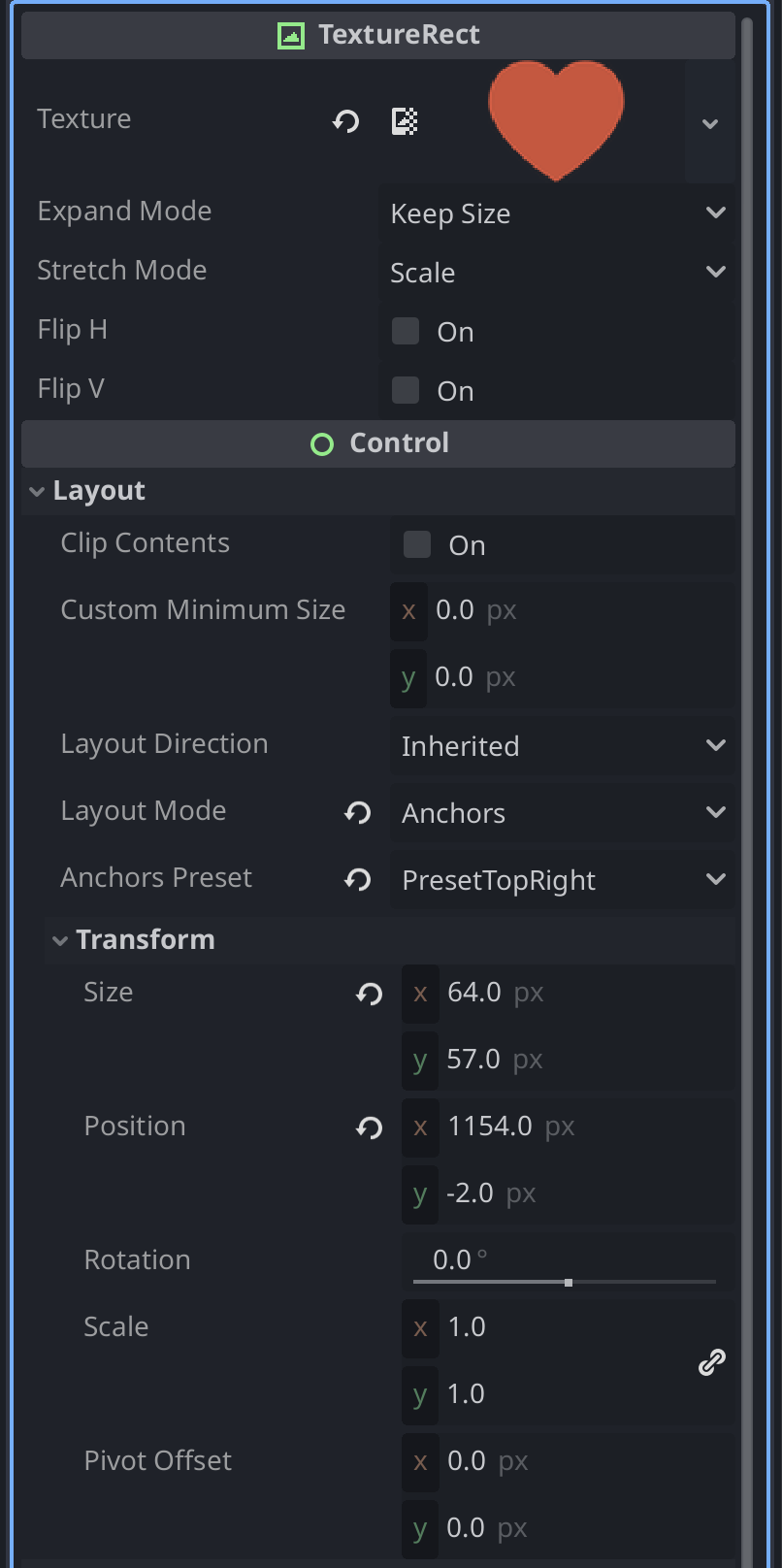
Anchor Settings on TexturePlaceholders( Hearts)
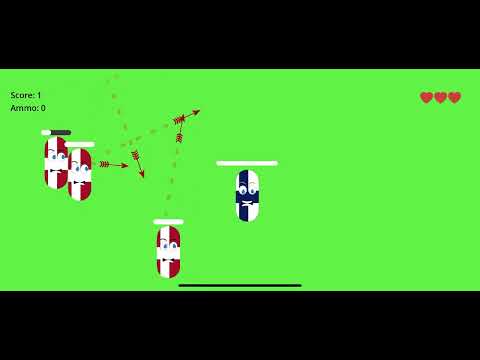
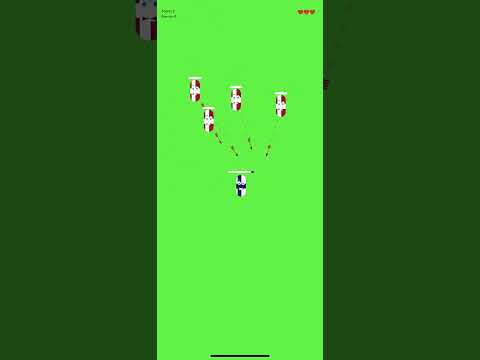
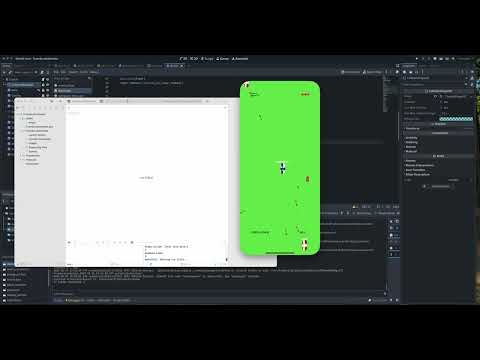
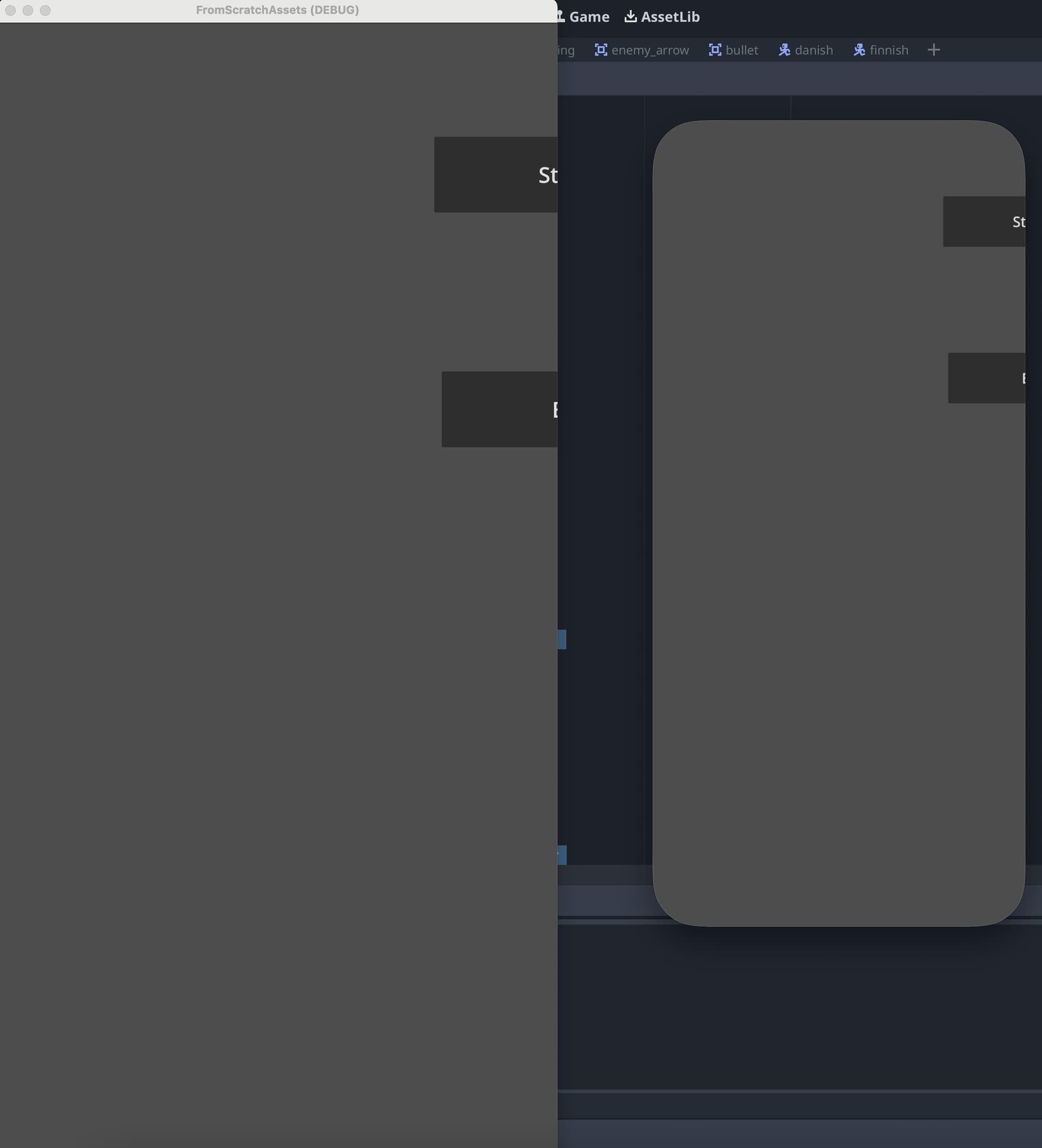
Portrait look and Mac Look
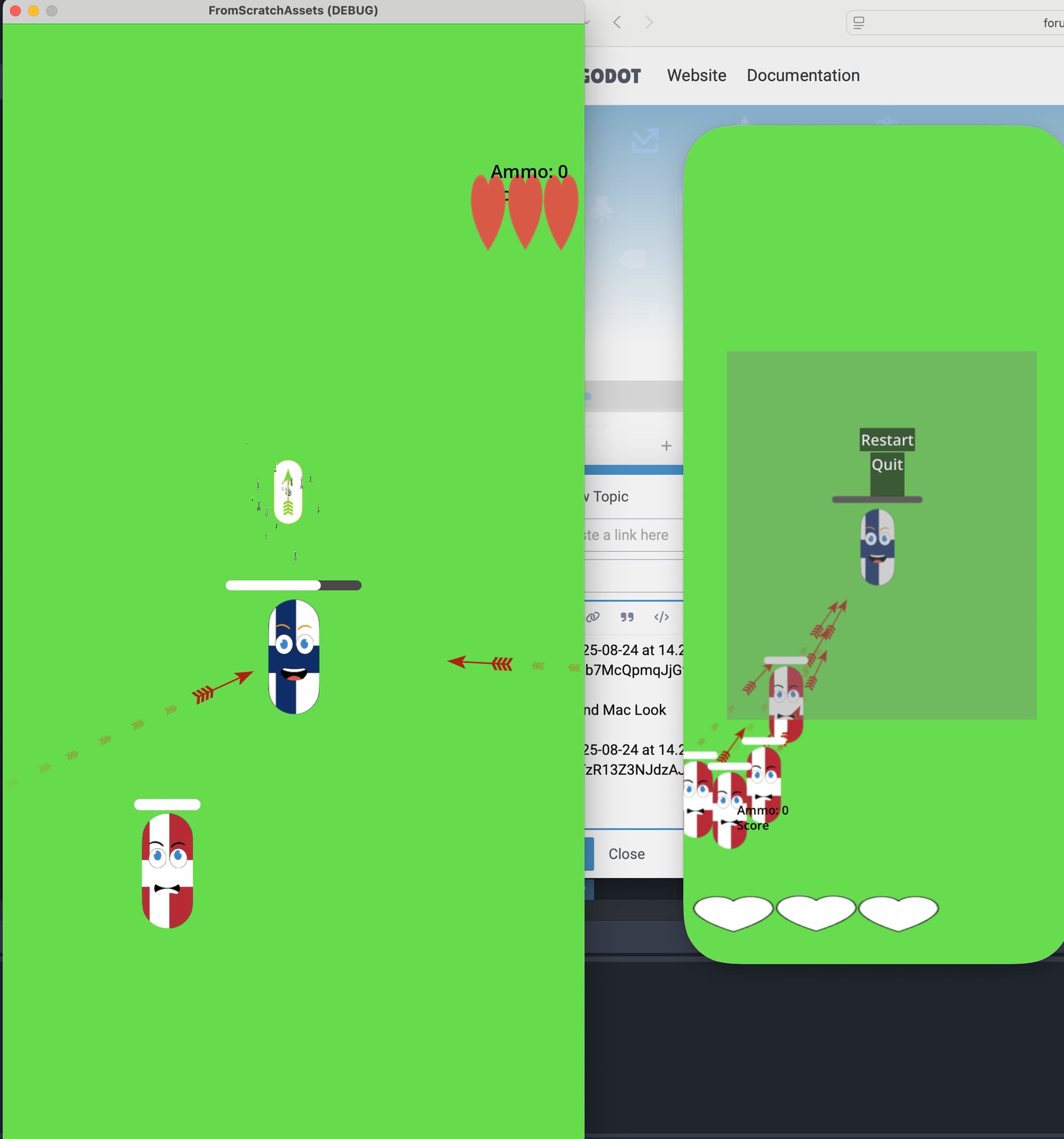
inGame
landscape on iPhone won’t extend it at all


Some tips of guidance how to make it adapting to landscape of OS with proper anchoring and be flexible for orientation on mobile devices ?
`