Does anyone know how to make a XR billboard shader that includes rotating on the Y-Axis?
Most of the XR billboard shaders online always have the sprite straight on the Y-Axis and I’ve been struggling to make one because it always rotates on the Z-Axis (Roll). Any help would be appreciated.
Godots build in billboarding has both Y axis and full face camera modes, and you can check the code it produces by enabling the desired version in a StandardMaterial3D, and then right clicking on the material and converting it to a ShaderMaterial.
If there is a billboard mode other than those, do provide a little more info about the desired effect.
Note of warning however. While billboard generally work really well with particle effects, when used for imposters things get a little bit more tricky. Stereoscopic rendering provides a lot more detail to the brain and it allows the brain to see the billboard for what it is and the illusion breaks.
Use billboards for trees for instance, and your brain will interpret the trees as rotating where they stand even with slight head movements. If you’re using billboards for this use case, its better to use static ones.
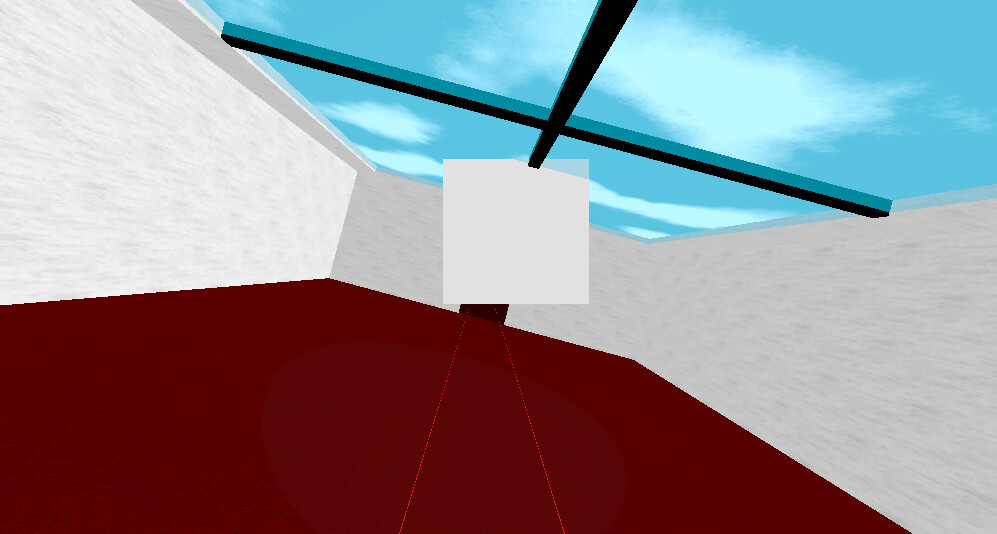
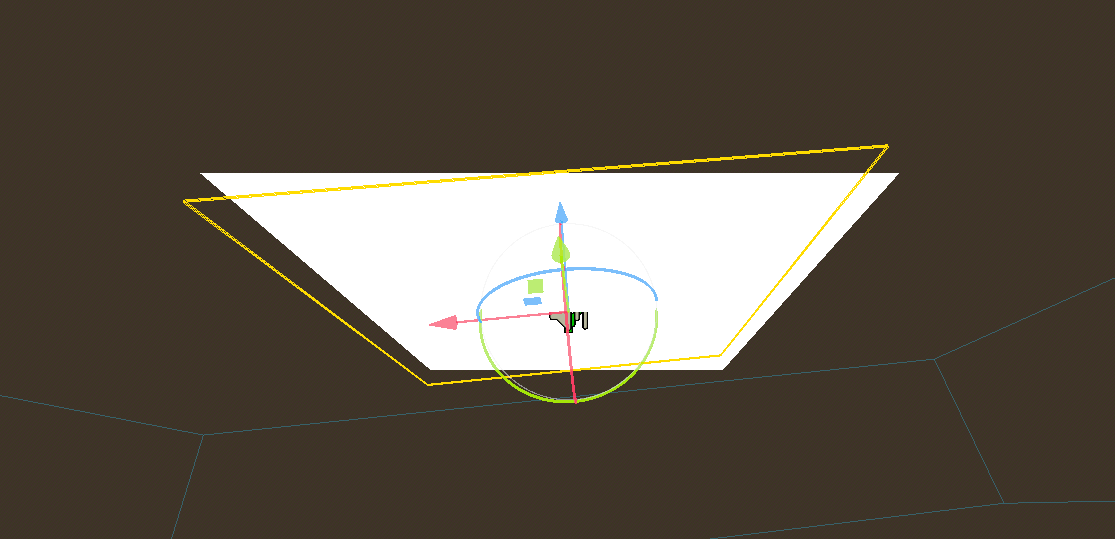
My issue is that normal billboarding is effected by the roll of the camera and Y-Axis billboarding does fix the issue but if you look above the sprite it doesn’t look good. I know I can use the look at function for sprites but particles are going to have the same issue.
I rotated the camera on the Z-Axis and it follows with.
Hmm, I think I get what you’re trying to achieve but I don’t think I’ve seen an example of it before. Indeed Y-billboards have that effect when you’re able to look from the top, you see this in many games (fly a helicopter in FarCry 4 and look down )
Keep in mind that when you would look down from the top, you kind of end up in gimble lock as you’re Y vector approaches zero, and the billboard would have a hard time figuring out the desired orientation. It would likely end up spinning around. That said, it’s not impossible, it’s been awhile since I last looked at the billboard matrix code but with a bit of experimentation you could get another axis locked to stop it from rolling with the camera.
Depending on what you’re actually billboarding, another option to look at is octahedral imposters. I do believe there is a Godot plugin that implements that.
Octahedral Imposters isn’t related to my issue. It’s to help performance but I understand the confusion.
To be honest I’m my a bit dizzy trying to fix this. I do have a work around with a script but it has some cons for particles. Unfortunately I think I have to stick with it. Sorry for making this confusing.
 )
)