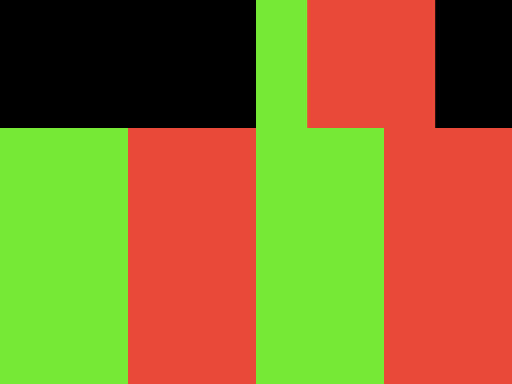
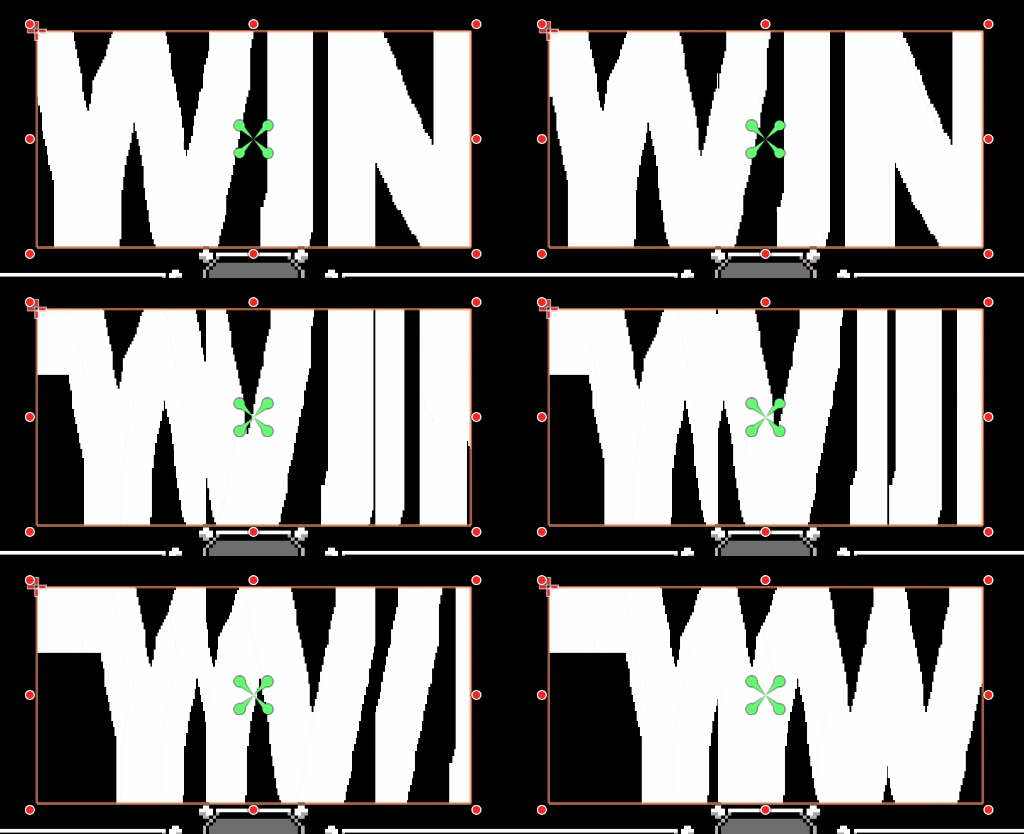
I’m not quite sure, what you try to achieve. I imagine you want to split a texture into blocks of variable length and then move them in from the left with variable speed.
In order to debug this it might be helpful to actually include the time into the animation and see what is actually happening.
void fragment() {
vec2 pixel_pos = UV / TEXTURE_PIXEL_SIZE;
COLOR = vec4(0.0);	// clear original source pixels.
float mytime = -abs(sin(TIME)); // to animate back and forward.
float offset = offset_x * mytime; // move pixels along x-axis.
float idx = floor(pixel_pos.x / block_size); // draw pixels into destination.

// different approaches.
//vec2 dest_pixel = pixel_pos - vec2(offset, 0.0); // works.
vec2 dest_pixel = pixel_pos - vec2(offset * (idx + 1.0), 0.0); // does not work.

vec2 src_uv = dest_pixel * TEXTURE_PIXEL_SIZE;
vec4 color = texture(TEXTURE, src_uv);
color.r = mix(color.r, 1.0, -mytime); // to visualize the progress in red.
COLOR = color;

}
In both your current approaches so far you are not moving blocks, but actually a copy of the entire original texture. Maybe that helps.