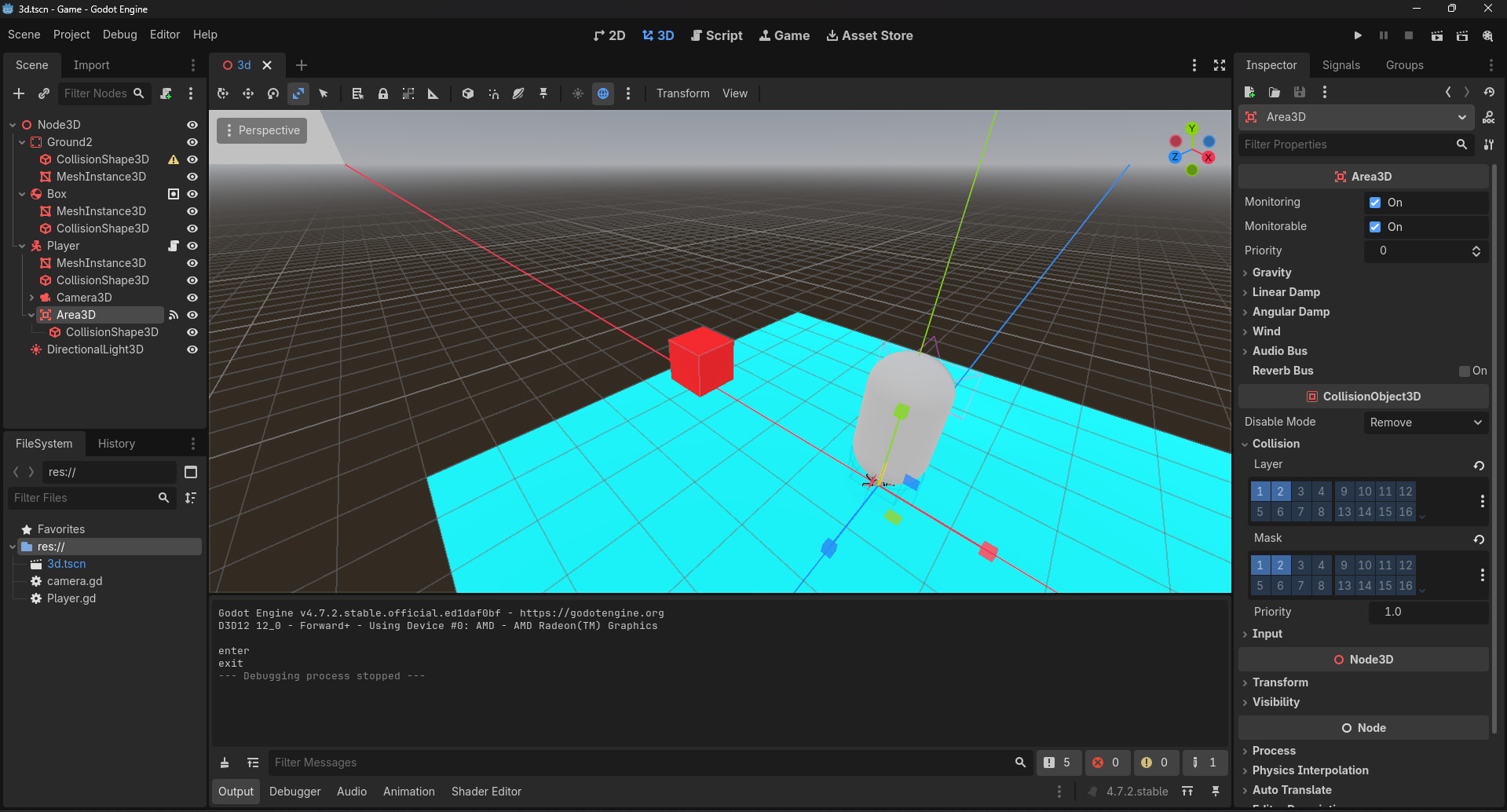
I followed a tutorial to make a box the player can push. (It was 2D, but I followed it anyway because there are 3D versions of each object) It almost works perfectly, but the box no clips through the floor when stood on, even though I used the fix the tutorial showed. I tried changing the ground from a plane to a cube, and instead of no clipping, it just rotates and moves out of the way.
I would like the box to not move while im standing on it, but not just instantly freeze. For example if the box is slowly moving in a direction, it should just stop mid rotation and movement.
I made the enter and exit for the Area3D print enter/exit, but it still doesn’t work.
If you want the box to only be pushable along x and z, you could clamp its y-position.
Or you could add an area to the player. If this area is in contact with the box and walking against it, push the box. Now, it sounds like your entire character is the push area. So most likely you would push the box up into the air if you were beneath it and jumped.
I.m.o just lock its movement on the y-axis if you just want to work with 2 dimensions and dont want anything too complicated. If you want to put a lot of effort into this mechanic and add a lot of features, i would delete what you already have and follow another tutorial. It sounds like the tutorial you have followed could either be a bit low quality with questionable decisions, or just not meant for the kind of stuff you want to use it for (and i’m not only thinking about 2d vs 3d, but in which ways you can interact with the box etc)
Set collision priorities properly. Floor has to have highest, then box then player (in your case i think). Then just set the mass and damping of the box higher, it should work.