I have been trying to access a screen texture where the game is visible to implement a custom CRT shader. To test whether I can access it from a ping-pong buffer, I simply try to output a screen texture as COLOR, which doesn’t work and displays a pitch black screen.
When the shader is self-contained within a ping-pong buffer, it works efficiently, however, I have implemented it specifically to be able a screen texture.
However, it returns this error in a debugger, which doesn’t appear when these lines don’t exist/are commented out.
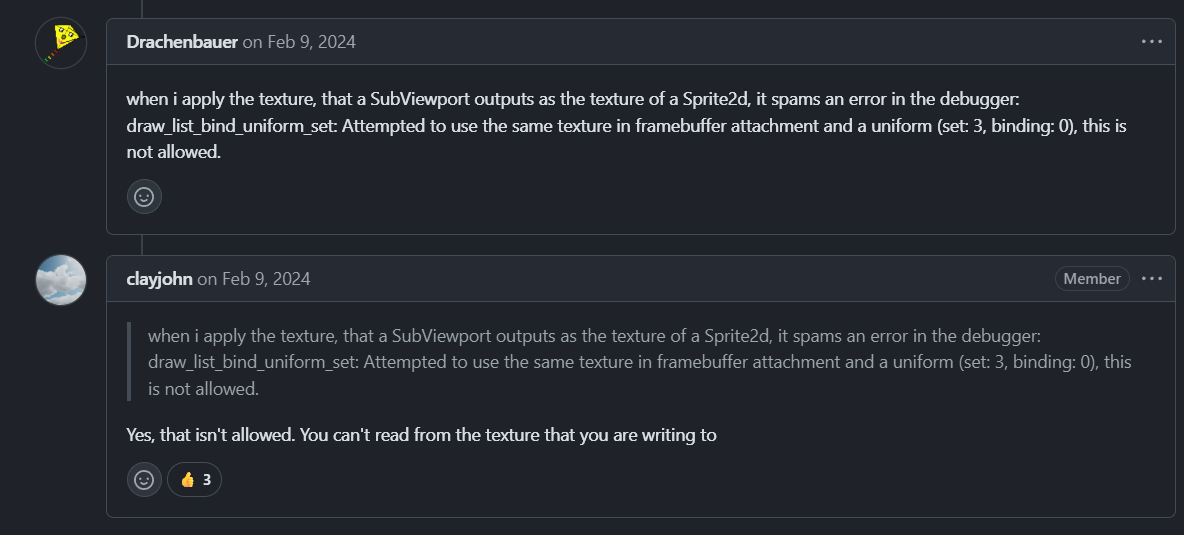
E 0:00:01:162   draw_list_bind_uniform_set: Attempted to use the same texture in framebuffer attachment and a uniform (set: 3, binding: 0), this is not allowed.
  <C++ Error>   Condition "attachable_ptr[i].texture == bound_ptr[j]" is true.
  <C++ Source>  servers/rendering/rendering_device.cpp:4656 @ draw_list_bind_uniform_set()
I’m not sure what’s the problem there and I would like to know how can I solve this problem.
Unfortunately, I get the same error when using these lines of code.
E 0:00:01:667   draw_list_bind_uniform_set: Attempted to use the same texture in framebuffer attachment and a uniform (set: 3, binding: 0), this is not allowed.
  <C++ Error>   Condition "attachable_ptr[i].texture == bound_ptr[j]" is true.
  <C++ Source>  servers/rendering/rendering_device.cpp:4656 @ draw_list_bind_uniform_set()
If it’s important, I use macOS Sequoia 15.7.3 as my OS. I have to check whether it runs properly on Windows and Linux.
I think sharing the world has nothing to do with screen texture. Afaik the main screen texture cannot be attained from within sub viewports. Likely because sub viewport are drawn before the main viewport.
You’re definitely overcomplicating things. You certainly do not need to be doing your own texture buffering. You also do not need to use a SubViewport at all unless you have 3D elements in your game.
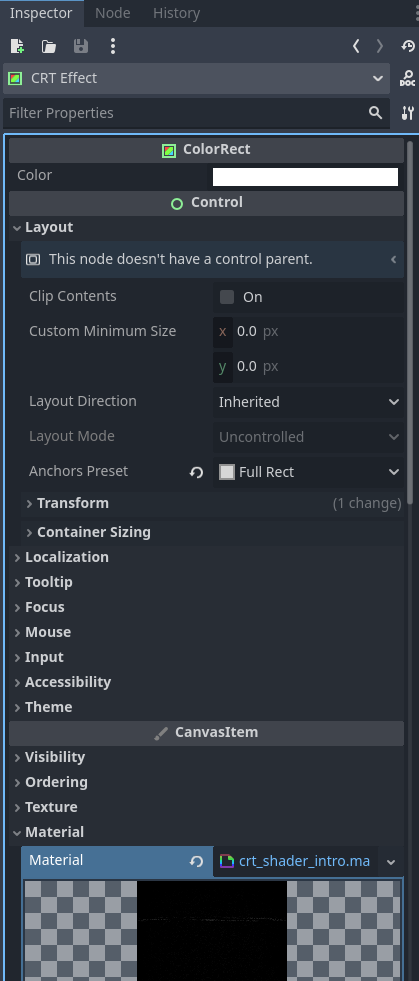
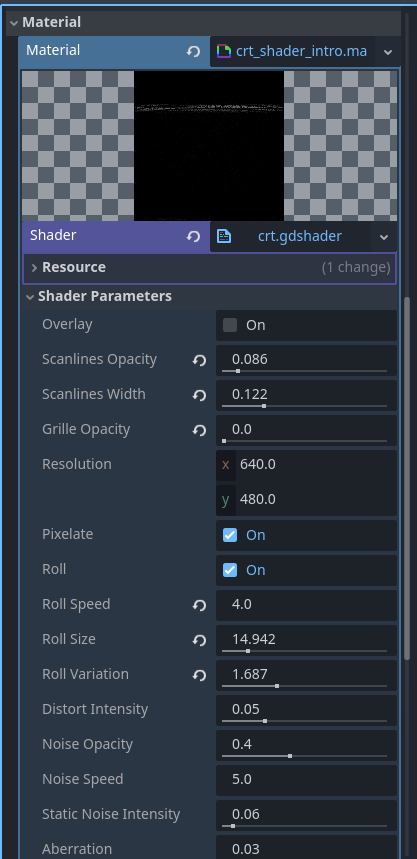
Just make a ColorRect, set the Anchors Preset to Full Rect, and put a ShaderMaterial in the Material slot.
This example is from my game Skele-Tom which embeds a CRT shader over Controls inside a 3D TV model, and then had a 3D world inside that. And I only used one SubViewPort node.
This is an implementation using shaders which influenced the way I wanted to implement these trails:
However, in my case, it has been greatly simplified in order to fit more to my game, and I’ve also used the ping-pong buffer approach that was implemented in the code.
I have converted the TextureRects into ColorRects with the exception of the Display rect, and as long as I don’t try to refer to the BufferB in the BufferA’s ColorRect and vice versa, everything works, as it’s my intention to store the contents of a previous frame.
In this case, I have this error:
E 0:00:01:942   draw_list_bind_uniform_set: Attempted to use the same texture in framebuffer attachment and a uniform (set: 1, binding: 1), this is not allowed.
  <C++ Error>   Condition "attachable_ptr[i].texture == bound_ptr[j]" is true.
  <C++ Source>  servers/rendering/rendering_device.cpp:4656 @ draw_list_bind_uniform_set()
I suppose I’m referencing the SubViewport texture wrong, however, I’m not entirely sure on how I can solve this problem.
Don’t render the world into both sub viewports. Only the first sub viewport renders the world. The second sub viewport just does the accumulation of first sub viewport’s texture.
Why do you use two color rect. The whole idea is to not ping-pong anything. Just render the scene normally into viewport 1, mix that in viewport 2 and display that in the main viewport. Do the same things into same viewports every frame. It’s simple.