Godot Version
v4.7.2.stable.official [ed1daf0bf]
Question
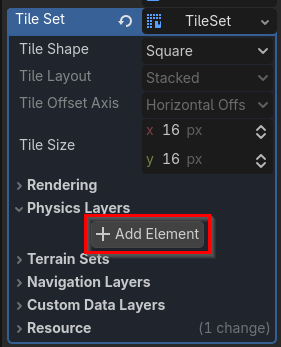
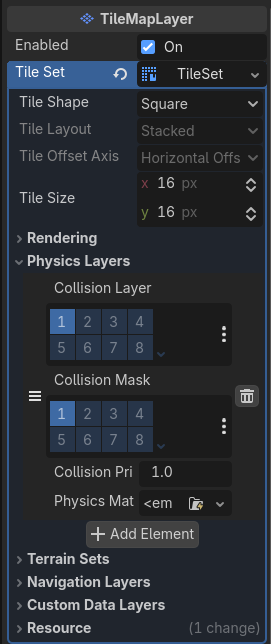
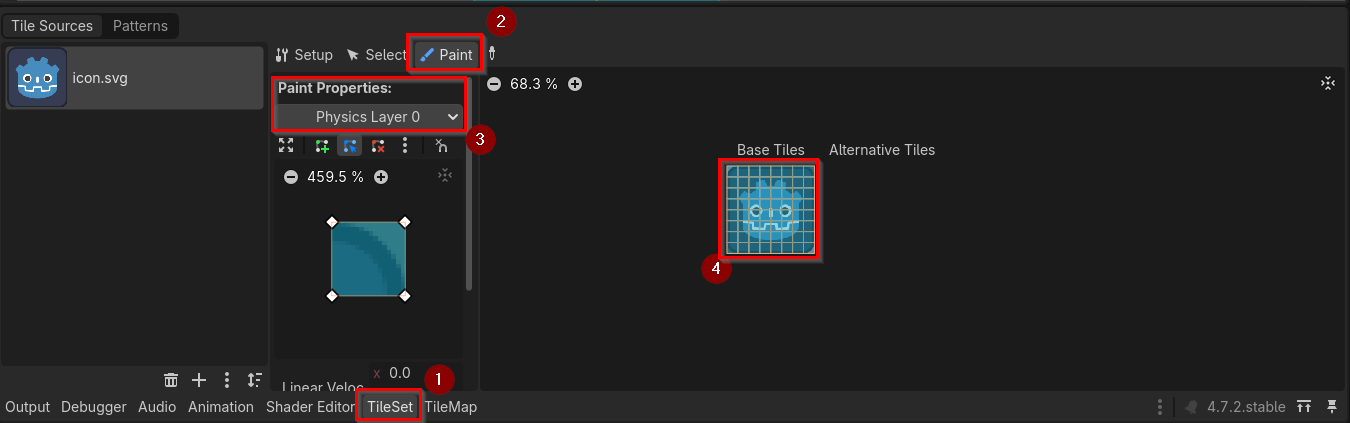
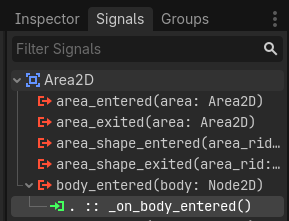
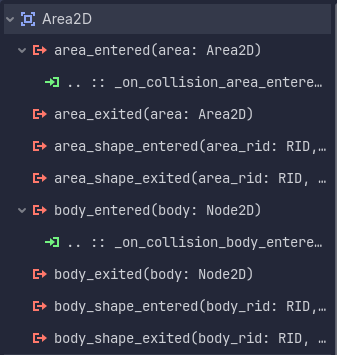
I’m making a generic projectile class and I have the Area2D hooked up to the area_entered signal for the player’s hitbox and body_entered for the tilemap. However, while it detects the player correctly, it does not detect the tiles at all, even though all the layers so far seem to be set up correctly. What am I doing wrong?
class_name Projectile
extends CharacterBody2D


@export var speed: int
@export var gravity := 500
@export var fall_gravity_multiplier := 1.25

@export var affected_by_gravity := true
@export var look_in_travel_direction := false

var initial_vector: Vector2i
var collision_node: Hitbox
var sprite_nodes: Array[Node2D]
var prev_velocity: Vector2


signal deleted


func _ready() -> void:
	collision_node = get_node_or_null("Collision") as Hitbox
	if !collision_node:
		printerr("No collision node defined.")
	else:
		collision_node.area_entered.connect(_on_collision_area_entered)

	var visible_notifier := VisibleOnScreenNotifier2D.new()
	add_child(visible_notifier)
	visible_notifier.screen_exited.connect(despawn)

	for node in get_children():
		if node is Sprite2D or node is AnimatedSprite2D:
			sprite_nodes.append(node)

	velocity += Vector2(initial_vector)


func _physics_process(delta: float) -> void:
	velocity.x = move_toward(velocity.x, 0.0, 0.1)

	if affected_by_gravity:
		if velocity.y < 0:
			velocity.y += gravity * delta
		else:
			velocity.y += gravity * delta * fall_gravity_multiplier

	move_and_slide()
	collision_node.velocity = velocity

	# emulating semisolid behavior but for areas
	if prev_velocity.y > 0 and velocity.y <= 0:
		collision_node.set_collision_mask_value(4, false)
	elif prev_velocity.y <= 0 and velocity.y > 0:
		collision_node.set_collision_mask_value(4, true)
	prev_velocity = velocity

	if look_in_travel_direction:
		look_at(global_position + velocity)

		# something about light always pointing from top left
		if velocity.x < 0 or is_equal_approx(velocity.x, 0.0) and velocity.y > 0:
			for node in sprite_nodes:
				node.scale.y = -1
		else:
			for node in sprite_nodes:
				node.scale.y = 1


func despawn() -> void:
	deleted.emit()
	queue_free()


func _on_collision_area_entered(area: Area2D) -> void:
	if area is Hitbox:
		despawn()


func _on_collision_body_entered(body: Node2D) -> void:
	print(body)
	if body is TileMapLayer:
		despawn()