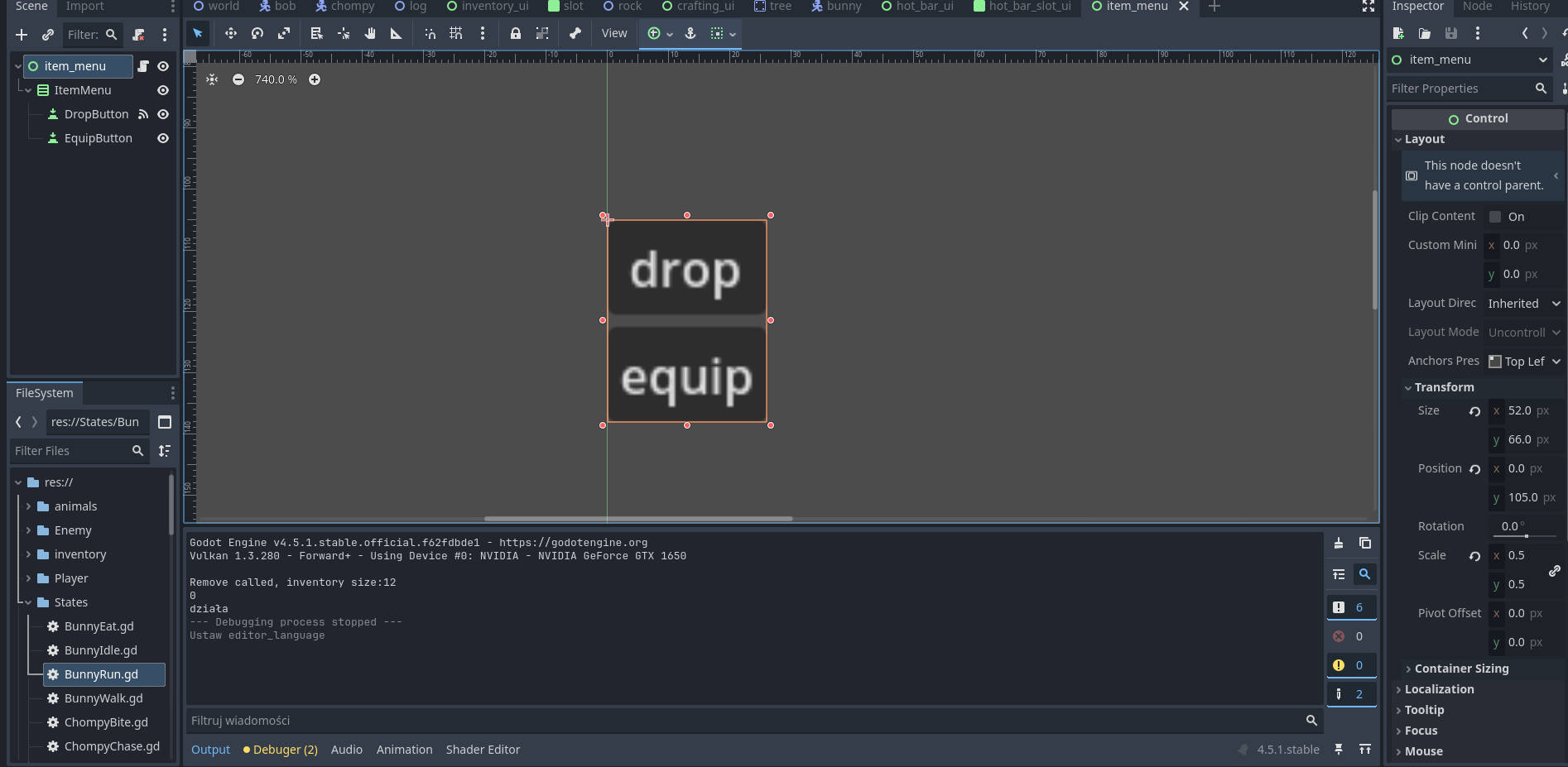
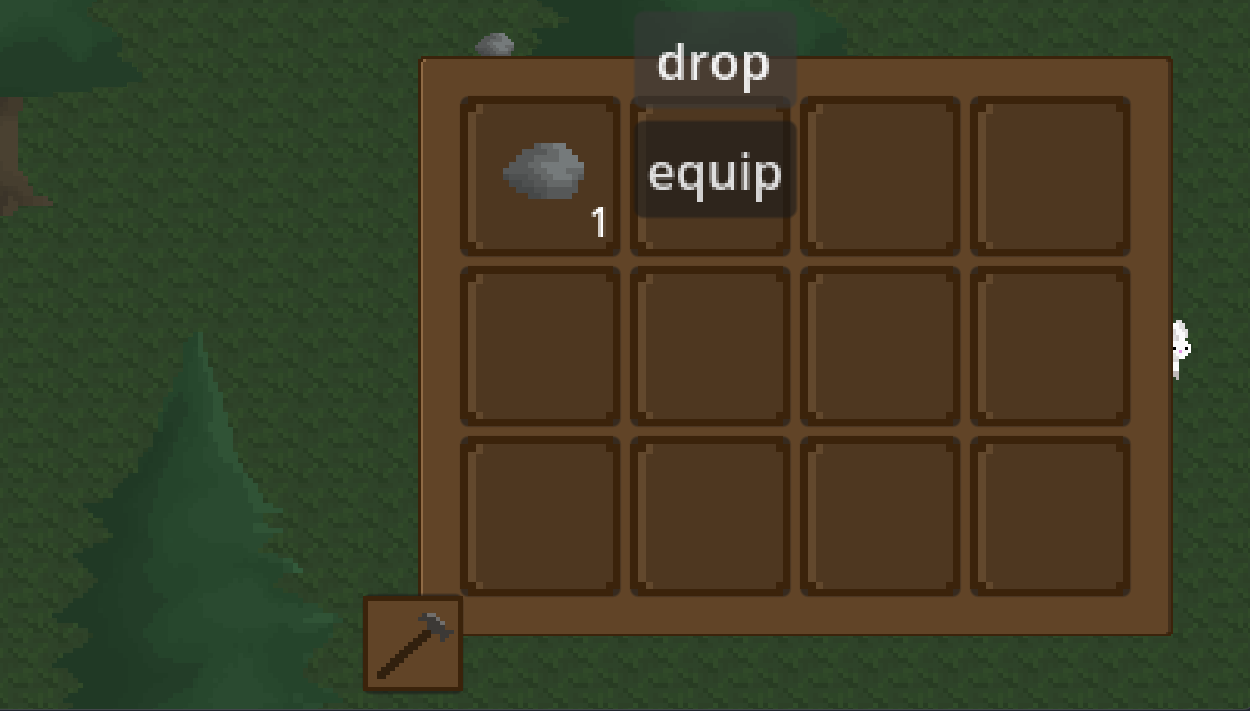
Hello , so i have made an inventory and i added an menu to the items , so that when i have an item in the inventory and i click on it the menu pops up next to it. The menu consists of 2 buttons for now , drop and equip . when i open the menu of the first item in the inventory the dop button is kinda higher than the inventory and it works , but the equip button (which is in the inventory when i open it up) doest seem to work , when i swap their position the drop button stops working, what is wrong?
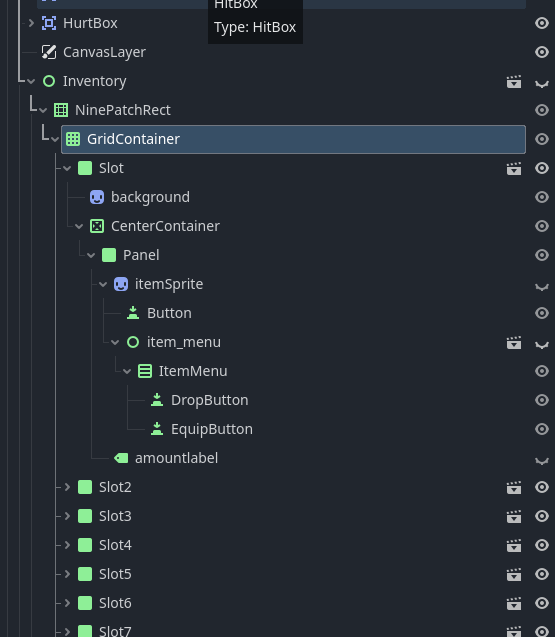
Do you have a photo of the node tree for the inventory? i want to compare it to mine, i agree with normalized. this sounds like the same problem i had.
No. This scene structure is precisely the cause of your problem. UI elements that catch mouse clicks in other slots are laid over the buttons in your item menu. So events are consumed before they reach those buttons. That’s why your upper button is working and the lower one is not. There are no other slots laid over that upper button, at least not for the first row of slots.
I already wrote it above. Also two ways to handle this are described in the discussion I linked.
Don’t keep your item menu inside slots. Instantiate that scene via script code every time you need it and put it into the scene tree after all slots. That way it’ll be first to get the events.
The other solution is to set slot mouse filter to “pass” or “ignore”, for all slots, whenever the menu is shown.
Depending on your setup you may get away with having everything that captures mouse events set its mouse filter to “pass”.
Read up on mouse event filtering to understand how mouse events are propagated across the nodes in the scene tree.