Godot Version
Godot 4.6stable
Question
The problem: I need to ‘rotate’ an image by different amounts, for a specific look in my game. Doing a bunch of trigonometric calculations during runtime is very expensive, so I’d like to calculate the target UV’s (already rotated) beforehand.
My solution: I tried to create an image with the UV’s, where the other image should be sampled, represented in colors (red and green). Then the image is sampled making use of the colors from the UV image. But the resulting image I get is very pixelated.
I make the image with the (for now unrotated) UV’s like so: (size is the resolution of the image)
	var image = Image.create_empty(size.x, size.y, false, Image.FORMAT_RGBA8)
	var float_size: Vector2 = Vector2(size)
	for x in size.x:
		for y in size.y:
			var UV = Vector2(float(x) / float_size.x, float(y) / float_size.y)
			image.set_pixel(x, y, Color(UV.x, UV.y, 0.0, 1.0))

	image.save_png(TEXTURE_STORAGE_PATH)
	var tex = load(TEXTURE_STORAGE_PATH)

	return tex
And I apply them to the image in a shader like so: (gdshader)
void fragment() {
	vec2 uv = texture(sample_texture, UV).xy;
	COLOR = texture(TEXTURE, uv);
}
The resulting image looks like this:
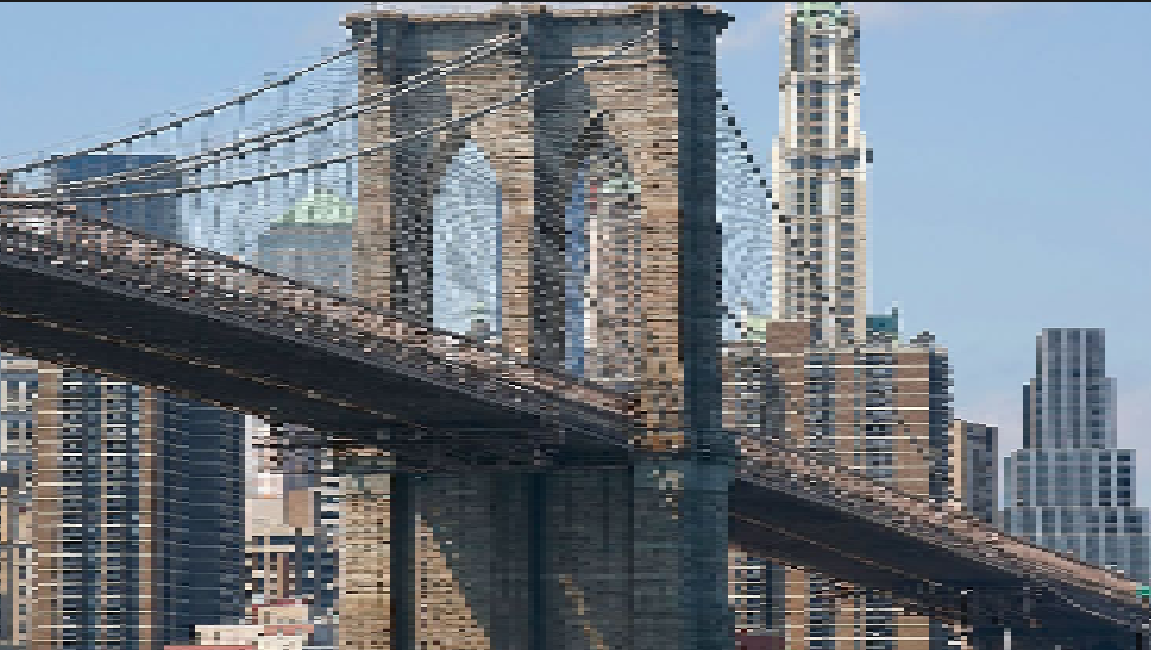
instead of normally:
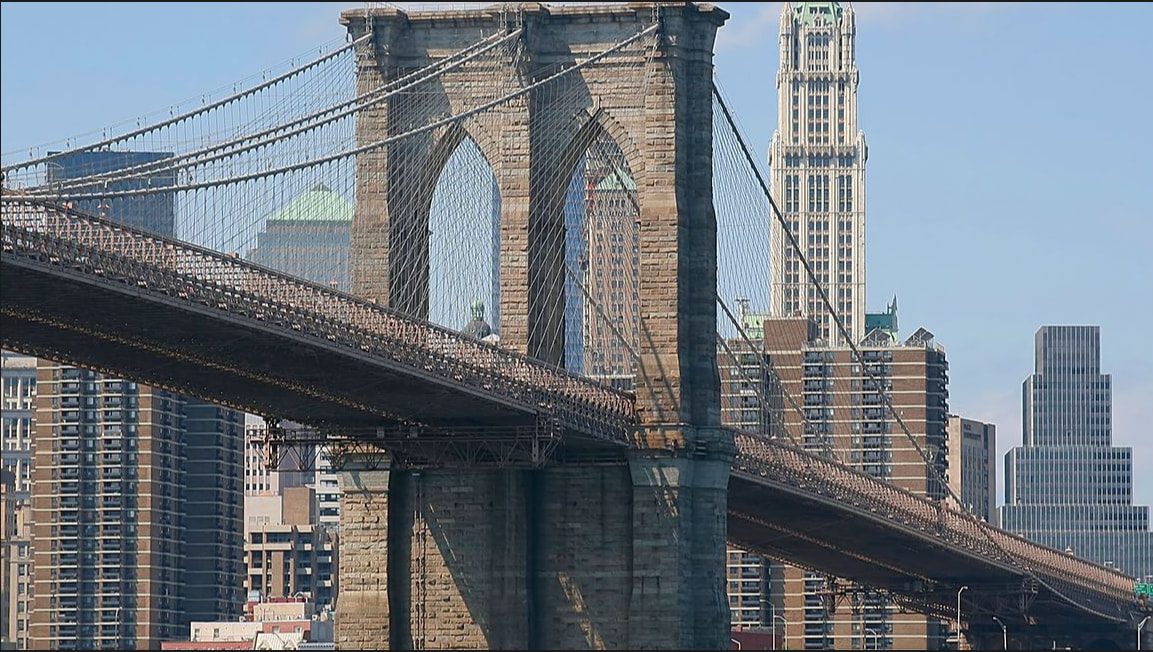
Hardware: Intel i3 12100f and AMD Radeon 9060 XT
Thanks!