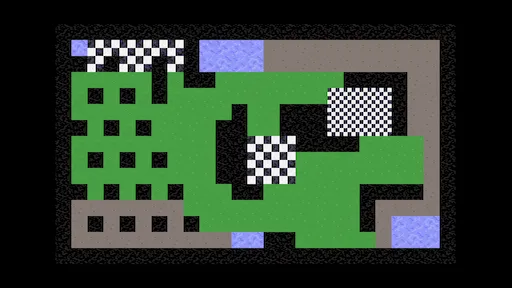
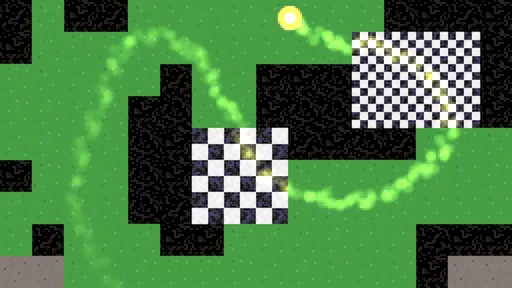
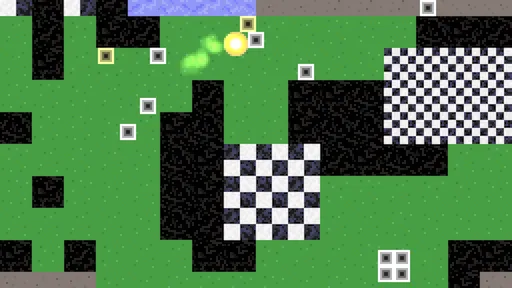
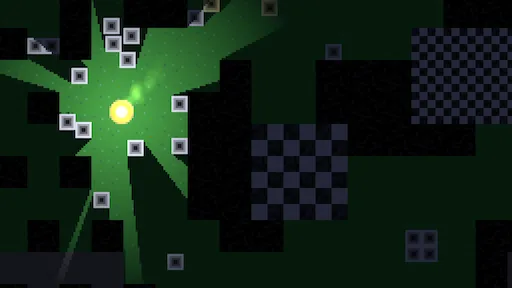
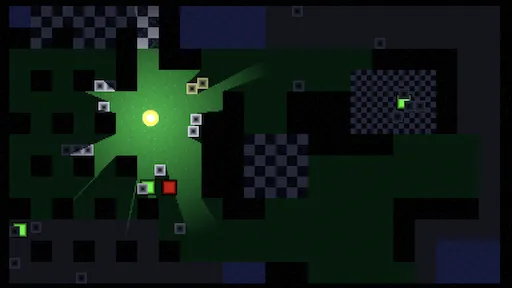
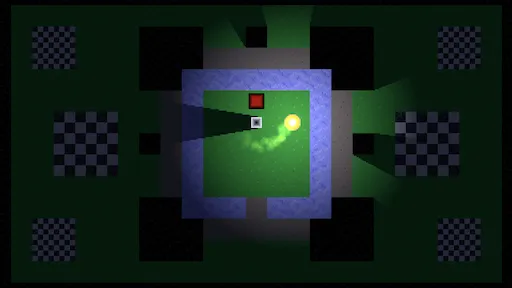
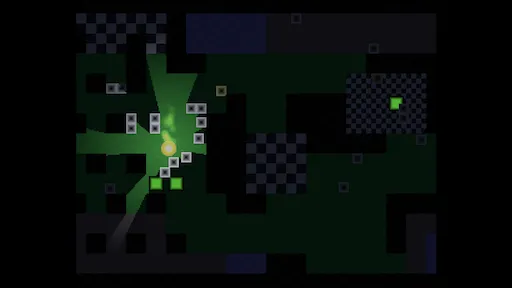
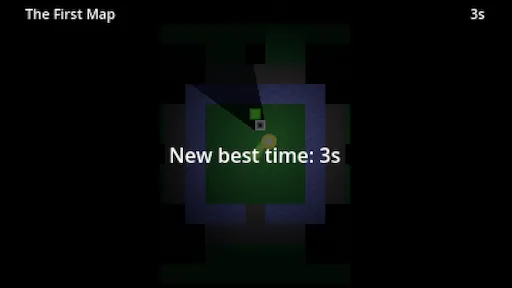
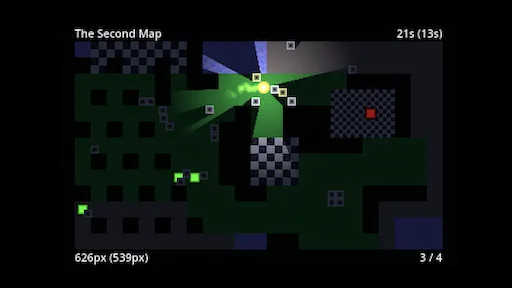
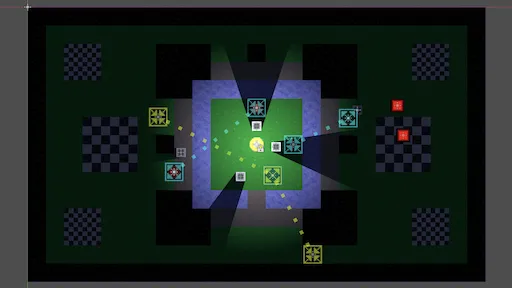
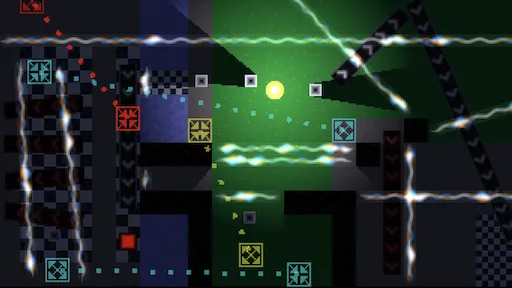
I have written a tutorial series about creating a simple true top-down 2D game.
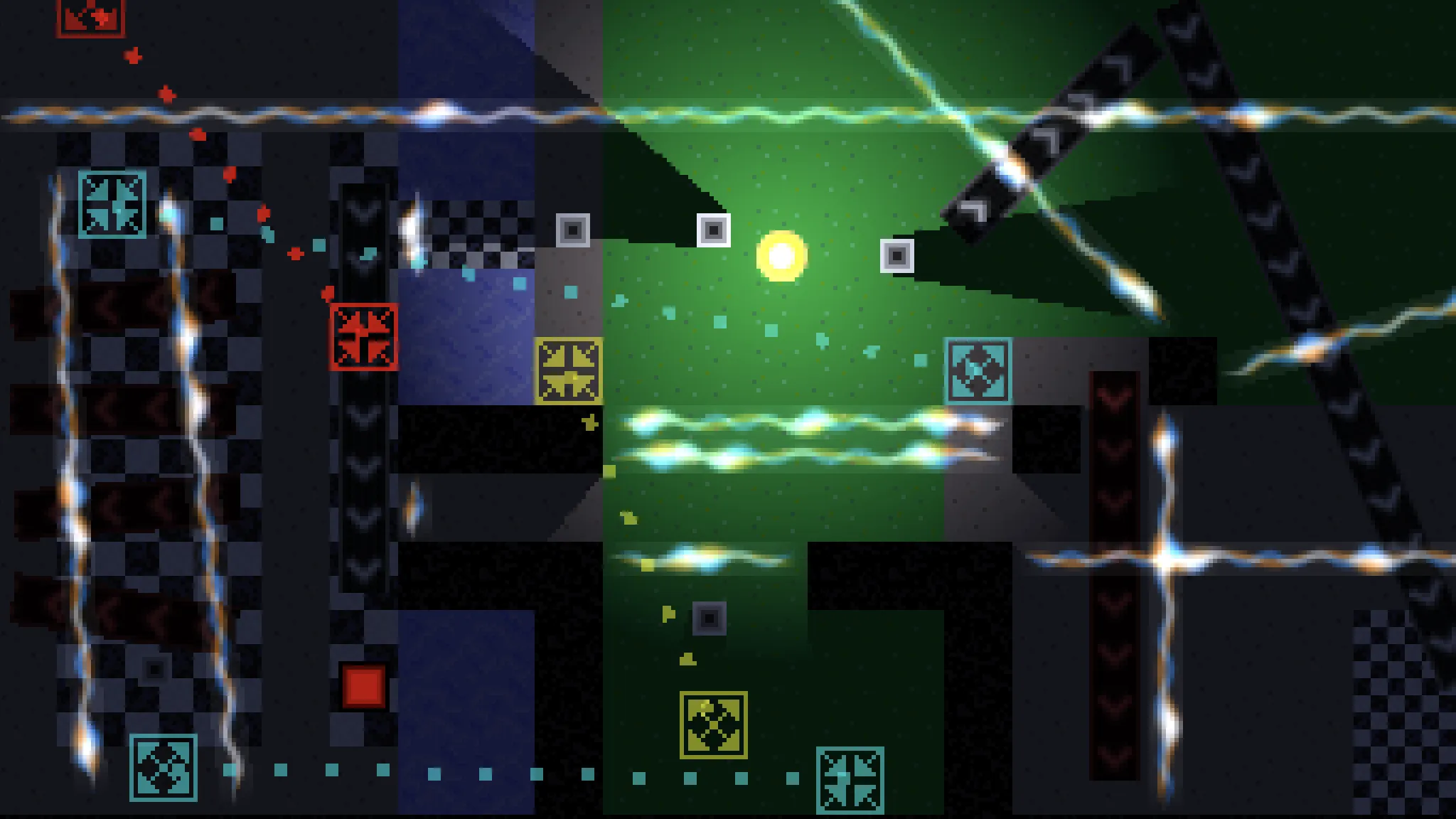
It requires basic understanding of Godot 4, which can be attained by going through my Introduction tutorial series.
I have written a tutorial series about creating a simple true top-down 2D game.
It requires basic understanding of Godot 4, which can be attained by going through my Introduction tutorial series.
You should put some short videos on YouTube with links to your Tutorials. 
I’m one of those few text guys. No YouTube videos from me. 
@catlikecoding ive been following your work for years, your unity tutorials are second to none, ive learned a lot from them in terms of architecting code in general, and application of mathematics, and it’s great to see you writing material for godot as well as that’s now my primary engine. im also a text guy, learning through videos is generally just not my thing. i visit your website regularly, please keep up the good work
I will, cheers!
Great tutorials, as always.
There’s some inconsistent naming in Part 7 with “FaceRect” and “FadeRect”. I assume it’s meant to be the latter.
You’re right. I thought I fixed that already. It is now. Thanks for pointing it out!
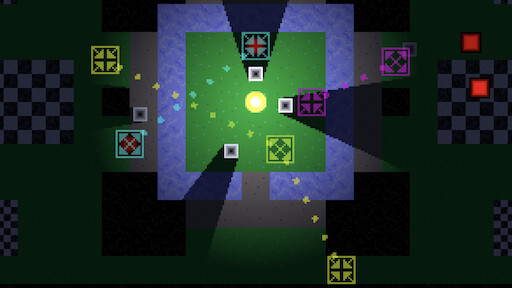
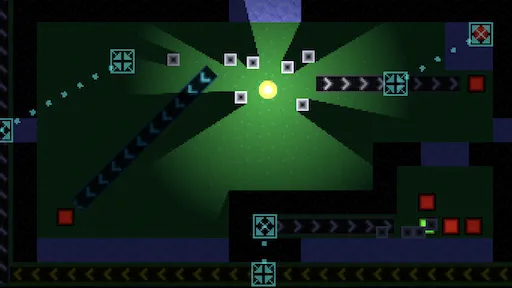
We move back to working on the maps, adding new features to them, specifically teleporters!
The player can teleport itself and movable objects from source to destination areas. When a destination is occupied teleportation is blocked, which can be used for creative level design.
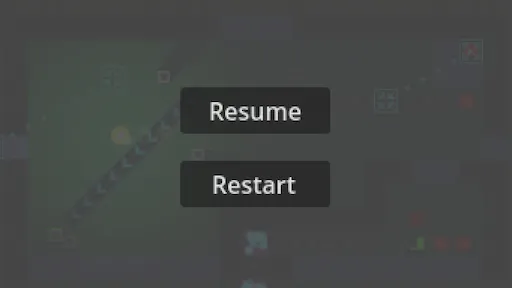
We add a pause menu to our game, from which we can resume playing the current map or restart it.
Thank you for writing text tutorials. I can’t express how glad I am those are still made in this day and age.
Cheers! Yep, text all the way!