Also wanted to say thanks, I very much appreciate text over video
2 Likes
It’s my pleasure!
hi and thank you for your work. ive been following your website for years, because of your work with the unity engine. ive followed all the godot tutorials so far and have been really enjoying it.
if i may make a few comments.
-
you seem to use _process() for handling input. there are dedicated methods specifically for handling input. this is much better for performance. in my case i use _unhandled_key_input() in place of _process(). there are few other variations as well.
-
in your latest tutorial, the pause menu one, you use add_child() and remove_child() to bring up and close the pause menu. i don’t entirely agree with this choice.
for a UI element that you’re going to constantly be using, it seems like rebuilding your front door every time you want to leave the house
 these methods are fairly “heavy” in terms of performance.
for small things like a pause menu, removing it from the tree i think makes the potential for bugs huge. i’ve hit upon a few errors myself here (something to do with main.gd being an autoload), because i don’t follow your tutorials exactly line by line or 1 to 1, but definitely about 95% or so.i think it is safer to handle menus like this by using visibility:
- you get state persistence - if your menu has animations or sub-menus, removing it from the tree i believe would reset everything. simply toggling visibility on/off keeps the state intact.
- other scripts won’t break because they’re looking for a node that was orphaned. by working with visibility you avoid avoid referencing bugs
- just sheer simplicity. visible = true/false is just one line and very predictable
in my case i don’t check for input in pause_menu.gd at all. i just have a toggle() function that calls close_pause_menu() if the tree is paused, else activate(). then in main.gd i just call PauseMenu.toggle() from _unhandled_key_input(). i think it is maybe a bit messy to check for input in two different places here, when just one place will suffice
thank you again for your work and i’m eager for the next tutorial
You’re right that event-based input checking is more efficient for one-off actions like summoning the pause menu. I just stuck to polling for simplicity.
Add/remove doesn’t destroy it and doesn’t require rebuilding it. This just detaches the subtree from the root so it is fully inert. Stuff breaking suggests that there are undesirable dependencies and things aren’t modular. And yes, if you deviate then stuff is going to break because assumptions made will be invalidated when you switch approaches.
Also, this is a just minimal pause menu. It is introduction-level material.
Cheers!
1 Like
1 Like
2 Likes
Hi, I’m a software developer graduate with no confidence whatsoever, I always lack the practice to not just remember to pass an exam and now I have forgotten almost everything I learn the past 4 years, I’m using Godot to re-learn cause I couldn’t find the “real world problems to solve” with projects my teachers talked about, I have started with your clock introduction and I’m trying to apply it to something else in order to not just copy the tutorial, I’m trying to do an inventory system (cause I’ll also like to think in systems) and I feel like I can read and understand what you say unlike youtube tutorial hell that keeps me in an angsty mood of “But WHY”. I´m barely starting so I can’t tell how much further I’ll keep up but you left me with an excellent first impression and I’m grateful for all the time and effort you have poured into this. Hope you are doing well and good luck <3
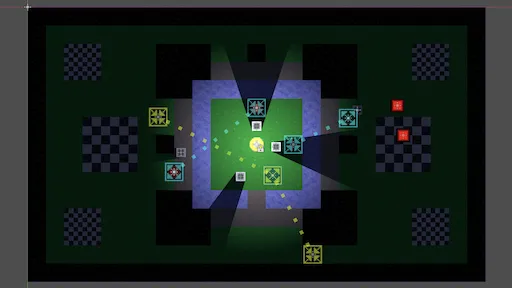
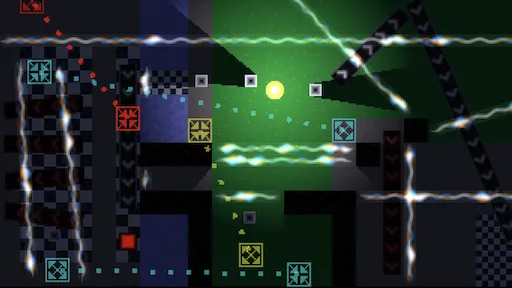
@poesero Cheers! I hope this little tutorial game is real-world enough. In any case, enjoy it!
1 Like
I made a small update to the series. Starting from part 13 it is now made with Godot 4.7. Line2D points used to be accessed directly, but that now gets us copies of the underlying packed array. So we’re now using method calls instead.
1 Like