Godot Version
4.7.2
Question
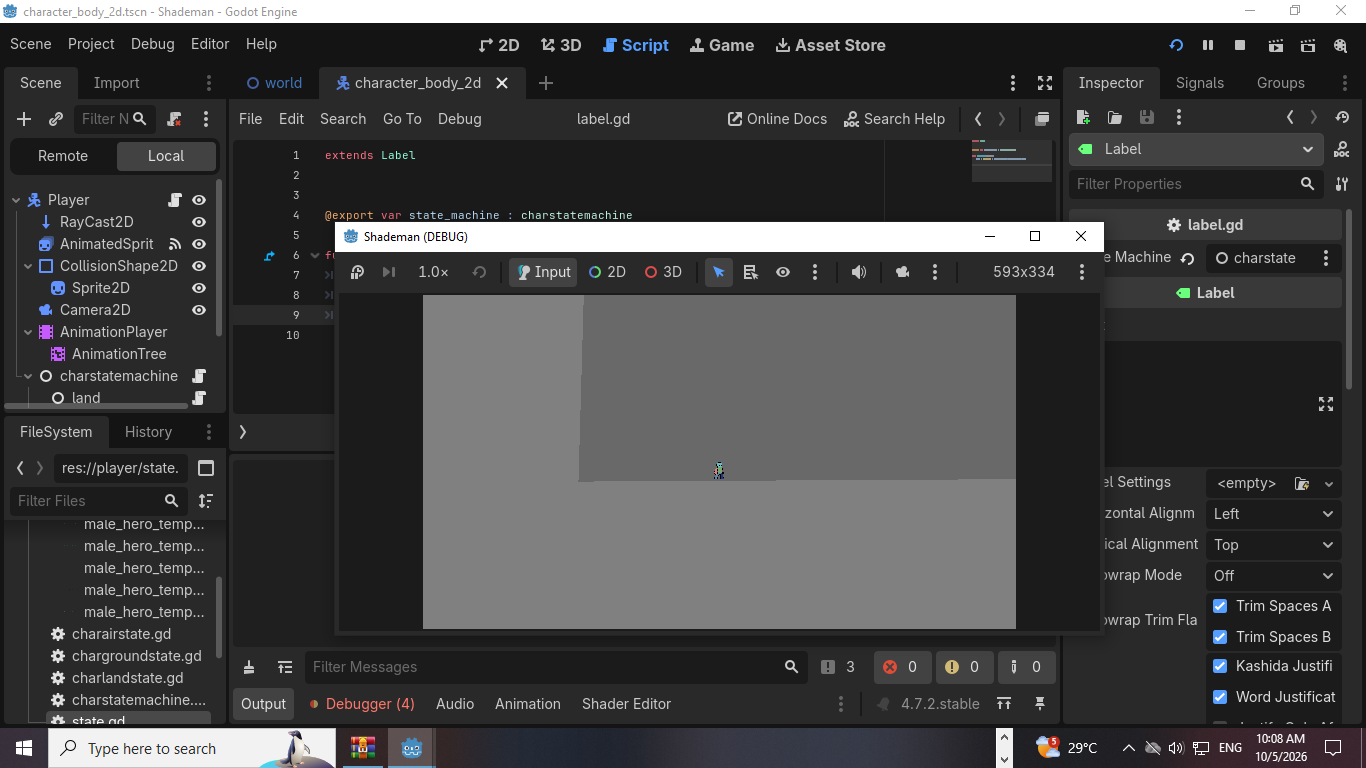
Just fixed the state machine movement for the player by some people, and he wouldn’t jump
@export var speed : float = 200.0


@onready var sprite : AnimatedSprite2D = $AnimatedSprite2D
@onready var animation_tree : AnimationTree = $CollisionShape2D/AnimationTree
@onready var state_machine : charstatemachine = $charstatemachine


var gravity : float = 100.0
var direction : Vector2 = Vector2.ZERO

func _ready() -> void:
	animation_tree.active = true


func _physics_process(delta):
	 #add gravity
	if not is_on_floor():
		velocity.y += gravity * delta


	#handle jump

	if direction.x != 0 && state_machine.check_if_can_move():
		velocity.x = direction.x * speed
	else:
		velocity.x = move_toward(velocity.x, 0, speed)

	move_and_slide()
	update_animation_parameters()
	update_facing_direction()

	direction = Input.get_vector("ui_left", "ui_right", "ui_up", "ui_down", )


func update_animation_parameters():
	animation_tree.set("parameters/BlendSpace2D/blend_position", direction.x)

func update_facing_direction():
	if direction.x > 0:
		sprite.flip_h = false
	elif direction.x < 0:
		sprite.flip_h = true
extends State


class_name groundstate

@export var jump_velocity : float = -150.0
@export var charairstate : State
@export var jump_animation : String = "jump"

@export var raycast_2d: RayCast2D


func state_process(_delta):
	if raycast_2d.get_collider()==null:
		playback.travel(jump_animation)
		next_state = charairstate

#this is how you write when programming a state
func state_input(event : InputEvent):
	if(event.is_action_pressed("ui_select")):
		jump()

func jump():
	character.velocity.y = jump_velocity
	next_state = charairstate
	playback.travel("jump")
