anydata
February 27, 2026, 11:42pm
1
4.6 Stable version
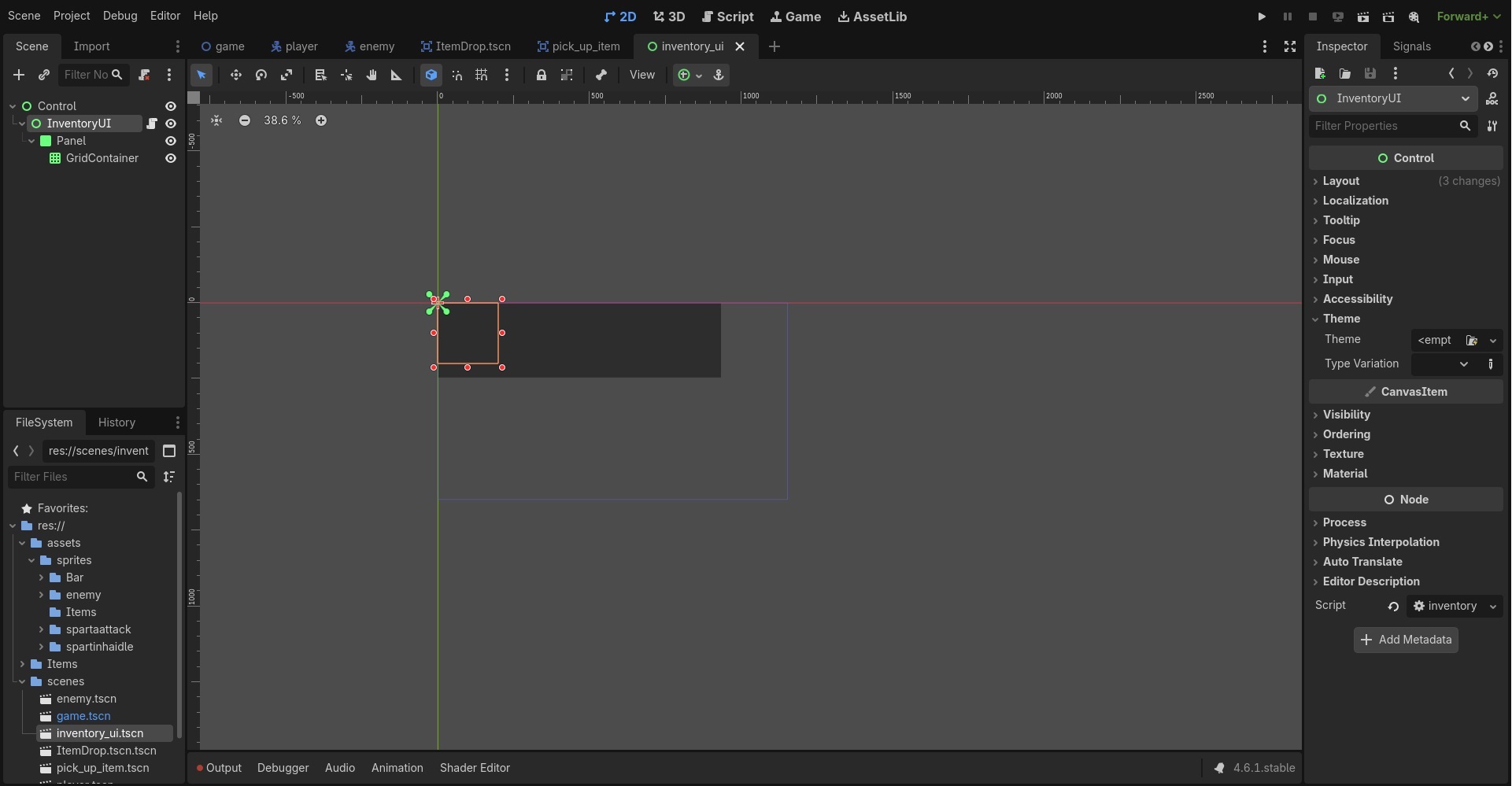
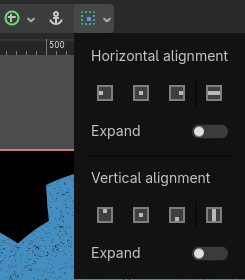
I’m a begginer, I’m trying to create my inventory menu UI and when i select CONTROL node a layout menu should show, but nothing happens … I’m stucked, I tried a few different tips to solve, even installing another version. AI didn’t help too much as well. Check the print screen and thanks for your help.
wchc
February 27, 2026, 11:43pm
2
What do you mean by a layout menu? Can you show a screenshot how it should look like?
anydata
February 28, 2026, 12:28am
3
Hello wchc ,
At first, thanks for your attention!
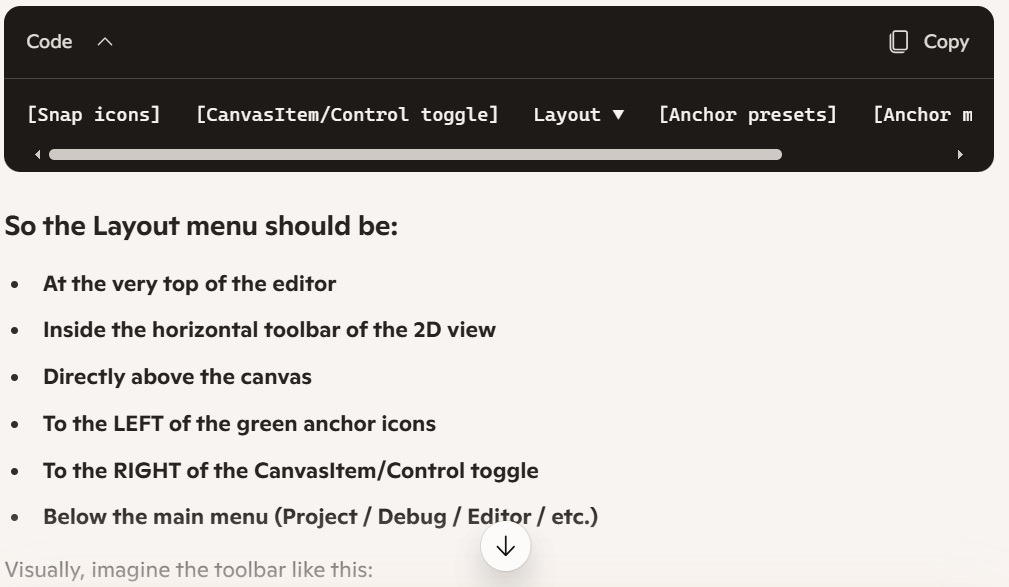
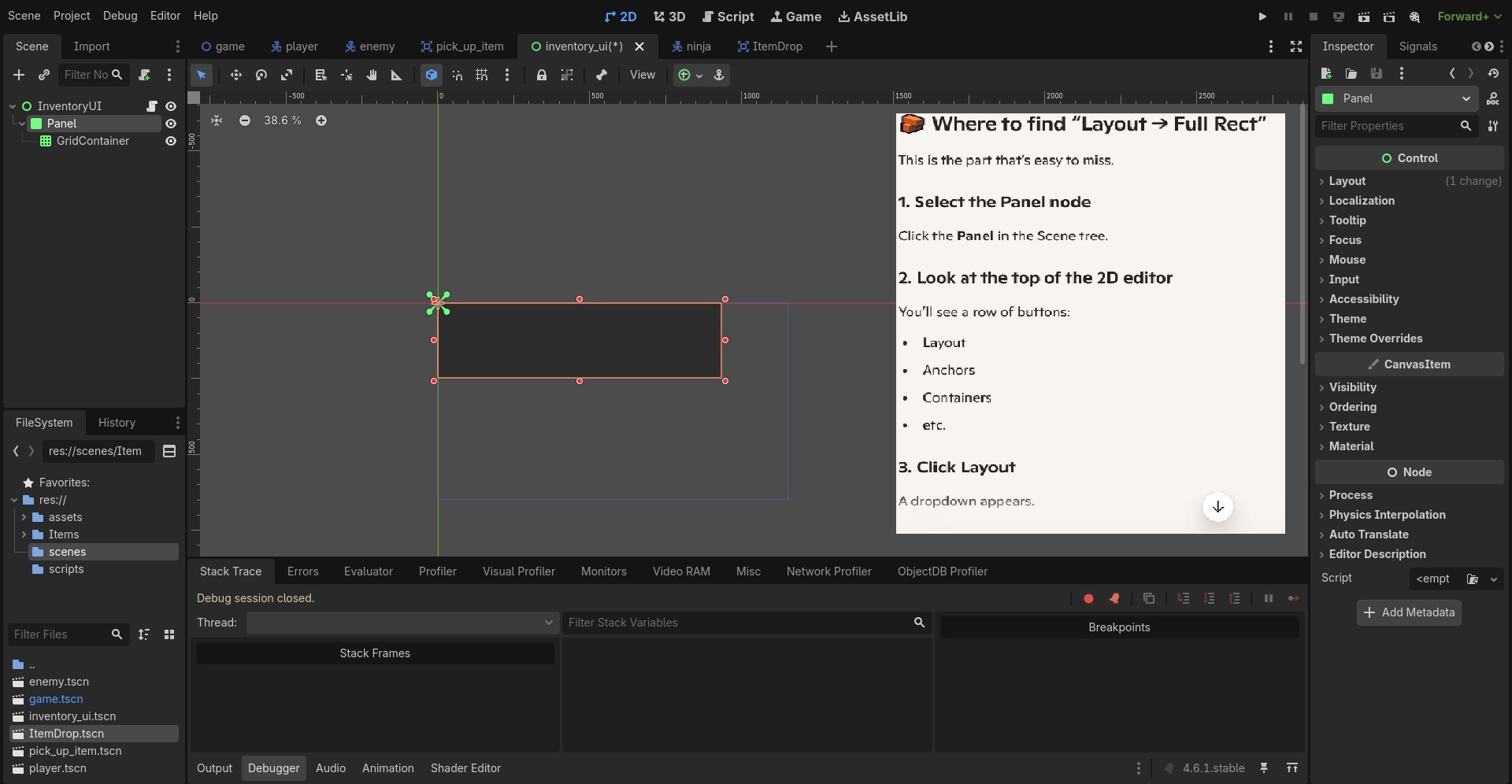
This is what the tutorial is telling me, to find the Control Node Layout menu, so i can keep going and finish the inventory UI.
Cheers mate
wchc
February 28, 2026, 12:50am
4
What specific option do you want to find there?
anydata
February 28, 2026, 4:57am
5
Hey wchc ,
The tutorial I have says a menu called Layout should show there, that’s why I’m stucked and can’t go through.
Am I wrong or this tutorial doesn’t exist?
wchc
February 28, 2026, 8:30am
6
You’re looking at a tutorial and you’re asking me if it exists? Do you have a link to this tutorial so I can have a look?
anydata:
and can’t go through
Forget about this layout menu. I asked what specific option are you trying to find there? What does your tutorial say?
I believe you mean the Size Settings Toolbar Menu .
That only Control in a scene.
In you screenshots, that means only the Control node named “Control” will have that option.
anydata
February 28, 2026, 5:43pm
8
Hey wchc,
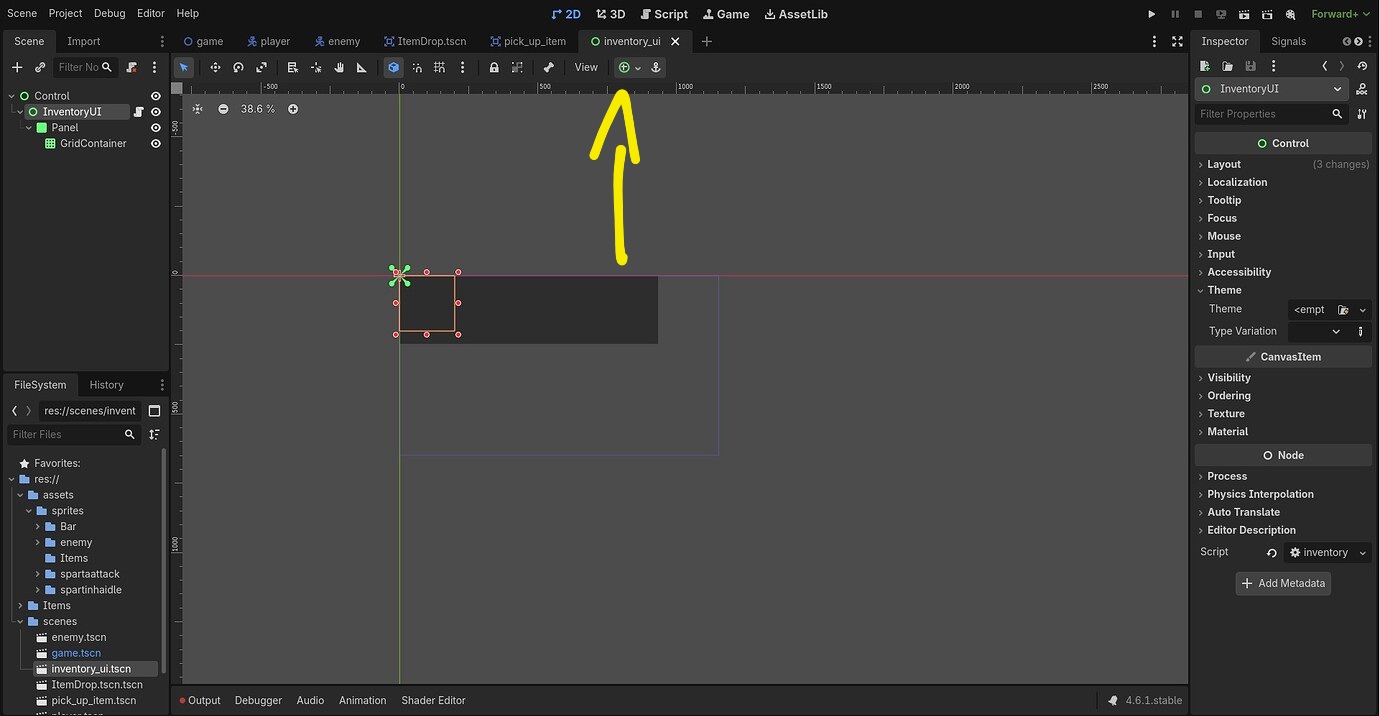
I’m trying to find the Layout Menu when I click the node Panel.
Check the tutorial i’m following in the picture.
Thanks for your help!
anydata
February 28, 2026, 5:45pm
9
Hi dragonforge-dev ,
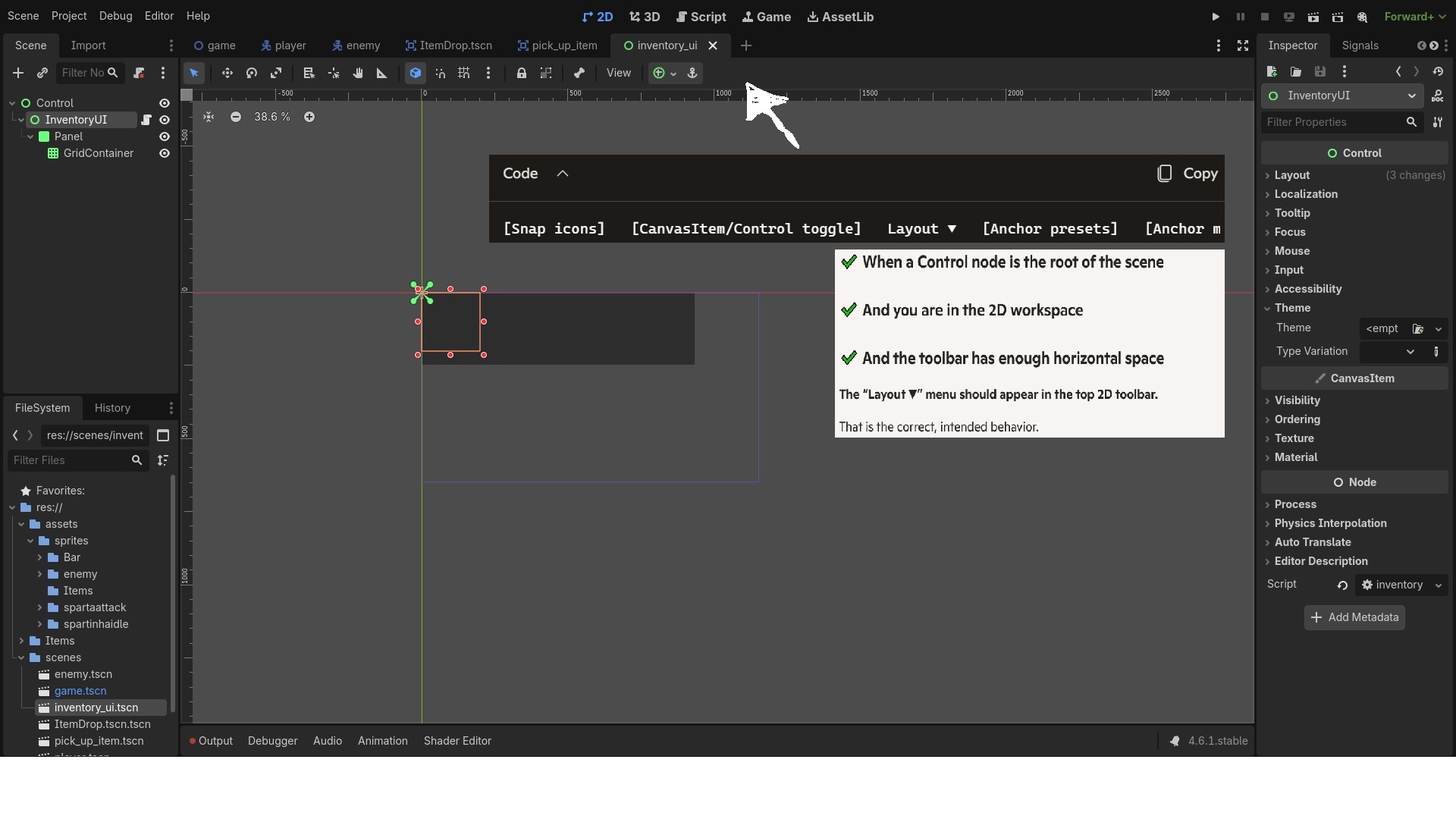
I understand, tried with 1 Control Node and you can see in the picture the same issue. I’m trying to find the Layout Menu when I click the node Panel.
Check the tutorial in the following picture.
Thanks for your help!
The tutorial you are following is trash. I recommend picking a new one. It is calling things the wrong name, and looks AI generated.
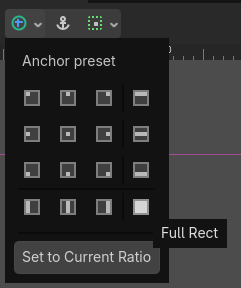
Full Rect is an Anchor Preset .
I would recommend that you be more verbose about your problem in the future. If you’d asked where the Full Rect button was, this would be a shorter thread.
Also, I recommend you stop using AI. It does not understand how Godot works and will confuse you.