Godot Version
4.6
Question
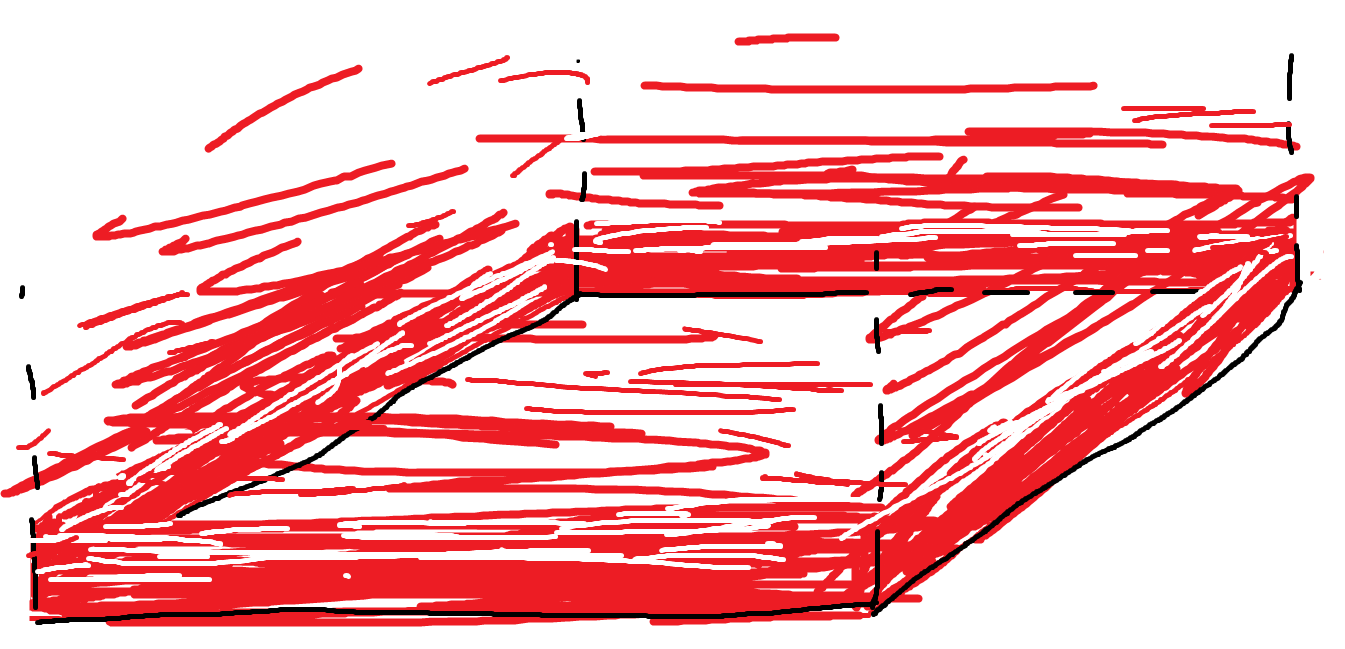
I am attempting to create a shader which fades from a colour to transparent around the edges of a cube mesh, here is a sketch from paint that I hope gets across what I am going for.
It is meant to mark the boundary of an Area3D in my game, similar to the mission checkpoints in GTA games.
I am a total shader novice and I am really struggling to understand what is going on with them. This seems to me like it would be a relatively simple shader but I can not figure out how to implement it. I would really appreciate some help, thank you!
You can do this without shaders. Adjust UVs on your geometry and map a gradient texture to albedo.
It is a pretty simple shader, the trickiest part would be using the mesh’s vertex data directly but a varying can bridge that gap.
shader_type spatial;
render_mode unshaded, cull_disabled, blend_add; // all optional

uniform float y_offset = 1.0f;
uniform vec3 boundry_color: source_color = vec3(1.0);

varying float y_position;
void vertex() {
	y_position = VERTEX.y;
}

void fragment() {
	ALBEDO = boundry_color;
	ALPHA = 1.0 - clamp(y_position + y_offset, 0.0f, 1.0f);
}
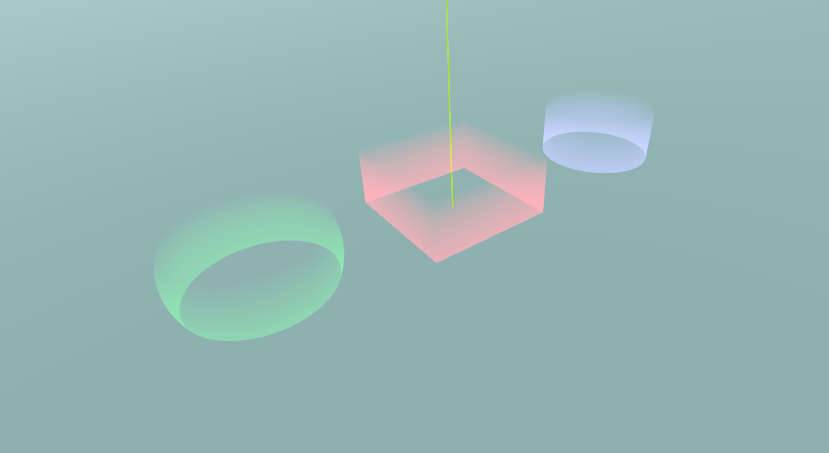
thanks so much! this is exactly what I was trying to do. I didn’t know varying was a thing which is probably what I was getting stuck with