Title: CSG Blockout 3.0: level prototyping with Godot’s own CSG nodes (draw, measure, play, freeze)
Body:
Hi everyone,
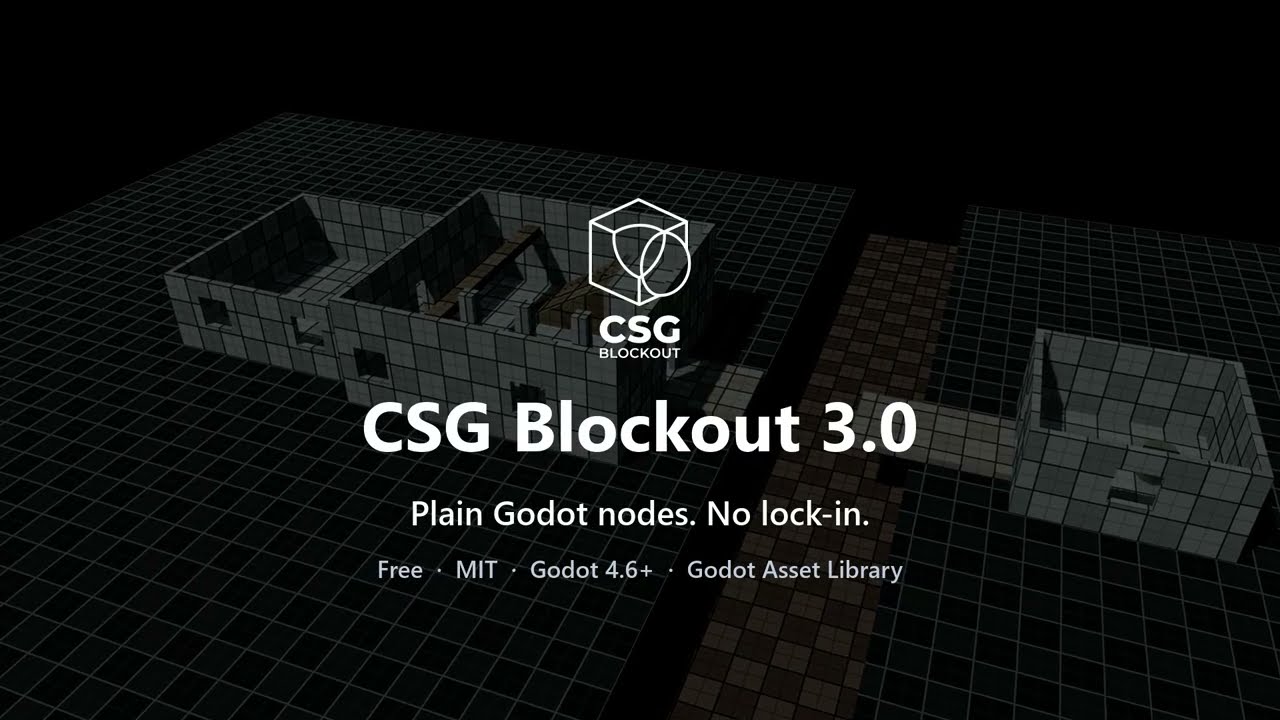
CSG Blockout 3.0 is out. It’s a free, MIT-licensed plugin for Godot 4.6+ that turns the built-in CSG nodes into a level prototyping workflow: draw rooms in the viewport, check them against your character, play them, and freeze them into meshes you can always turn back into CSG.
Build
-
Box, Room and Cut tools: drag a base on any surface, release, done. A room is a hollow shell with a wall thickness you set.
-
Door and window presets: click a wall and the opening is aligned to it, cut through its thickness and dropped to the floor (doors) or the sill height (windows).
-
Arrows on the faces of boxes, cylinders and stairs push and pull one face while the opposite one stays put; click a dimension label to type a size.
-
One grid for every tool (0.125–8 m), keyboard nudging, 15° rotation steps, drop to the surface below, duplicate along an axis.
-
Parametric stairs and ramps, and world-aligned grid materials.
Measure and play
-
Dimension labels on the selected shapes.
-
A player reference: capsule, crouch and eye height, how high you can jump onto, the sprint-jump arc, the steepest walkable slope.
-
Jump check between two selected objects, and a level check that flags slopes too steep to walk and ceilings too low to stand or crouch under. Next › takes you from one problem to the next.
-
Play From Here: run the scene with a first-person test character at the viewport center or the cursor. It uses your player metrics, so it jumps exactly as high and as far as the checks assume. It doesn’t touch your input map or autoloads.
Organize
-
A blockout outliner dock that lists only CSG trees and frozen blockout, with show/hide, solo, lock, filtering, group/ungroup and semantic names like
Wall_Corridor_01. -
Semantic tags (wall, floor, hazard, interactive) with color-coded materials, metadata your game can read, and an SVG legend for design docs.
Freeze and ship
-
Freeze a CSG tree into a
MeshInstance3Dwith collision in one undo step; Unfreeze brings the exact CSG back, and scripts, groups and children you added to the frozen node survive the round trip. -
Bake options per node: collision type, lightmap UV2, occluder, LODs, with in-place rebake.
-
Exports strip the stored CSG and editor-only helpers.
-
Export to MeshLibrary for GridMap, and a glTF round trip: refine frozen blockout in Blender and swap the result back in with your Godot materials.
-
A warning for non-manifold
CSGMesh3Dinput, which Godot’s CSG (Manifold, since 4.4) otherwise handles silently and wrongly.
Performance
With one CSG tree per room, an edit takes about 2 ms whatever the size of the level; with 400 primitives in one tree it’s about 30 ms. Freezing 400 primitives takes under 0.1 s, and the frozen level starts about 4× faster than live CSG. Numbers, method and a benchmark you can run are in BENCHMARKS.md.
No lock-in
Everything is stock Godot nodes. Disabling the plugin changes nothing in your scenes. If you delete it, stairs keep their shape as CSGPolygon3D, frozen blockout stays a mesh with collision (you just can’t unfreeze it), the grid materials go with the addon folder, and Repeater/Spreader need to be baked first.
Upgrading from 2.x
Scenes keep working, but the controls changed: there’s no hidden “current operation” anymore, the sidebar became an always-visible tool palette, the pie menu and toolbar were reorganized, and tools are one-shot. The release notes list everything:
Links
-
Asset Library: CSG Blockout - Godot Asset Store
-
Tutorial: Godot-CSG-Blockout/TUTORIAL_EN.md at main · qwqzhanqwq/Godot-CSG-Blockout · GitHub
Feedback and bug reports are very welcome, here or on GitHub. I’m especially interested in what’s still missing between “first box” and “it plays well”.