Godot Version
Godot 4.7
Question
I am very new to Godot trying to make a sort of Real Time Strategy game where you transition to a separate screen for combat, but I’m having a bit of difficulty grasping the execution of certain concepts.
A lot of the stuff I read online says you can pack the main node of your scene into a PackedScene variable that you create in your global variables, the only issue is that I do not fully understand how to go about doing that.
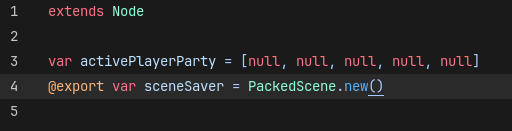
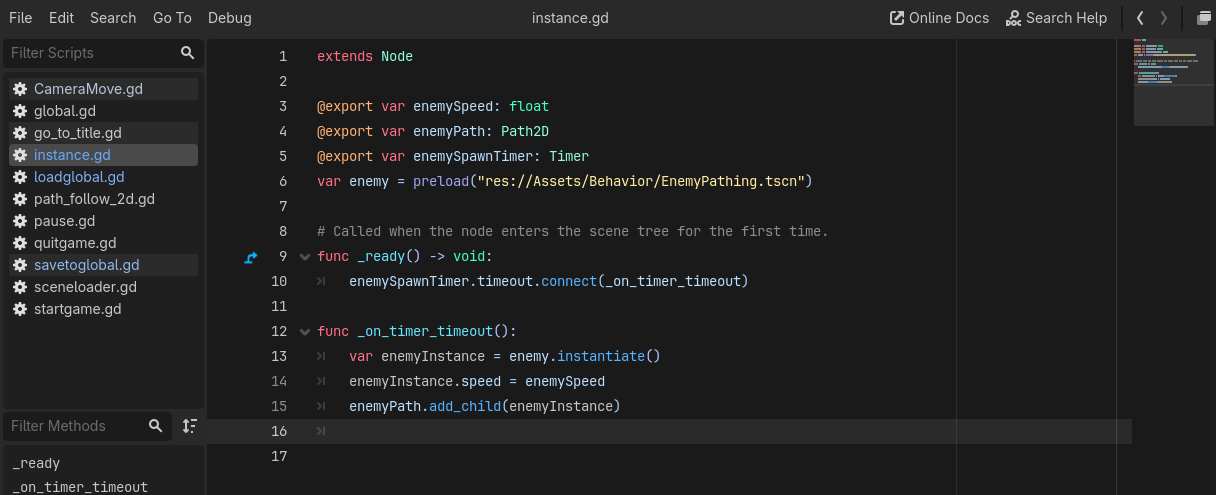
Here’s my global variable:
Mind the export, I thought I’d get a look at it in runtime to see if I could get an idea of what this is supposed to look like.
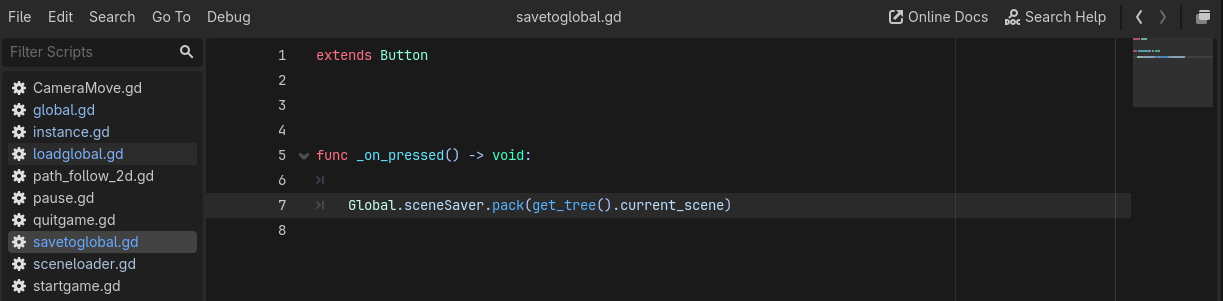
I made a button that, from what I read, should save get_tree().current_scene to the variable, I just don’t know exactly how to load that scene from a variable.
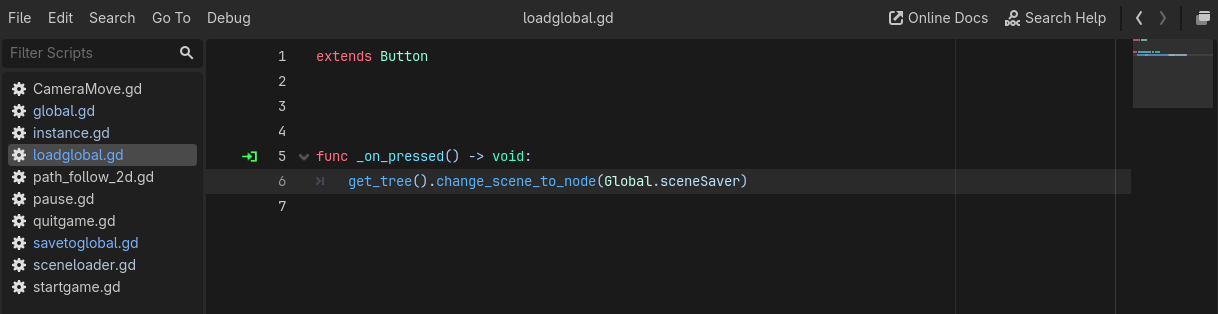
This is what I attempted to do to load it, but it’s very much not correct as it still sees the variable as a null node with nothing in it, so pressing the button might possibly be the issue, but it could be that this is just flat-out the wrong way to go about it lol.

I am very new and any advice or best practices would be appreciated. This is my first time making a project that is actually functional and I’d hate to get hung up on a roadblock like this and lose motivation.
Thank you!
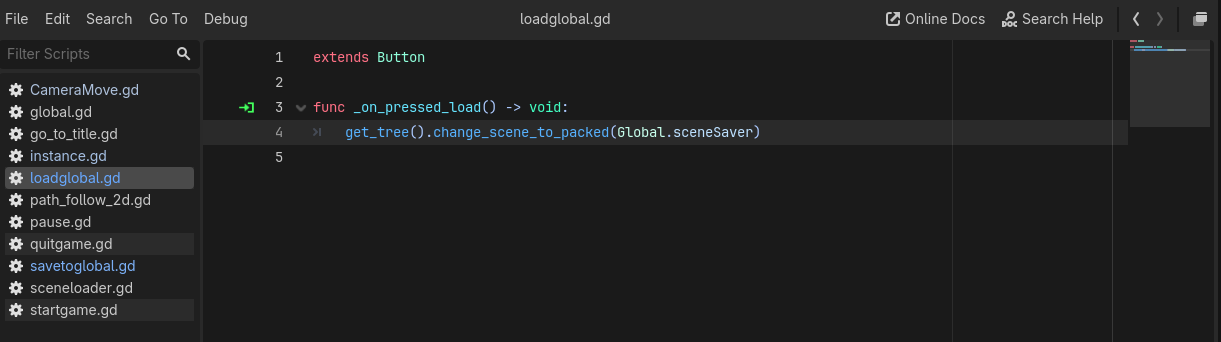
You should use change_scene_to_packed
Hello!
I think this is technically correct, although I’m having an issue where if I do get_tree().current_scene it doesn’t actually grab anything that’s instantiated as well as all the timers seem to lock up. I think I recall also seeing something about having a scene manager, although I’m not too certain how to go about doing that. I wasn’t too sure how to remove and re-add nodes to runtime.
Thanks for your input!
Did you try this? The code you use us the wrong method it takes Node not a packed scene, so do try that as your code is not correct
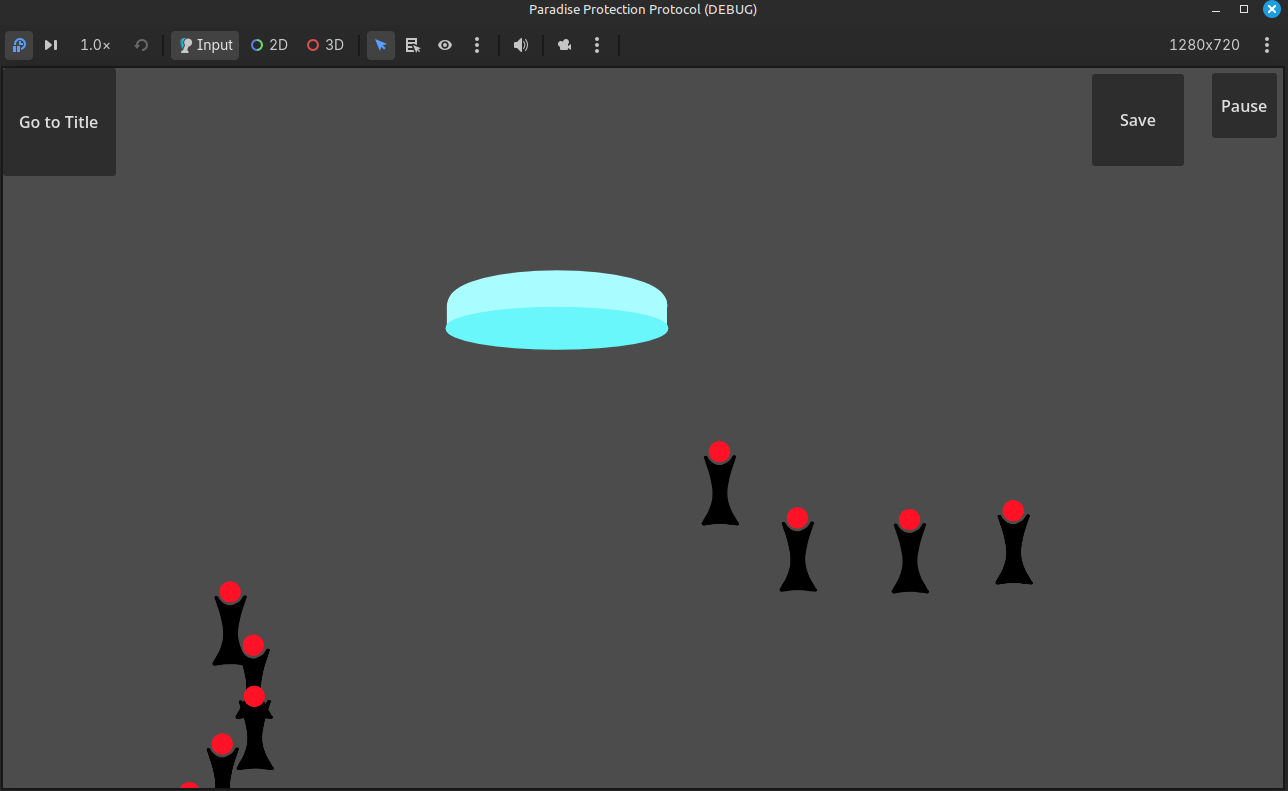
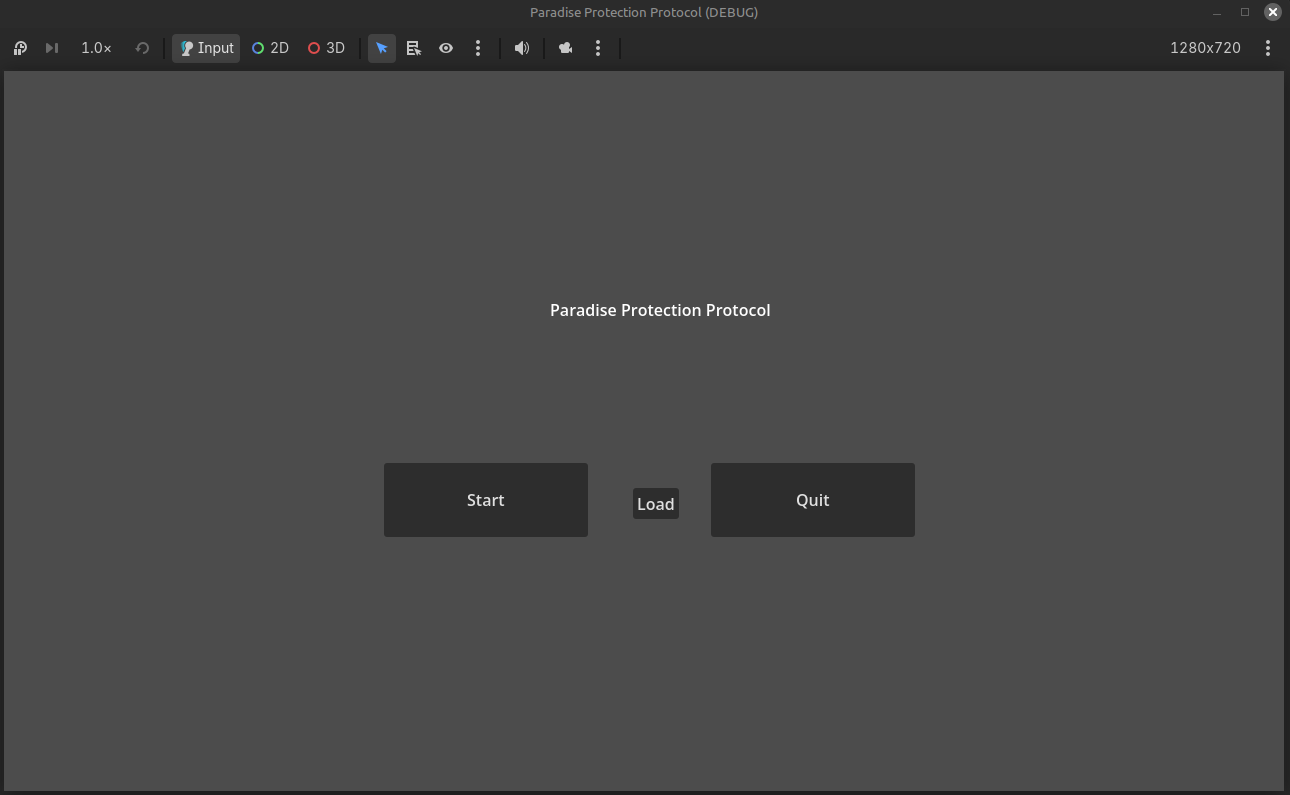
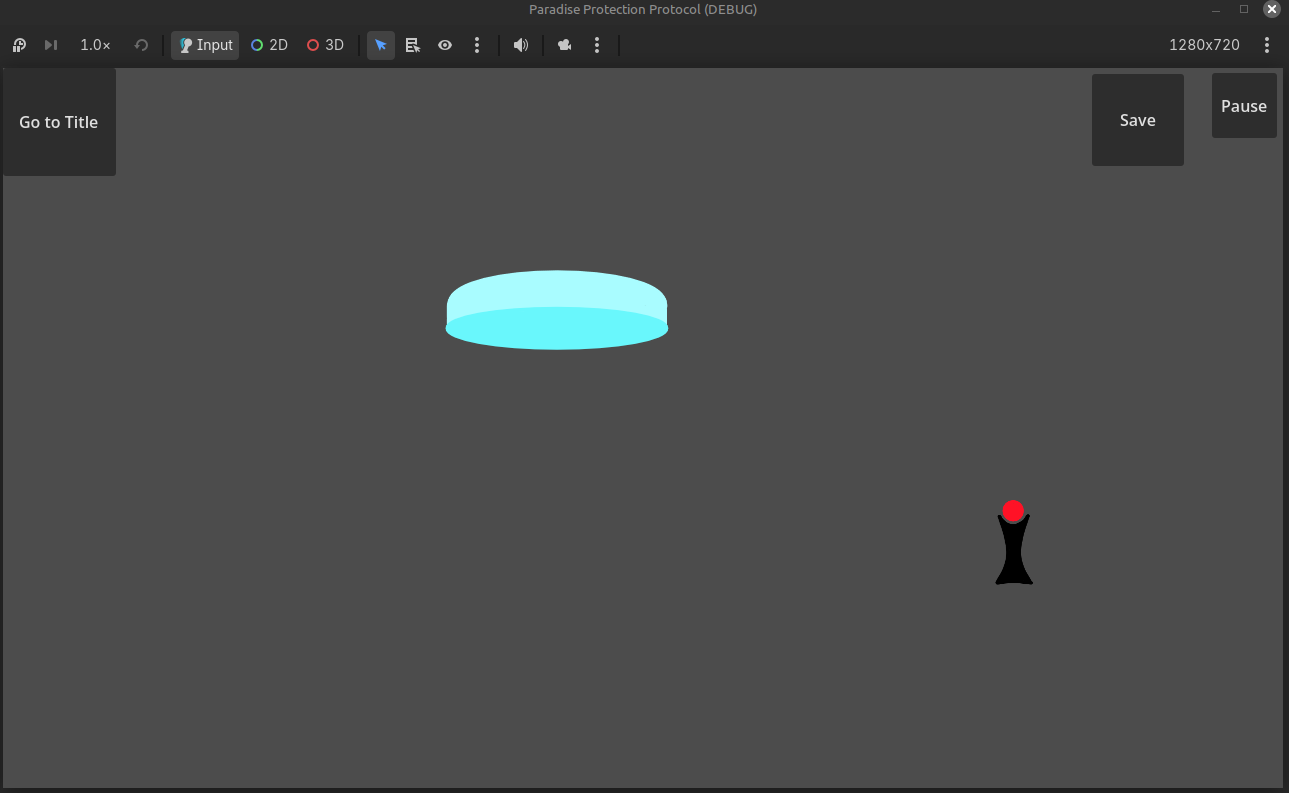
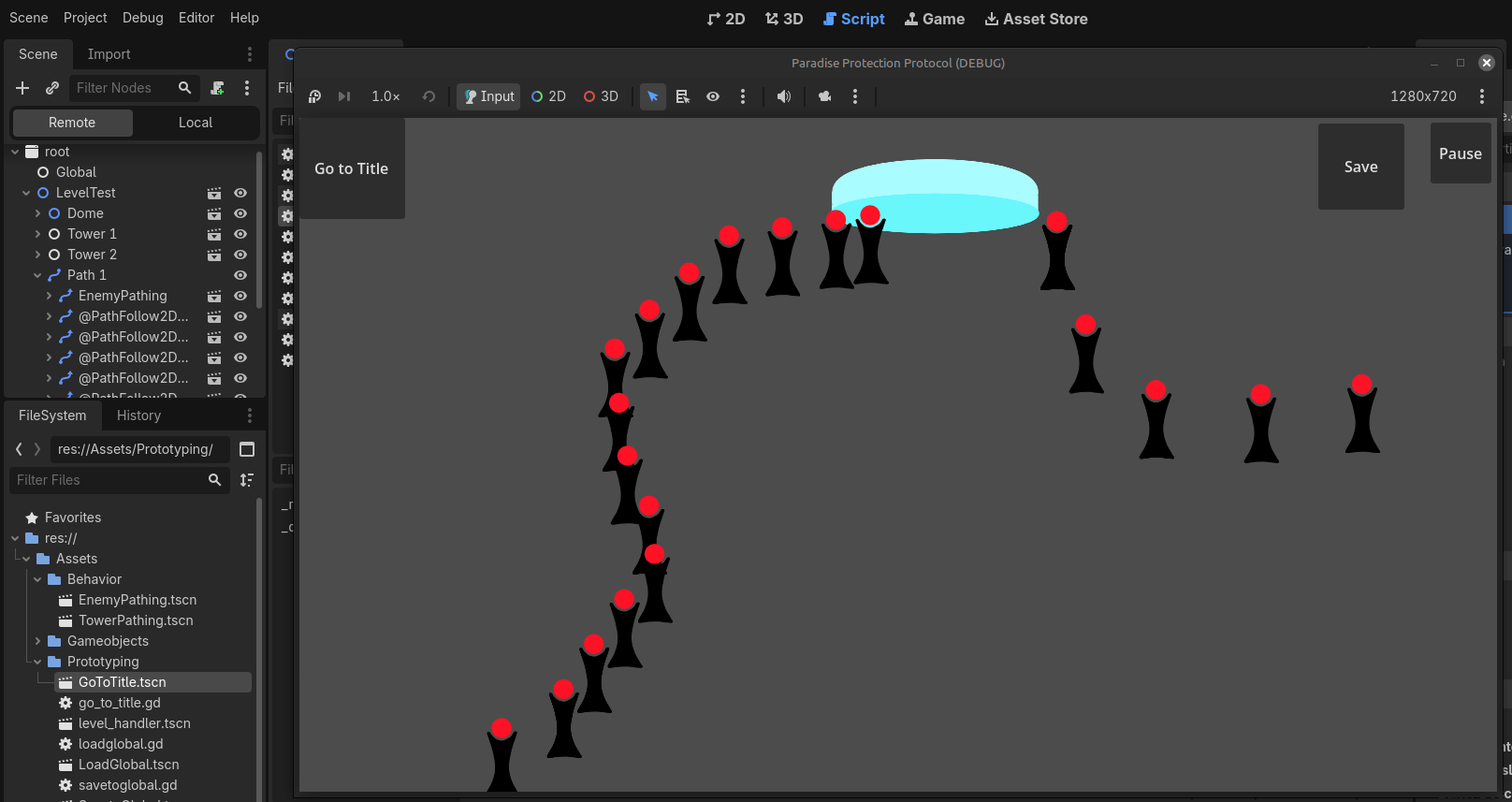
Yes, I did do that, but it just wipes out all the instanced objects. I put a save button in the main game to test, then put a load button on the title screen, then I changed scene to the title screen with another button, and then clicking load on the title screen just had all the instances blip out, and the timers just stop working.
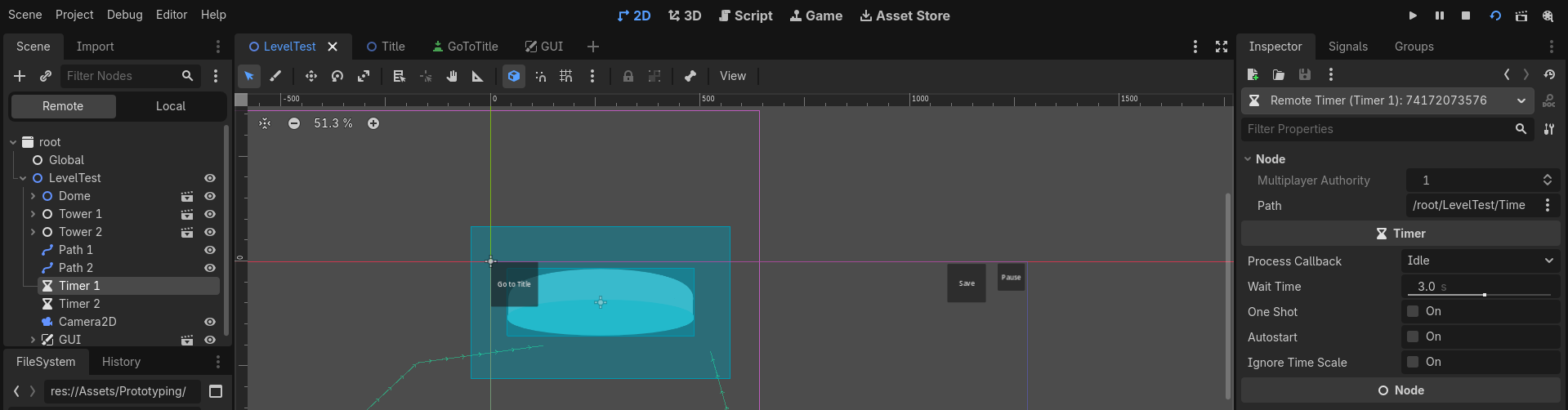
Yeah, my timers have autostart turned on, but when I load the scene from packedscene, they’re turned off, bizarre.
Did you assign owner of the nodes correctly?
I… Think so?
I made a couple towers that spawn the enemy pathfollower on the connected path2d node, and it references that to add the child of the instance. Is that what you’re talking about?
If I play it, they get added to the path2d because they have followpath2d as the instanced object’s root, and they only spawn because of the referenced timer autostarting and looping however many seconds I set it to in the editor.
If you want a node to be saved you need to set the owner, check the documentation for Node
Okay, the documentation just tells me to set it as an owner after add_child().
I do not understand what it means to set an owner, do I set it to the parent node at the top? Do I set it to the Path2d node referenced? What is an Ancestor? Can you elaborate?
It describes it in detail in the documentation, see the property as well
@athousandships is referring to the documentation about the owner property.
An ancestor is a thing in the line of ancestry:
- a parent node
- a parent node of that parent node
- a parent of that pare …
Ancestor in wikipedia
Thank you for the elaboration, the documentation doesn’t make all that much sense to me when I try to read it, mostly because what it says doesn’t really mean anything to me because I don’t know how it relates to the engine I’m working in. This was helpful in describing "Hey, the owner needs to be the root node you’re trying to pack up into that variable, to set an owner, just call:
var enemyInstance = enemy.instantiate()
	enemyInstance.speed = enemySpeed
	enemyPath.add_child(enemyInstance)
	enemyInstance.owner = get_tree().current_scene
in your code for the enemy spawning and you should be good!"
I’m still having issues where it still breaks the pre-defined timers I’ve set up in the scene, in addition to breaking the update functions on those instanced objects to make them move, so I’m just guessing this is not the best way to handle it.
I’ll just look up how to do node removal because that might be better than doing this.
Clearly you’re running into some stuff that is a little too complex to fix by pointing to the docs while not seeing exactly what you’re seeing. If the Timer nodes are saved, but their value for autostart is not, that sounds off indeed.
Last thing I can think of short of reproducing your case myself (which I won’t from my phone  ) is: build the same scene by hand in the editor. Save it as a
 .tscn and save your coded scene as a .tscn as well. Compare them in a text editor or using a diff tool.
But that would, if your analysis holds, not teach you anything new, because the editor definitely will save the correct value for autostart.
Then again, it may prove that stuff you expected was being saved (like the Timer nodes wholesale) are not in fact being saved.
Also, have you tried saving to a tscn file and opening that file in the editor already? Might help a little too.
Best of luck to you!