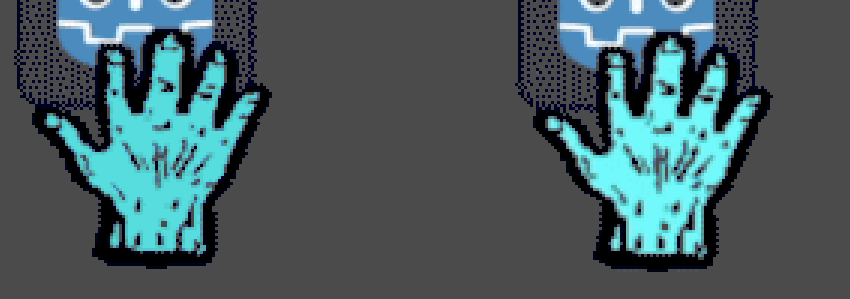
I’m a total newbie experimenting with a custom mouse cursor. After a second or so, it flickers and changes color to a darker hue.It is not super clear in the GIF, probably due to compression, but in reality the color change is very noticeable. Is there anything I can do about this?
I think the gif illustrates how the color change happens after a small delay on every mouseover, but if animated gifs are frowned upon here, I could replace it with static images.
I don’t frown at animated gifs but wonder if it adds anything to your mouse pointer. It could be that the problem with your mouse pointer shifting colors is because of one of the frames. In that case, remove that frame.
The gif compression is definitely damaging things; if you zoom in, you can see that it’s messing with the dither pattern on the button, for example. That said, it doesn’t account for the flicker.
Is this the only mouse change you’ve made? This looks like what I’d expect if you had two separate bits of code fighting over the cursor.
image can be either Texture2D or Image and its size must be lower than or equal to 256×256. To avoid rendering issues, sizes lower than or equal to 128×128 are recommended.
@paintsimmon I know the gif is just the movie of what’s wrong (the code’s preload()is on a png), but I’m also leery of artifacts creeping into the reporting mechanism; I’ve spent entirely too much time on my own code chasing a phantom bug that turned out to be in the debug framework itself. My point there is that the gif movie is doing additional damage, so some of the symptoms we see may be a result of the movie compression.
But there’s clearly an underlying problem here unrelated to that.
The flicker there is what bothers me; it’s like the whole image is being reloaded or something.
I pasted your code into a new project on 4.6.dev6 and connected the signals, but the mouse cursor did not change at all. Did you change something else on the project?
I struggled too with the cursor not changing at first, but it turned out that cursor changes will not display when Godot is running “embedded” (I can’t remember the correct terminology right now.)
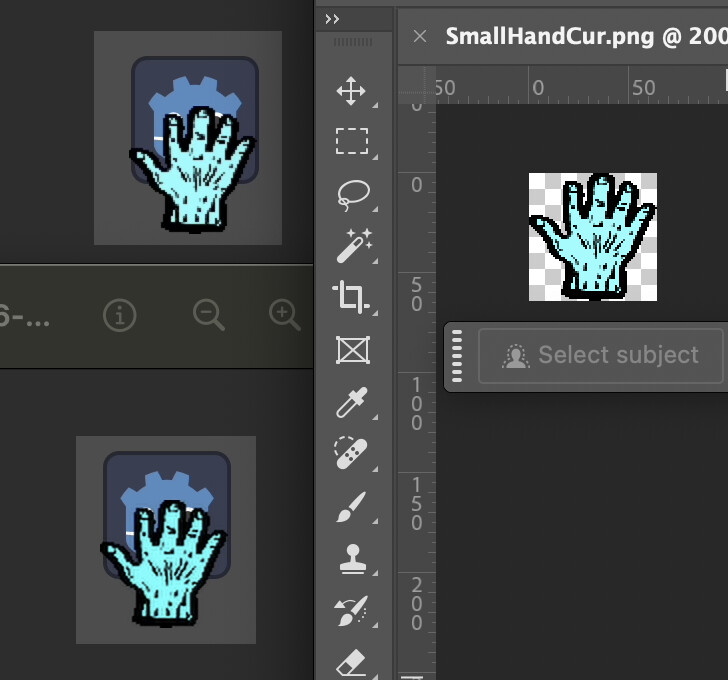
EDIT: Problem solved, I think. Changing the size of the png to 128 x 128 pixels seems to remove the color change and flicker (although the cursor gets pretty huge now.)
Maybe the issue is with the detection of mouse entering and exiting? It works fine for me (even when embedded) if I instead change the mouse_default_cursor_shape to “Pointing Hand” (on the Control node) instead of using the mouse signals.
The issue seems to be with using a 64 x 64 png as mouse cursor.
If I change the default cursor to the small png in project settings, I get the same color change behaviour even without the mouseover (it seems to happen about a second after I stop moving it around.)
This does not happen when using the larger 128 x 128 image.