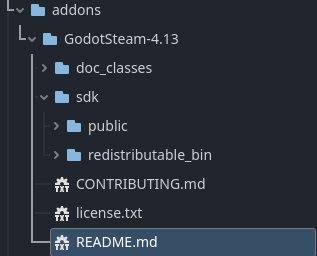
Godot Version
4.4.stable
Question
Hello, I have been working on a game for a while and am now trying to integrate with Steam for achievements.
I found the following videos:
And they made it appear quite easy.
I downloaded GodotSteam GDExtension 4.4+ and get the following errors:
ERROR: godot-cpp/src/godot.cpp:333 - Cannot load a GDExtension built for Godot 4.4.1 using an older version of Godot (4.4.0).
ERROR: core/extension/gdextension_library_loader.cpp:233 - GDExtension initialization function ‘godotsteam_init’ returned an error.
I am a bit lost as for what to do. I tried updating to 4.4.1 and that introduced a lot of errors into my project, as well as making a few of my scenes unreadable, so that isn’t really a viable option.
I had seen something on the GodotSteam website about including the steam sdk information in the directory, but that hadn’t resolved the problems.
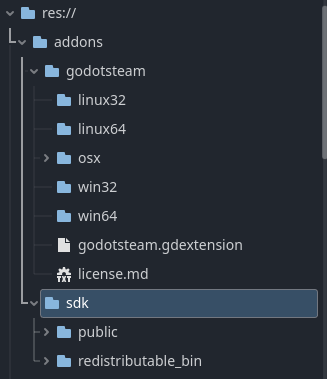
Is there a line of text that I can change in the extension to make it work?
Is this a problem with being unable to interpret the .cpp?
Do I need compiler arguments somewhere?
Thank you for your assistance. This is my first time trying to use an extension and I am generally unfamiliar with what that involves making me uncertain of where to even begin.