Godot Version
v4.5
Question
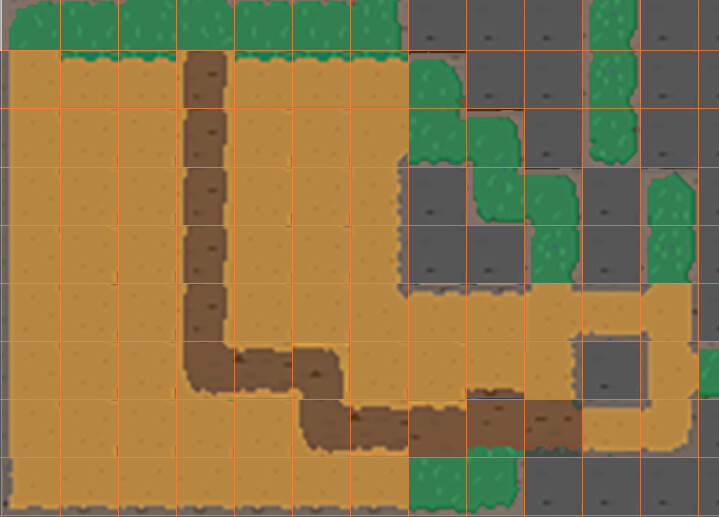
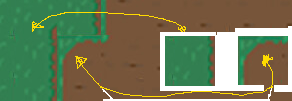
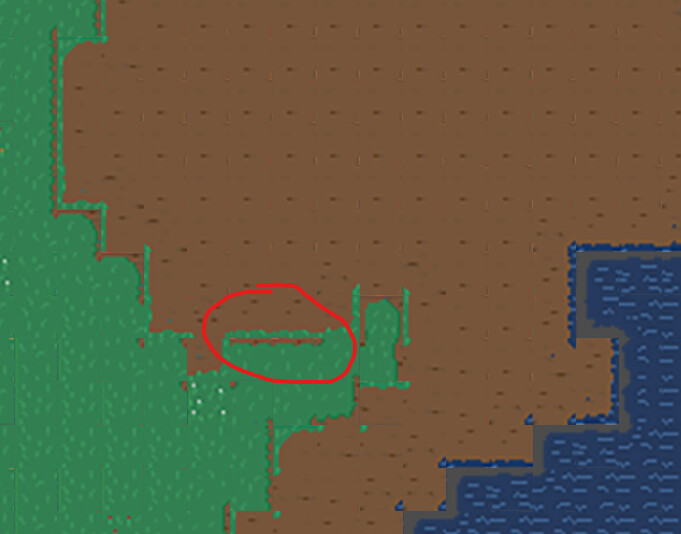
Hi I am new to Godot and game making. I have been trying to apply autotile to a procedural generated map with gdscript. I am not able to get the tiles to set as I intend. There is always a “double border” around areas of different terrains like this.
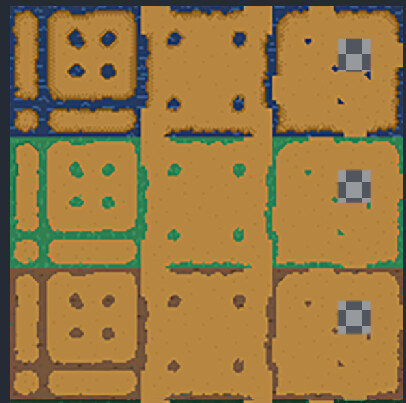
Every types of terrain has a set of tilesheet like such and they are all property painted with the corresponding terrain types:
I have tried to use set_cells_terrain_connect() and BetterTerrain, both get the same problem. What should I do to get the programmme to update either one of the terrain at borders but not both? Thanks.
func _process_tile_jobs()-> void:
	var processed := 0
	while processed < MAX_TILES_PER_FRAME and not pending_tile_jobs.is_empty():
		var job = pending_tile_jobs.pop_front()
		var coord: Vector2i = job["coord"]

		if job.get("is_water", false):
			shared_terrain_layer.set_cell(coord, 1, Vector2i(9, 2))
		else:
			BetterTerrain.set_cell(shared_terrain_layer, coord, job["terrain_id"])

		if job.has("chunk_pos"):
			var cp: Vector2i = job["chunk_pos"]
			if chunk_pending_jobs.has(cp):
				chunk_pending_jobs[cp] -= 1
				if chunk_pending_jobs[cp] <= 0:
					chunk_pending_jobs.erase(cp)
					chunks_waiting_update.append(cp)

		processed += 1

	for cp in chunks_waiting_update:
		if chunks.has(cp):
			var rect: Rect2i = chunks[cp]["rect"]
			BetterTerrain.update_terrain_area(shared_terrain_layer, rect, true)
	chunks_waiting_update.clear()