Export enum dependent on a variable's value

Godot Version

4.7.stable

Question

Hi, I’m currently making a buffing subsystem as a part of my pet project. I currently have a Stats class that has a BUFFABLE_CATEGORIES enum and variables that each match one of the enum entries.

@tool
extends Node
class_name Stats

enum BUFFABLE_CATEGORIES {
	HEALTH,
	STAMINA,
	ATTACK,
	DEFENSE,
	SPEED,
}

@onready var health: HealthComponent = get_node_or_null("HealthComponent")
@onready var stamina: StaminaComponent = get_node_or_null("StaminaComponent")
@onready var attack: AttackComponent = get_node_or_null("AttackComponent")
@onready var defense: DefenseComponent = get_node_or_null("DefenseComponent")
@onready var speed: SpeedComponent = get_node_or_null("SpeedComponent")

In the StatBuff class, I want to make a way to add stat buffs to each class, which each has different values amount and names.
Example:

extends StatComponent
class_name AttackComponent

enum BUFFABLE_STATS {
	PHYSICAL,
	MAGICAL,
}

@export var base_phy_attack: int = 10
@export var base_mag_attack: int = 10

var physical: int = 10
var magical: int = 10

and

extends StatComponent
class_name SpeedComponent

enum BUFFABLE_STATS {
	ATTACK,
	CAST,
	MOVEMENT,
	RUN_MULT,
	JUMP_FORCE,
	FAST_FALL_MULT,
	AIR_SPEED_MULT,
}

@export_group("Combat")
@export var base_attack_speed: float = 1.0
@export var base_cast_speed: float = 1.0

@export_group("Movement")
@export var base_move_speed: float = 750.0
@export var base_run_mult: float = 2.0
@export var base_jump_force: float = 2000.0
@export var base_fast_fall_mult: float = 2.0
@export var base_air_speed_mult: float = 1.25

var attack: float = 1.0
var cast: float = 1.0

var movement: float = 750.0
var run_mult: float = 2.0

var jump_force: float = 2000.0
var fast_fall_mult: float = 2.0
var air_speed_mult: float = 1.25

Now, to the matter at hand. in the StatBuff class, I want to have a dropdown menu to select which stat category to buff, and then, based on that dropdown’s value, the second dropdown changes automatically to the correct enum values of the respective class’ BUFFABLE_STATS.

I know that this is possible, but I can’t figure out how…
Something like:

extends Resource
class_name StatBuff

@export var category: Stats.BUFFABLE_CATEGORIES
@export var stat: Stats[category].BUFFABLE_STATS
@export var buff_amount: float
@export var buff_type: BuffType

Obviously, that var stat is gonna error, my question is how to do it correctly.
Pretty please? ;u;
Do you use your own drop downs or one provided by the engine?

Do you want to do this in editor or in game or both?

You can do this in different ways. One would be to check which stat is picked in the drop down menu whenever you use the stat-variable. Just update it right before you use it. Another is to use an item list node and update the stat using one of the built in signals emitted whenever you select an item. The signal’s name is item_selected and it automatically includes the index of the item. You can bind and unbind arguments if you need to.

Problems will appear if you want to buff several stats at once though, and by different amounts. Maybe a drop down menu with buttons would be easier to work with?

Guess I forgor to elaborate enough lol.

I’m using the built in dropdowns, like when you use @export var foo: ENUM . Having it display in the editor, and save the values when the scene is saved will suffice (although that’s the hard part to begin with).

I’d rather make an item have n buffs of different types, but the same name, or a dictionary with a name and an array of buffs, than a single buff with multiple stats (I’m already way too over my head with the scope for this system, I need to draw a line somewhere). A simple export with a dropdown will be plenty for what I’m doing.

An item list is way too complicated for an in-editor thing, although it would be the correct solution for an ingame thing. So, something else, perhaps?

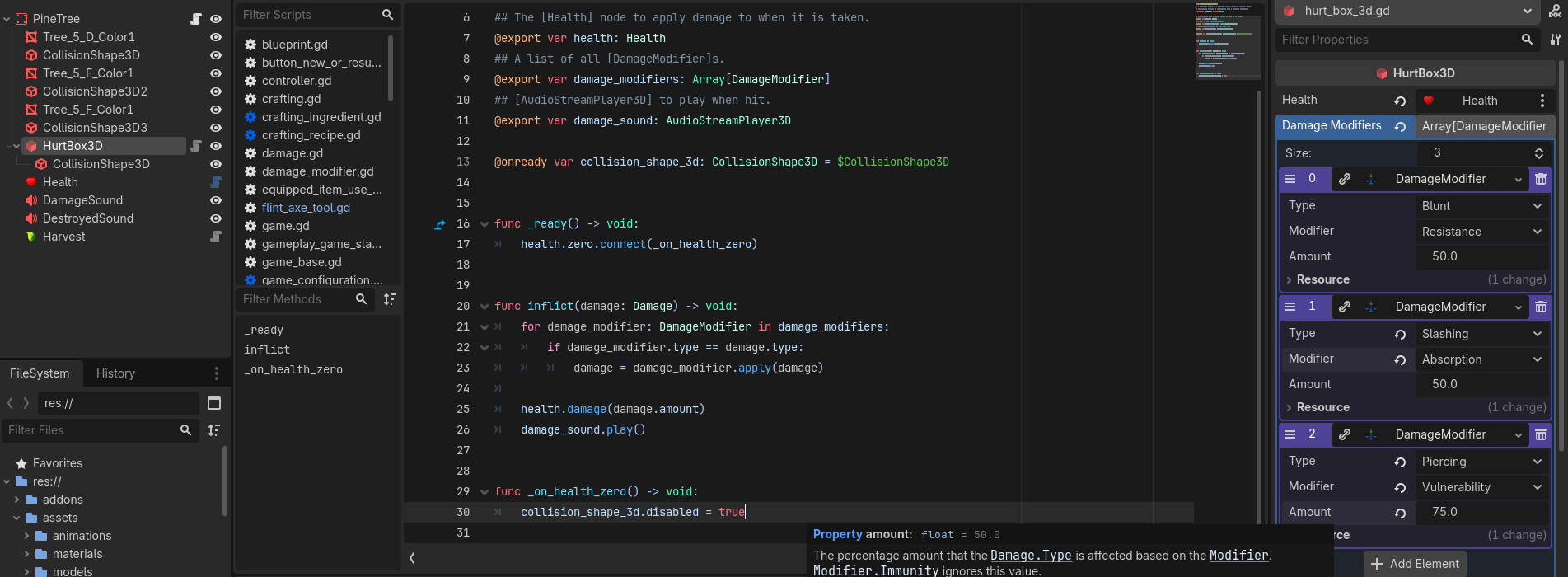
Take a look at this step-by-step example I did for someone who wanted modifiable item stats for equipment, and let me know if this answers your questions. If not, I’ll make a little example project for you.

Unfortunately, that doesn’t solve my admittedly very specifically complex problem.

I just need a way to have a variable (preferably a string, but an int will do just fine) display as a dropdown with custom values based in another variable’s value, in the editor. If this is in the link you sent, I didn’t see it (I’m not very attentive).

I want it specifically that way, because when I pass this onto the rest of the team, they can configure everything with just a few clicks, instead of having to type names of stats they need to check if they even exist. It’s hard to achieve QoL now to save us an infinitely higher amount of work and stress later.

Ah ok, I understand. You’re most likely going to have to make an EditorPlugin to handle that, and you may need to do it with GDExtension in C++ or modify the Godot engine itself to do that.

Based on what you’re saying, I believe this is an example of the XY Problem. You have an initial problem (X) which is you want it to be easy for other team members to make changes. You have decided on a solution (Y) which is changing drop-downs in the Inspector. You cannot get that to work and are looking for help with that, instead of presenting the initial problem of (X) and seeing if there is an existing Godot solution to that problem.

Then you’re not likely to have an easy time with this problem, because your proposed solution is opening up a can of worms.


I have a solution that might work for you, but you didn’t read the last thing I wrote, so I don’t see any point in writing more just to have you tell me you didn’t have the time or attention to read it.

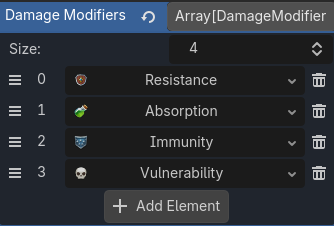
But here’s a screenshot of what I implemented:

Maybe that’ll help you thinking about alternate solutions.

I haven’t looked at the example @dragonforge-dev linked but he probably suggested to use custom resource classes. And that’s the way you should approach this.

So have a bunch of stat buff resource classes, each responsible for a single category, all inheriting from a common base class. It’ll require a bit of architectural re-arrangement from how you currently set it up, but it’s “the Godot way” to do it and it will minimize your troubles down the line.

If you insist on keeping the current organization, you’ll have to implement some virtual/dynamic properties by overloading _get_property_list().

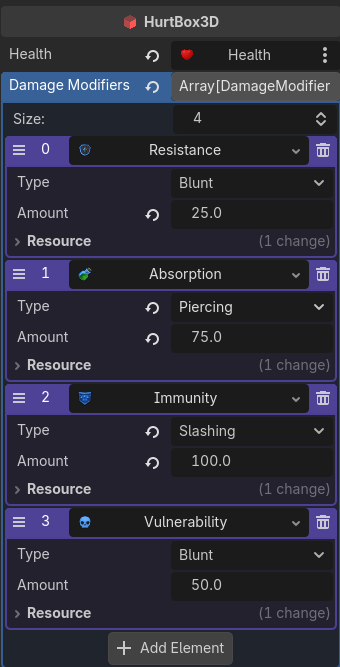
With an Abstract class, and a little overriding of Resource classes, I now have this nice interface:

They each even have their own icon to make it really easy to reference. And I can easily expand them out.

I apologize if I sounded rude, my attention issues aren’t a fault of my own. I also kinda want to learn advanced exports, because this isn’t a think I run into that rarely. Next time it happens, I want to be ready. Even if it never happens, just the learning is worth it.

I found this upon many web searches:

It seems promising, but I can’t for the life of me make the export work. I tried the following:

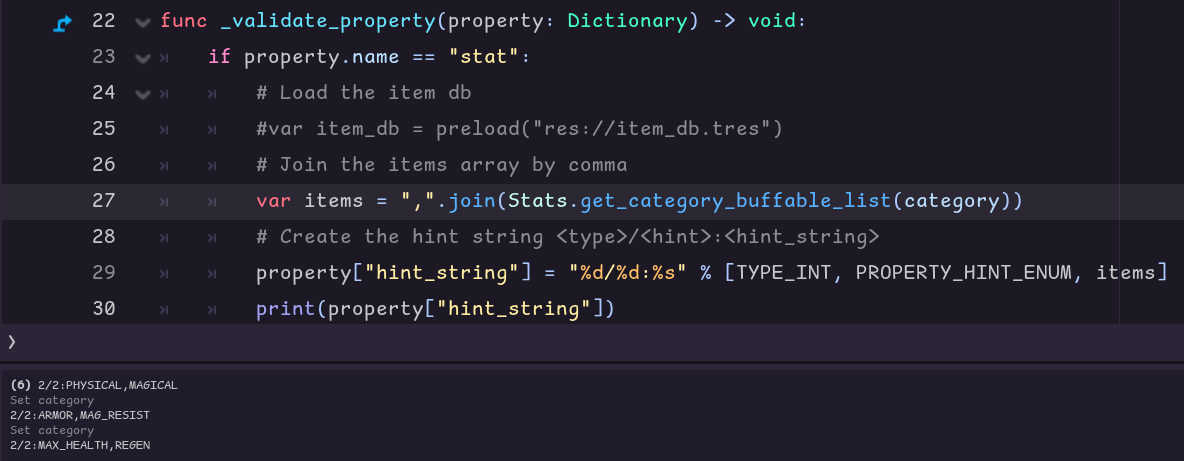
func _validate_property(property: Dictionary) -> void:
	if property.name == "stat":
		# Load the item db
		#var item_db = preload("res://item_db.tres")
		# Join the items array by comma
		var items = ",".join(Stats.get_category_buffable_list(category))
		# Create the hint string <type>/<hint>:<hint_string>
		property.hint_string = "%d/%d:%s" % [TYPE_STRING, PROPERTY_HINT_ENUM, items]
		#notify_property_list_changed()

And the get_category_buffable_list():

static func get_category_buffable_list(category: BuffableCategories) -> Array:
	match category:
		BuffableCategories.HEALTH:
			return HealthComponent.BUFFABLE_STATS.keys()
		BuffableCategories.STAMINA:
			return StaminaComponent.BUFFABLE_STATS.keys()
		BuffableCategories.ATTACK:
			return AttackComponent.BUFFABLE_STATS.keys()
		BuffableCategories.DEFENSE:
			return DefenseComponent.BUFFABLE_STATS.keys()
		BuffableCategories.SPEED:
			return SpeedComponent.BUFFABLE_STATS.keys()
	return []

It doesn’t seem to me that I’ll need a much more complex solution, but maybe that’s why I can’t find a solution…

hint string should only contain comma separated names with optional values:
"One, Two, Three"
or:
"One:1, Two:2, Three:3"


Is that not what it’s doing here?

What are TYPE_INT and PROPERTY_HINT_ENUM doing in the hint string?

Every tutorial (a total of 3, including the one I linked here) had that, tho? It’s even commented: # Create the hint string <type>/<hint>:<hint_string>.

I don’t know how to format the hint string, because none of the tutorials I found explained what to do, just how to do it, nor why it’s done this way. The documentation has one example, and that’s it, too.

All that to say: I don’t know.

Type and hint don’t go into hint string.
From the docs:

The hint string is a comma separated list of names such as “Hello,Something,Else”. Whitespace is not removed from either end of a name. For integer properties, the first name in the list has value 0, the next 1, and so on. Explicit values can also be specified by appending :integer to the name, e.g. “Zero,One,Three:3,Four,Six:6”.

Just use items as the hint string.

Tried:

func _validate_property(property: Dictionary) -> void:
	if property.name == "stat":
		# Load the item db
		#var item_db = preload("res://item_db.tres")
		# Join the items array by comma
		var items = ",".join(Stats.get_category_buffable_list(category))
		# Create the hint string <type>/<hint>:<hint_string>
		property.hint_string = "%s" % [items]
		#print(property["hint_string"])
		#notify_property_list_changed()

Still nothing :frowning:

Reload the scene.

Here’s a minimal example:

@tool extends Node

@export_enum("DUMMY") var stat

func _validate_property(property: Dictionary) -> void:
	if property.name == "stat":
		property.hint_string = "One, Two, Three"

I had done that, did it again, nothing :frowning:

Try the minimal example above.

Now it works!

Exporting with @export_enum() is what was missing to do the trick.

@export var category: Stats.BuffableCategories:
	set(value):
		category = value
		class_list = Stats.get_category_buffable_list(category)
		notify_property_list_changed()
@export_enum("DUMMY") var stat: int

func _validate_property(property: Dictionary) -> void:
	if property.name == "stat":
		var items = ",".join(Stats.get_category_buffable_list(category))
		property.hint_string = "%s" % [items]

You don’t need to export using @export_enum but in that case you have to set the hint key in the property dictionary as well:

@tool extends Node

@export var stat := 0

func _validate_property(property: Dictionary) -> void:
	if property.name == "stat":
		property.hint = PROPERTY_HINT_ENUM
		property.hint_string = "One, Two, Three"